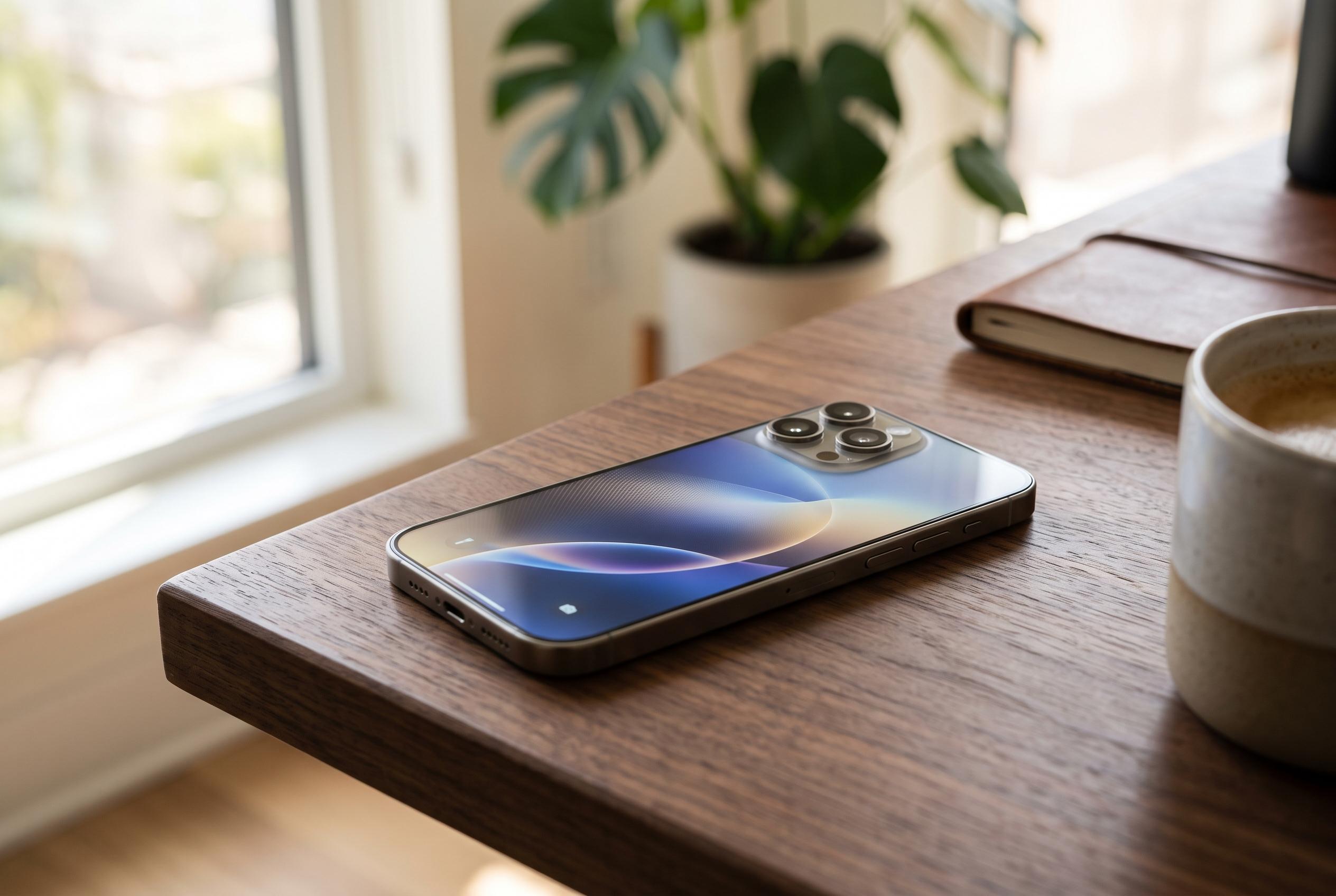

Apple is launching iOS 27 on 14 September, introducing a rebuilt Siri with enhanced personal context, expanded Visual Intelligence features, and a refreshed design across supported iPhones including the iPhone 15 Pro and iPhone SE third generation.
Apple is due to begin rolling out iOS 27 on 14 September, with the update reaching compatible iPhones in India and other markets over the air. While the company has not given a precise release hour, major iPhone software launches have typically started late in the evening in India, following an afternoon rollout on the US west coast. Users who want to install it should back up their data first and make sure the device is charged or connected to power.
The update keeps Apple’s support policy broadly unchanged. According to reports from Gadgets 360, MacRumors and PhoneArena, iOS 27 will run on the iPhone 11 line and later, as well as the second- and third-generation iPhone SE. Apple’s newest handsets, including the iPhone 18 Pro models and iPhone Duo, will ship with the system pre-installed.
The most prominent change is a rebuilt Siri experience. Apple says the assistant has been redesigned around its own Foundation Models and Google’s Gemini, with a dedicated app-style interface, stronger personal context and the ability to act across supported apps. The company is also expanding Visual Intelligence, allowing users to analyse objects, scenes and on-screen content through the Camera app and related system prompts.
iOS 27 also extends the Liquid Glass design first introduced in the previous release. The interface now includes more control over transparency, while Apple Intelligence features are being pushed further into Photos, Safari, Wallet and Shortcuts. Apple is also adding a wider set of parental controls, including Ask to Buy, Ask to Browse, contact approvals, Time Allowances and schedule-based limits. Other changes include a redesigned Phone app, smarter suggestions in Messages and Mail, and Safari tab organisation by topic.
For users planning to install the update, the process remains simple: open Settings, then General, then Software Update, and tap Download and Install once iOS 27 appears. As with earlier iPhone releases, availability may vary slightly by device and region, so the update may not surface at exactly the same moment for every user.
Disclaimer: This content is intended for informational purposes only. Readers are advised to exercise their own judgement, conduct due diligence, or consult a qualified expert before acting on any information provided.