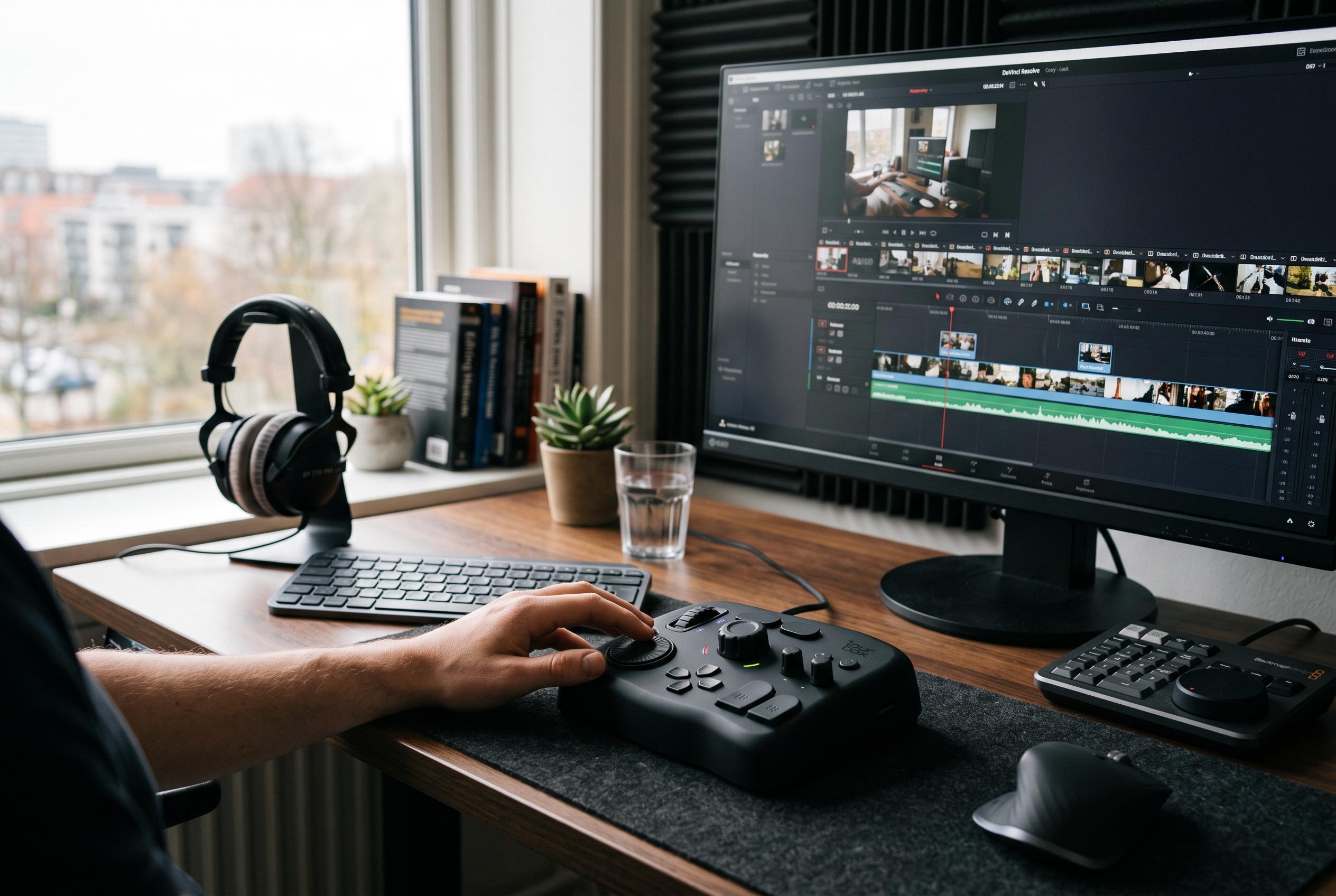

The TourBox NEO remains a preferred choice for editors seeking a specialised control device, while the Logitech MX Keys Mini offers a portable alternative for mixed-used workflows, highlighting a shift in editing hardware priorities.
The TourBox NEO remains a strong choice for editors who want a dedicated control surface rather than a conventional keyboard replacement. Creative Bloq describes it as a versatile console for designers and video editors, with buttons, dials and wheels that support major applications such as Premiere Pro and DaVinci Resolve, while its wired connection and robust build give it a dependable, low-friction feel in daily use.
That assessment aligns with the wider market view that TourBox’s appeal lies in workflow efficiency rather than novelty. Creative Bloq’s comparison of the brand’s consoles places the NEO as the value option, while the more expensive Elite models add Bluetooth and haptic feedback for users who need extra flexibility. It also notes that the entry-level TourBox Lite retains the same basic philosophy at a lower price, though with fewer features and a simpler construction.
For editors who need a conventional typing keyboard as well as creative shortcuts, the Logitech MX Keys Mini is still one of the most practical options. Tom’s Guide and TechRadar both describe it as a compact 75% wireless board with a comfortable low-profile typing feel, multi-device Bluetooth pairing and automatic backlighting, which makes it well suited to laptop-based editing and shared desks. Its main compromise is the lack of a number pad.
The result is a clear split in buying priorities. The NEO is better for editors who want hands-on timeline control and application-specific shortcuts, while the MX Keys Mini suits those who need one portable keyboard that can move between machines without fuss. For many short-form and freelance workflows, the best choice is the one that reduces repeated hand movement, keeps setup simple, and avoids forcing the editor back to the mouse for routine tasks.
That distinction matters because these devices solve different problems. The NEO is a workflow accelerator for people already comfortable with shortcuts, whereas the MX Keys Mini is a general-purpose keyboard that happens to work well for editing. In practice, editors who spend most of their day scrubbing timelines, trimming clips and jumping between applications are more likely to benefit from a controller-style device, while those who split time between editing, writing and admin work may prefer the simpler all-rounder.
Disclaimer: This content is intended for informational purposes only. Readers are advised to exercise their own judgement, conduct due diligence, or consult a qualified expert before acting on any information provided.