

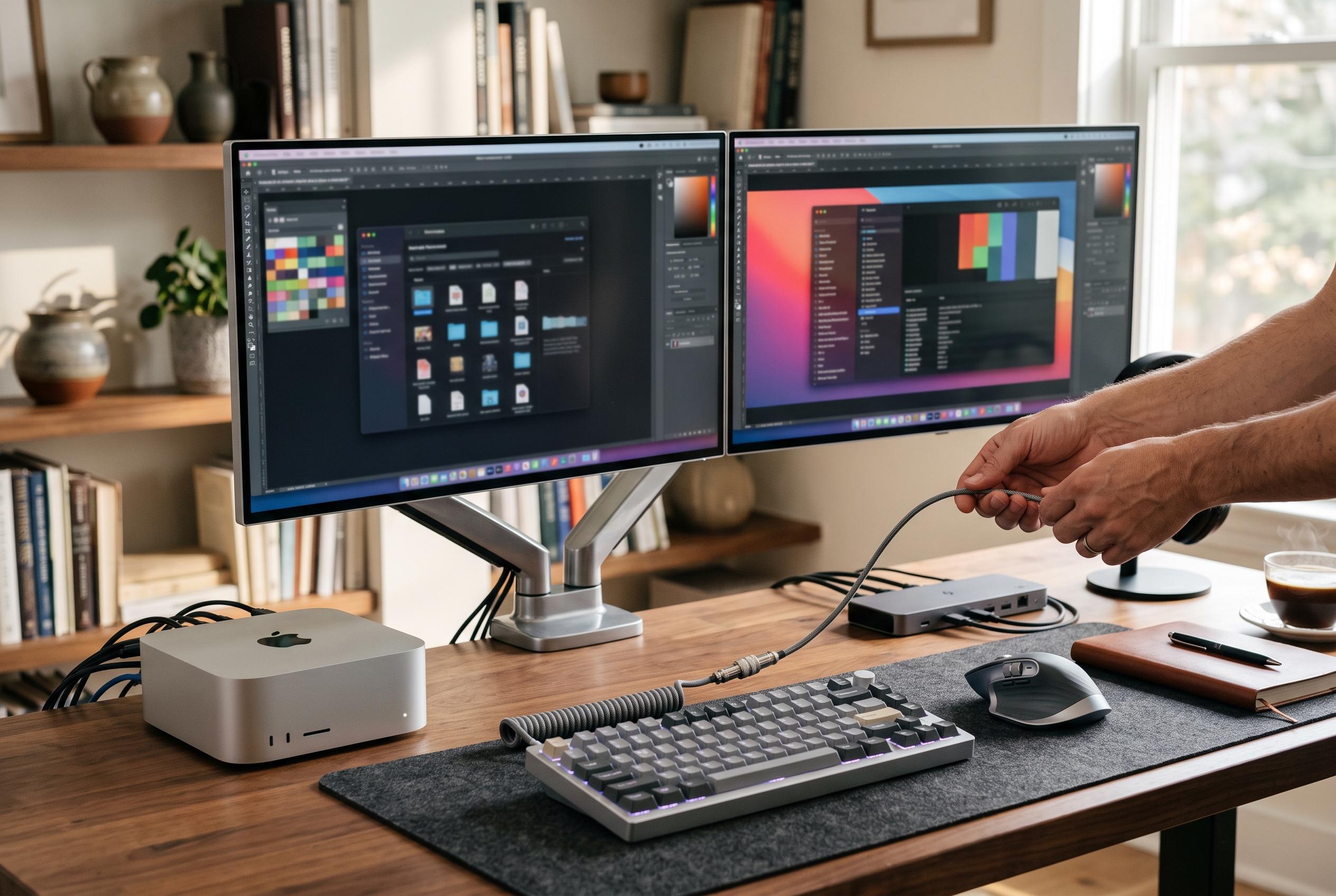

With the launch of the latest Mac mini and Mac Studio models, Apple underscores the significance of tailored peripherals, multi-monitor scalability, and high-quality input devices in creating polished desktop setups.
Apple’s new Mac mini and Mac Studio models are landing tomorrow, and the appeal is clear: these are desktop Macs that expect users to build the rest of the setup themselves. That makes accessories more than an afterthought. For buyers moving to the M6 Mac mini or M5 Pro mini, the right monitor, keyboard, mouse, hub and cable can determine whether the machine feels polished or merely functional.
A display is the most obvious place to start. 9to5Mac’s Justin again points to Apple’s Studio Display as the safest premium match for the Mac mini, though he also notes that alternatives such as Samsung’s Smart Monitor M9 OLED can deliver a strong Apple-like aesthetic at a lower price. Apple’s new minis also support more demanding multi-monitor configurations than earlier generations, with the M6 model able to drive up to three external displays and the M5 Pro variant handling even higher refresh rates on secondary screens, according to MacRumors.
For pointing devices, 9to5Mac’s Chance recommends Logitech’s MX Master 4 as the strongest all-round mouse choice for a Mac desktop. It adds haptic feedback, improved connectivity and more durable materials over the previous model, while preserving the ergonomic shape that made the line popular. For users who prefer a different posture, the MX Vertical remains a sensible alternative.
Storage and connectivity are where third-party accessories become especially useful. Satechi’s Mac Mini Stand & Hub is designed to sit beneath the computer and add front-facing ports, SD card support and an integrated NVMe SSD enclosure. The company says the enclosure is intended to expand storage without clutter and is compatible with the latest Mac mini models, while MacRumors has separately reported on Satechi’s wider push into Mac-focused hardware.
Cabling also matters, particularly on a tidy desk. Simon at 9to5Mac favours a right-angle Thunderbolt 5 cable from Silkland because it allows the Mac mini or Mac Studio to sit close to the desk edge without cable strain or awkward bends. The cable is rated for up to 240W charging and 120Gbps bandwidth, and the same roundup highlights an inexpensive USB-C to HDMI option for users who need a second display connection.
On the input side, 9to5Mac’s Karthik favours the Satechi SM1 75% mechanical keyboard, arguing that its compact layout keeps a Mac setup neat while retaining the function row and arrow keys. For video calls, Rein recommends the Insta360 Link 2 Pro 4K PTZ webcam for users who are not relying on a display with a built-in camera, citing its 4K image quality, dual microphones and AI-assisted tracking.
Disclaimer: This content is intended for informational purposes only. Readers are advised to exercise their own judgement, conduct due diligence, or consult a qualified expert before acting on any information provided.



