

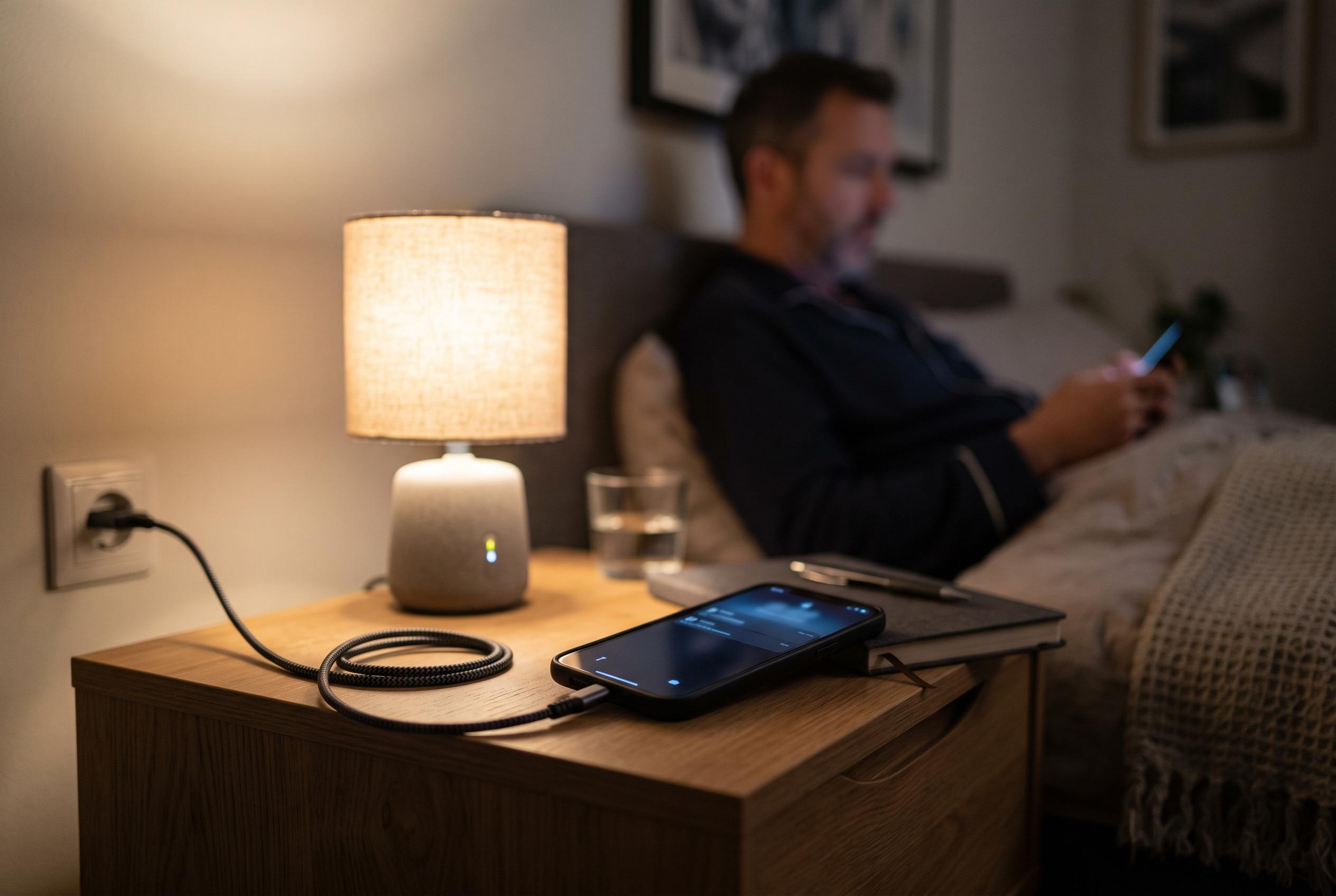

Apple’s new Adaptive Power mode, introduced on iPhone 17 and newer, uses on-device intelligence to optimise battery life. However, it needs about a week to learn user habits, offering a smarter alternative to traditional low power modes with automatic adjustments that can be disabled by users seeking manual control.
Adaptive Power is one of Apple’s newer battery-saving options for iPhone, but it is not the same as Low Power Mode. According to Apple’s support pages, the feature uses on-device intelligence to look at recent charging and usage patterns, then makes small adjustments such as reducing brightness and limiting background activity when it predicts extra battery life may be needed. Apple says it is turned on by default on iPhone 17 models and newer, including iPhone Air, while it remains off by default on iPhone 16 and iPhone 15 Pro devices.
Switching it off is straightforward. Apple says users should open Settings, tap Battery, then open Power Mode and turn off Adaptive Power. That same menu is also where the feature can be turned back on later. The setting sits alongside Low Power Mode, which remains available separately and is not disabled when Adaptive Power is switched off.
Apple’s guidance also indicates that Adaptive Power needs time to learn a user’s habits before it can work properly. The company says it usually requires about a week of charging behaviour before it can predict when extra battery savings will be useful. Some guides describe it as an AI-driven feature, but Apple’s own language focuses on on-device intelligence and usage patterns rather than user-visible automation.
For owners who prefer manual control, the main trade-off is modest convenience versus battery efficiency. Adaptive Power may subtly slow some tasks, dim the screen a little and reduce background activity, and it can also trigger Low Power Mode when the battery falls to 20%. Turning it off removes those automatic adjustments, but it may also leave more work to the user at times when battery life is most valuable.
Disclaimer: This content is intended for informational purposes only. Readers are advised to exercise their own judgement, conduct due diligence, or consult a qualified expert before acting on any information provided.



