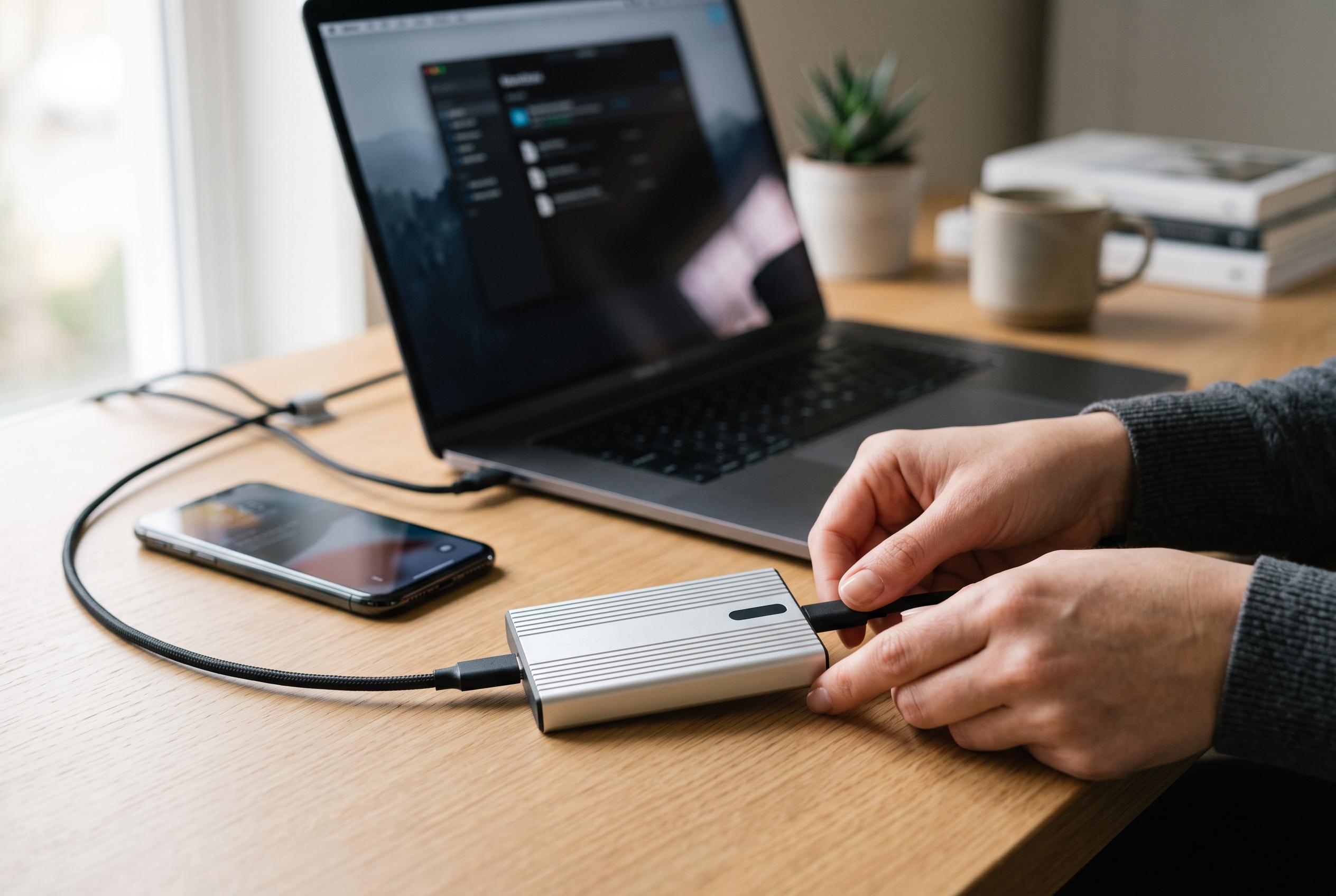

TechRepublic highlights the importance of selecting external SSDs compatible with your hardware to maximise speed, durability, and usability, revealing key recommendations for different user needs and systems.
External solid-state drives can look similar in a laptop bag, yet their real-world speed can vary sharply depending on the port they are plugged into. That is the central point in TechRepublic’s latest guide, which says buyers should match the drive to the computer first, then to the advertised speed. The guide notes that a fast SSD attached to the wrong USB-C or Thunderbolt connection may deliver only a fraction of its rated performance.
The Samsung T9 is presented as the best all-round choice for systems with USB 3.2 Gen 2×2 support. TechRepublic says it offers up to 4TB of capacity, hardware encryption, Samsung’s Magician software and a five-year warranty. Independent testing cited by the publication put the 4TB model at roughly 1,566MB/s read and 1,582MB/s write in Blackmagic tests, which is below Samsung’s headline figure but still strong for a 20Gbps portable drive. The limitation is compatibility: on machines without Gen 2×2 support, speeds fall back.
For users with Thunderbolt 5 hardware, TechRepublic points to the LaCie Rugged SSD Pro5 as the most powerful option in the group. The drive is rated at up to 6,700MB/s read and 5,300MB/s write, and it adds IP68 protection, three-metre drop resistance, a five-year warranty and Rescue Data Recovery Services. The publication notes that independent testing confirms its potential, but also shows that the host computer can quickly become the bottleneck on older systems.
Durability and broader compatibility favour the Samsung T7 Shield. TechRepublic says its USB 3.2 Gen 2 interface is slower on paper, with ratings of up to 1,050MB/s read and 1,000MB/s write, but its IP65 enclosure and three-metre drop protection make it better suited to field work and routine transport. The same guide also highlights the Lexar ES5 Magnetic for smartphone creators. Its magnetic design is intended for phones, while its USB 3.2 Gen 2×2 interface is rated to 2,000MB/s and, in testing cited by the publication, delivered close to that level. For USB4 buyers who do not need Thunderbolt 5, the SanDisk Extreme PRO with USB4 offers a different balance: faster transfer rates than conventional 10Gbps drives, broad backward compatibility and an IP65-rated shell, although Tom’s Hardware reported that sustained writes drop after several minutes.
Taken together, the comparisons reinforce a simple buying rule: the best external SSD is the one that matches the machine you already own. TechRepublic’s broader assessment is that the Samsung T9 is the most balanced pick, the LaCie suits Thunderbolt 5 workstations, the T7 Shield is the safer rugged choice, the Lexar ES5 is built for phone-based recording, and the SanDisk is a strong USB4 option. The guide also stresses that irreplaceable files should always have a second copy elsewhere.
Disclaimer: This content is intended for informational purposes only. Readers are advised to exercise their own judgement, conduct due diligence, or consult a qualified expert before acting on any information provided.