

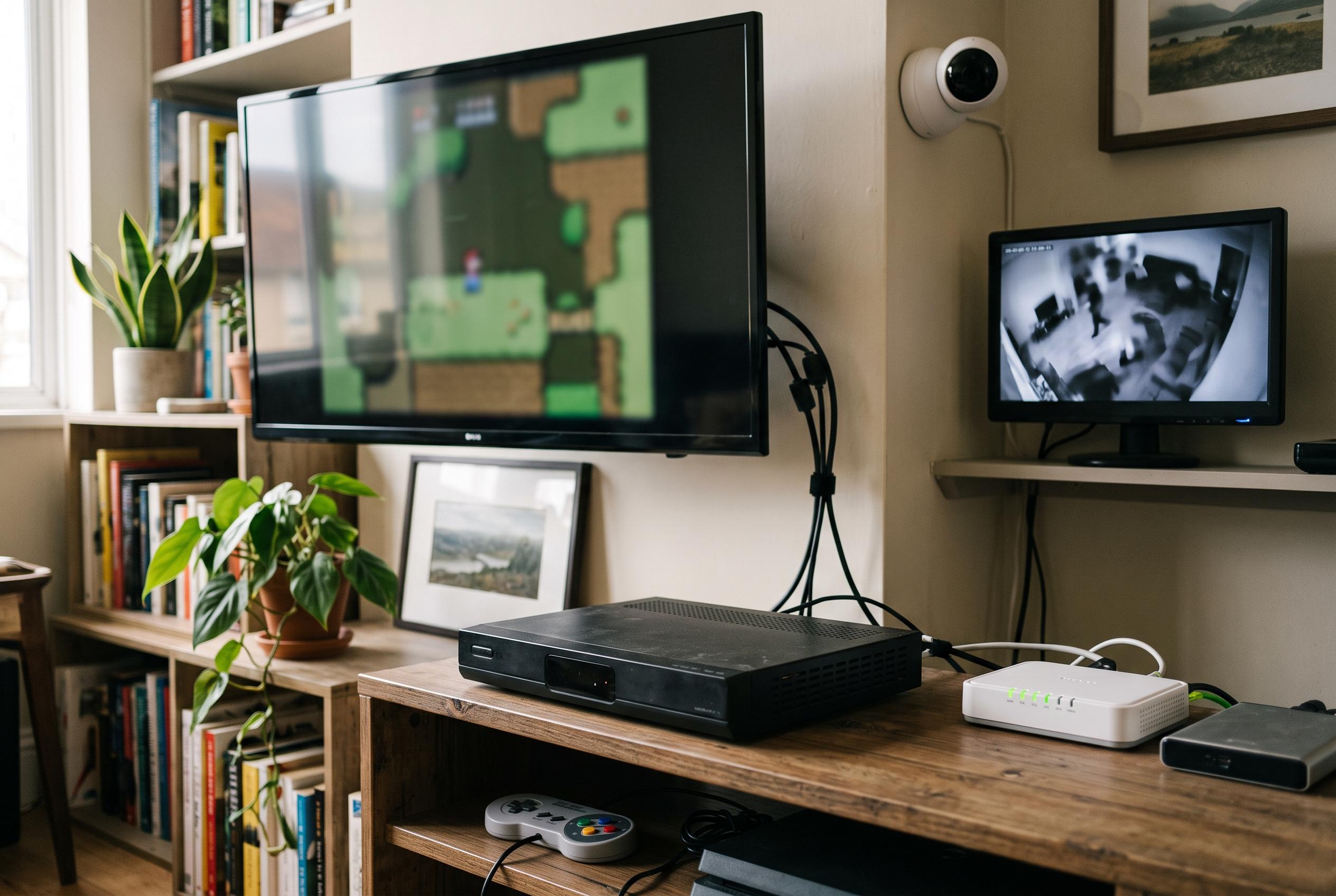

Older Google TV and Android TV devices can be repurposed for retro gaming, local media playback, music display, or security monitoring, prolonging their usefulness and reducing electronic waste.
Old Google TV and Android TV devices do not have to be discarded when they begin to feel sluggish. In many cases, the better approach is to strip them back to a single role and let them handle one task well, rather than asking them to keep up with the full demands of a modern streaming box. That can extend useful life, reduce clutter and turn ageing hardware into something practical again.
One of the most straightforward uses is as a retro gaming machine. Because Google TV devices are still based on Android, they can usually run emulators with little fuss, especially when paired with a Bluetooth controller. How-To Geek suggests using software such as RetroArch or a standalone emulator and connecting the device to a small monitor, or even a CRT display for a more authentic feel. Google Play’s OpenConsole TV takes that idea further, presenting itself as a dedicated retro console app with support for systems such as the Super Nintendo, NES, Game Boy and Sega Genesis, along with controller support and cloud save synchronisation.
Another sensible option is to turn the device into a local media player and keep it off the internet entirely if software support has ended. That makes sense for hardware that is no longer receiving updates. Before disconnecting it, the key step is to install an app that can play files from local storage or a network source. How-To Geek points to VLC and Kodi, while newer Android TV and Google TV media tools such as VelaTV, NexusM, Sipario, Ply3rs and FTA Player show how broad that category has become, with support for local files, network shares, private clouds, playlists, subtitles and living-room-friendly remote control navigation.
An old Google TV box can also become a music display and control point. Instead of treating music as something that lives only on a phone, the device can sit on a small screen and provide a visible front end for Spotify, YouTube Music or a home music server, with album artwork on show and a remote for browsing. How-To Geek also notes that the same idea can be adapted for over-the-air television if the box is paired with an HDHomeRun tuner, allowing local channels to be watched on any screen in the house, not just the set physically connected to the antenna.
A further use is as a permanent camera monitor. If a home security system works with Google Home or a compatible Android TV app such as TinyCam Pro, the old streamer can power a dedicated display for live camera feeds. Set up beside a front door, in a kitchen or by a bedside table, it becomes a glanceable monitor that avoids the need to unlock a phone each time someone wants to check on the house, the garden or a sleeping child. The common theme across all of these ideas is restraint: give the device one clear job, remove the rest and it can remain useful long after its original streaming role has become frustrating.
Disclaimer: This content is intended for informational purposes only. Readers are advised to exercise their own judgement, conduct due diligence, or consult a qualified expert before acting on any information provided.



