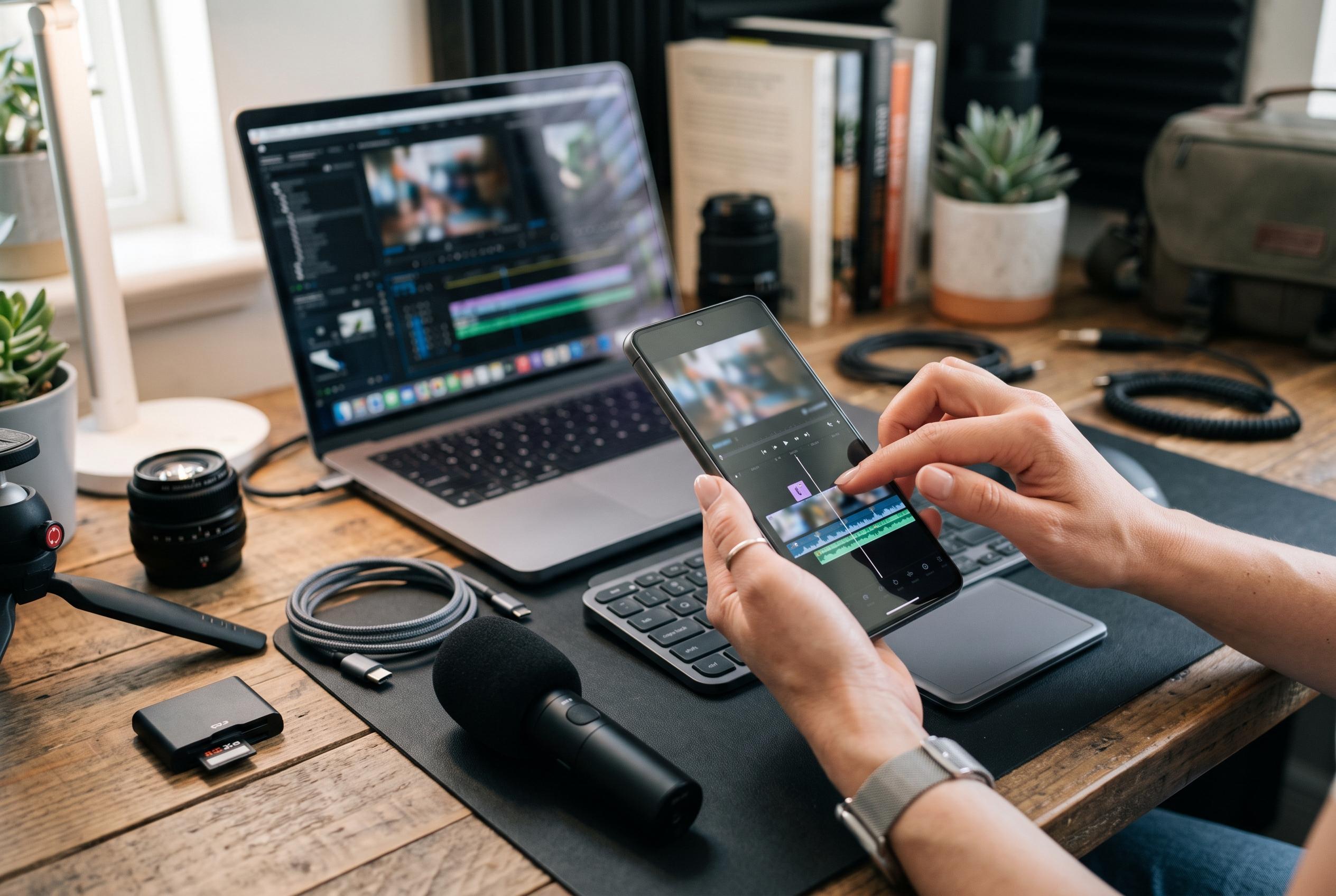

Adobe extends its Premiere mobile editor to Android devices, offering precise editing and AI-powered creative assets aimed at professional-style social video production, with more features on the horizon.
Adobe has brought its Premiere mobile editor to Android, extending an app that first appeared on iPhone in September 2025. The launch broadens the company’s push into short-form video creation for people who shoot, cut and publish directly from a phone, placing it in direct competition with established mobile editors such as CapCut and Instagram’s Edit. According to Adobe and the Google Play listing, the Android version is free to download, supports exports up to 4K and is intended for devices running Android 13 or later.
The company is positioning the app around professional-style control rather than novelty. Adobe says Premiere mobile includes a multi-track timeline, frame-accurate editing and audio tools designed to make dialogue clearer and reduce background noise. That emphasis matters for creators working on vlogs, tutorials and podcast clips, where cleaner speech and tighter cuts often have more practical value than a large set of decorative effects. Reuters-style reporting has not been available here, but Adobe’s own material and the app store description both stress that the mobile editor is built to offer a more precise workflow than many consumer-focused alternatives.
The app also folds in Adobe’s generative AI features through Firefly, although the most advanced uses require generative credits. Adobe says users can generate sound effects, expand images into video and access free creative assets such as stickers, music and images, while the company’s help pages say exports can be made without watermarks. Business Standard reported that the Android release arrives nearly a year after the iPhone version and is aimed at widening Adobe’s mobile editing offer beyond Apple’s ecosystem.
Even so, Adobe is not presenting the Android app as complete. The company says further additions are on the way, including Adobe Fonts, improved captions, keyframes, cropping tools, beat detection and the ability to continue projects on desktop. That roadmap suggests Adobe is still building out the product rather than trying to match every feature of rivals on day one. For now, the appeal is narrower but clear: a free editor with serious audio tools, a precise timeline and enough creative assets to cover everyday social video work.
Disclaimer: This content is intended for informational purposes only. Readers are advised to exercise their own judgement, conduct due diligence, or consult a qualified expert before acting on any information provided.