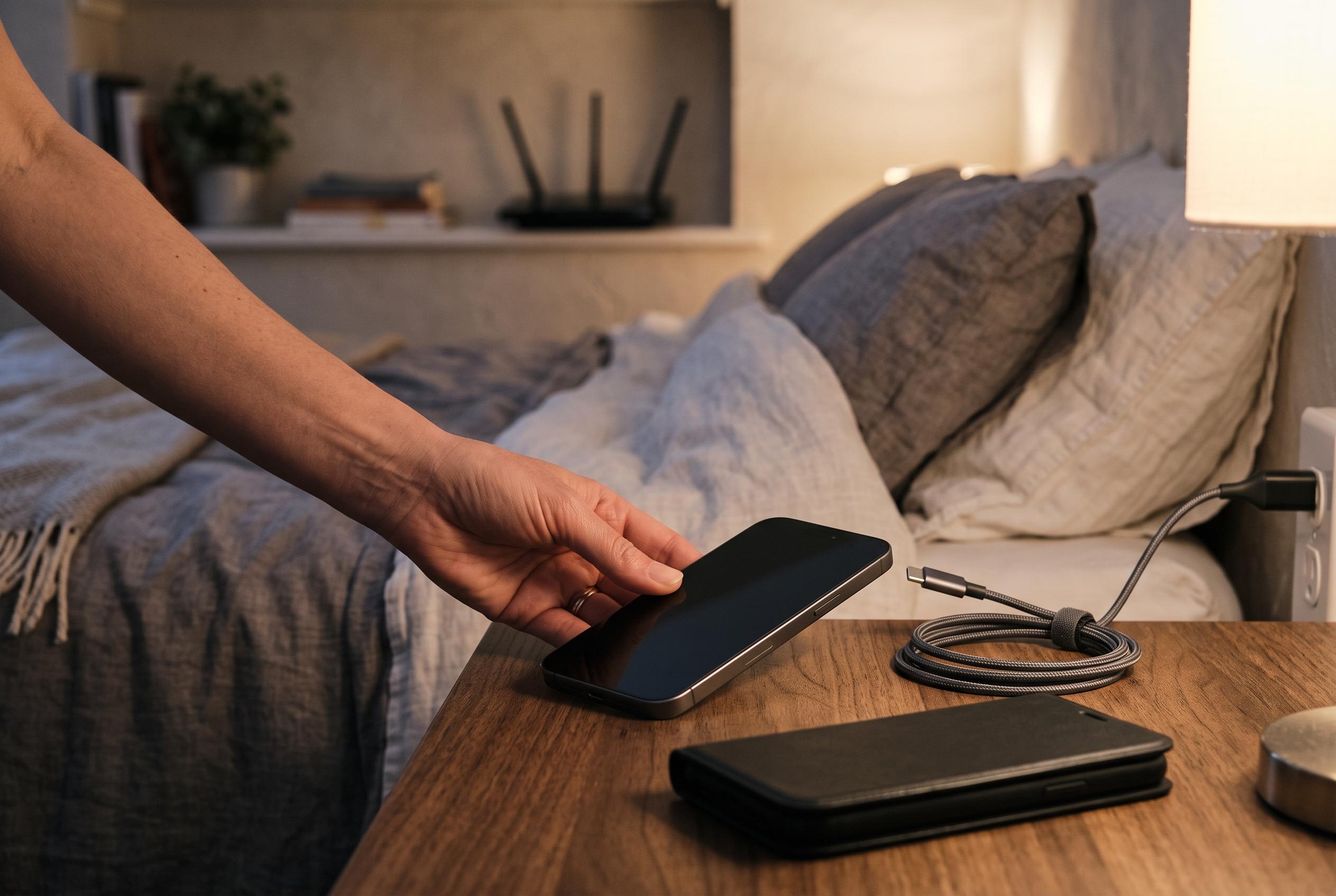

Some iPhone users report that turning off Apple’s Wi-Fi Assist feature after updating to iOS 27 significantly improves battery performance and reduces overheating, though results vary. Experts suggest the setting can silently increase mobile data use, affecting device efficiency.
After some iPhone owners said their handsets began draining faster and running hotter after upgrading to iOS 27, attention has turned to a little-known setting that may be amplifying the problem. Several users say that switching off “連線輔助”, Apple’s Wi-Fi Assist feature, has improved battery life noticeably, although the effect does not appear to be universal.
One Reddit user described using an iPhone 15 Pro Max with battery health at 89% and said that, after the update, screen-on time fell to roughly three to four hours during normal use. After disabling Wi-Fi Assist, the same user said endurance increased to around seven hours. Other users reported similar results, saying their phones were no longer warming unexpectedly and that the rate of battery loss became more manageable. A separate group, however, said they saw little or no difference, suggesting that the setting may not be the only factor behind the drain.
The issue may also explain why some people noticed that home ad-blocking arrangements stopped working after the upgrade. When Wi-Fi Assist is enabled, an iPhone can silently draw on mobile data if a Wi-Fi connection is slow or unstable. That behaviour can bypass filters or blocks that have been applied only to the Wi-Fi network, which means traffic may slip through on the cellular side instead.
Apple’s own support material says Wi-Fi Assist is designed to keep a connection stable when Wi-Fi performance is poor, but that it can increase mobile data use. To disable it completely, users can go to Settings, then Wi-Fi, scroll down to find Wi-Fi Assist and turn it off. Apple also allows the setting to be disabled for an individual network by tapping the information icon next to the connected Wi-Fi network and switching off the option there. With the feature off, the iPhone should rely on Wi-Fi alone whenever it remains connected.
Disclaimer: This content is intended for informational purposes only. Readers are advised to exercise their own judgement, conduct due diligence, or consult a qualified expert before acting on any information provided.