
While USB-C ports are common on modern motherboards, unlocking their full capabilities often depends on explicit support for Thunderbolt add-in cards, a game-changer for high-speed connectivity and peripheral expansion.
USB-C has become a standard fixture on modern motherboards, but the port alone tells you very little about what a system can actually do. On some boards, the real value lies in the fine print: support for a Thunderbolt add-in card can turn an ordinary desktop into a far more capable connection hub, even if no Thunderbolt badge appears on the rear panel. That distinction matters because USB-C is only a connector shape, while the features behind it can vary widely.
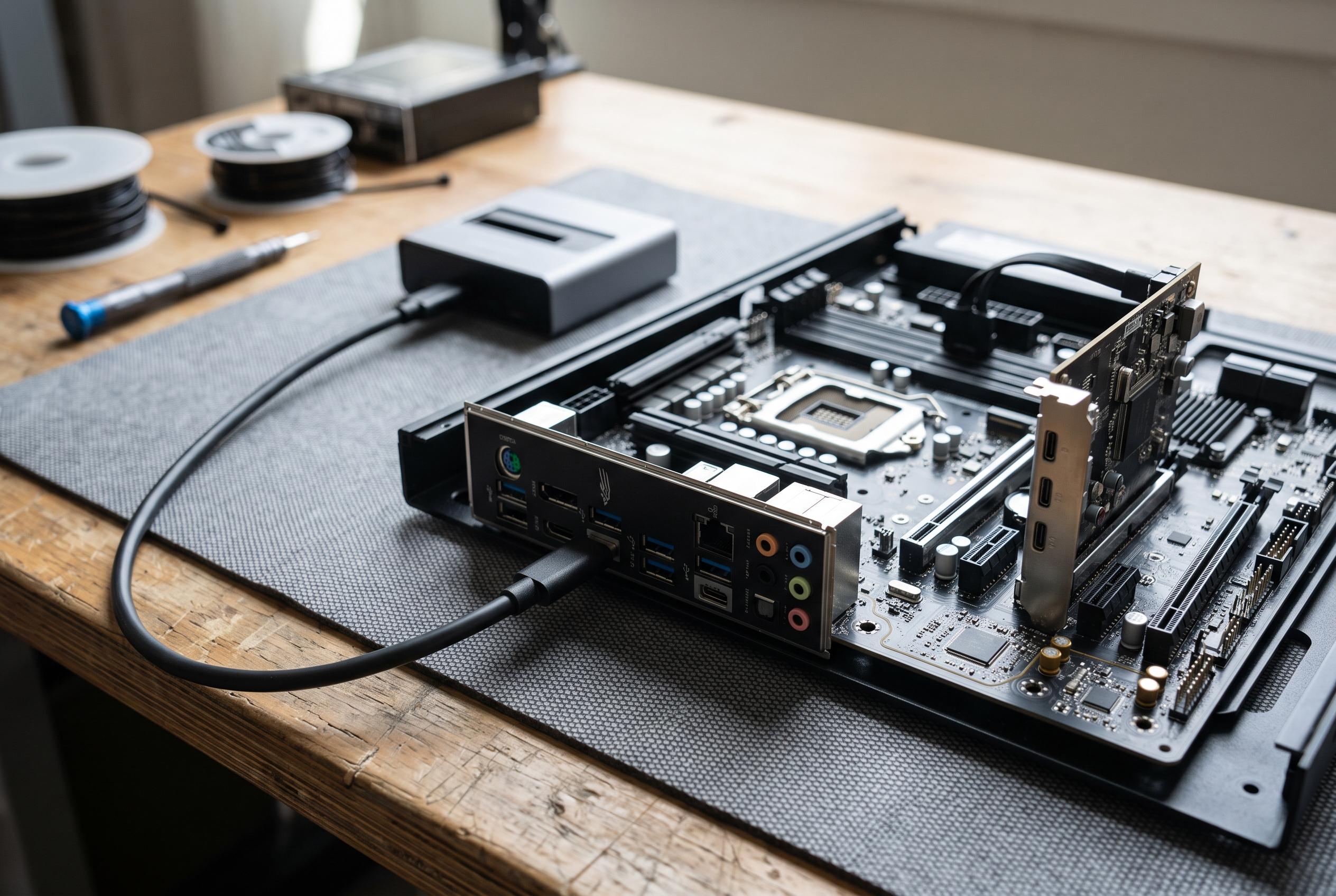
According to compatibility guidance from iTechGuides, adding Thunderbolt to a desktop is possible only when the motherboard and expansion card are explicitly designed to work together. The board may need a dedicated internal header, a suitable PCIe slot and firmware support, and some setups also require a DisplayPort feed from the graphics card so video can pass through the Thunderbolt connection. In practice, that means buyers must check both the motherboard manual and the card maker’s documentation before assuming an upgrade will work.
The payoff can be substantial. ASUS says its ThunderboltEX 4 card offers dual USB-C ports with up to 40Gbps bi-directional bandwidth, support for up to five Thunderbolt devices in a daisy chain, DisplayPort 1.4 output and up to 100W of USB-C charging for laptops. ASUS also markets the ThunderboltEX 3-TR, which delivers similar 40Gbps connectivity and up to six devices in a chain, while the newer ThunderboltEX 5 raises the ceiling further with up to 120Gbps, DisplayPort 2.1 and support for as many as three 8K displays at 60Hz.
For desktop users, that can make a dock feel less like a necessity and more like an accessory. A Thunderbolt card gives the PC the high-speed link that supports external storage, displays, Ethernet, audio interfaces and USB peripherals through a single cable, which can reduce clutter on a busy desk. A docking station may still be needed for its own ports, laptop charging or convenience features, but the desktop itself no longer has to be left out of the Thunderbolt ecosystem.
The main risk is assumption. A motherboard that has USB-C ports does not automatically support Thunderbolt, and even boards that do may only accept specific add-in cards or older Thunderbolt generations. Some manufacturers limit support to their own expansion hardware, while others cap compatibility at Thunderbolt 3 or Thunderbolt 4 rather than the latest standard. For anyone choosing a new motherboard, the lesson is simple: the most important features are often hidden in the headers, compatibility notes and expansion tables rather than in the marketing copy.
Disclaimer: This content is intended for informational purposes only. Readers are advised to exercise their own judgement, conduct due diligence, or consult a qualified expert before acting on any information provided.