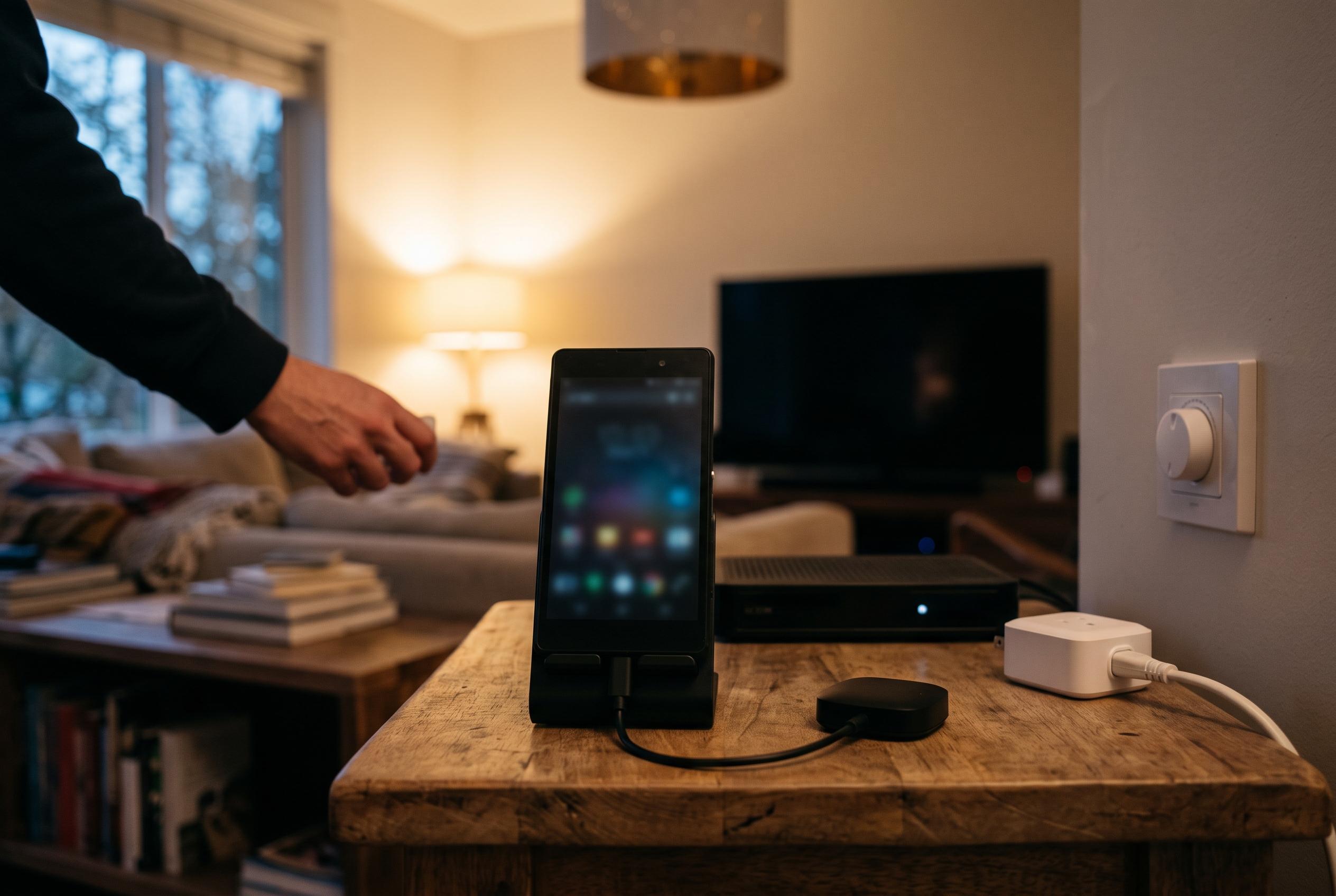

A practical guide to repurposing ageing Android devices into versatile, low-cost smart home control centres, emphasising simplicity and incremental automation.
Turning an old Android phone into a smart home hub can be a practical way to build a low-cost control centre without buying a dedicated display. In a detailed account, Android Authority described a setup built around an IR blaster, a smart plug and a pair of Android phones, with simplicity treated as a design requirement rather than an afterthought. That approach reflects a broader truth about entry-level home automation: the most useful systems are often the ones that avoid unnecessary complexity while still giving the owner direct control.
The first layer of the system is infrared control. Tuya’s IR hardware and similar universal blaster products are designed to let a phone or app control older appliances such as televisions, air conditioners, fans and set-top boxes, which makes them useful for homes that still rely on remote-operated devices. Android phones with built-in IR support can also be turned into universal remotes through OEM tools or third-party apps, although users may need an external blaster if their handset does not include the hardware. According to the Tuya developer documentation, the company’s remote-control solution combines Wi-Fi and infrared components so appliances can be managed through the Smart Life app.
Android Authority’s build used that foundation to reduce friction in day-to-day use. Instead of relying entirely on fixed schedules, the system tied certain actions to location and routine-based triggers, which is a more adaptable approach for people whose habits change from day to day. That matters because IR blasters work best when the controlling device is in the same room as the target appliance; unlike networked smart devices, infrared signals do not pass through walls. The article also noted that resynchronising the system after manual use of a physical remote is usually straightforward, which makes the setup more forgiving than it may first appear.
The more ambitious part of the project was turning an old Pixel into a voice-controlled hub. Android Authority reported that Google’s Gemini can be enabled for hands-free use on Android, but that Gemini Live still requires a manual step to begin a live session, which makes it less convenient than a simple wake-word command for some home-automation tasks. To work around that, the author used MacroDroid to trigger Gemini Live remotely from another Android phone, combining a webhook, a screen wake-up, an app launch and a simulated tap on the interface. MacroDroid’s appeal in this kind of project is practical: it offers an accessible automation layer for users who want more control without committing to a more technical workflow.
That home hub also avoided looking like a locked-down appliance. Android Authority found that a standard Pixel launcher with widgets could be more useful than a kiosk-style interface because it remained responsive, accepted notifications and allowed quick shortcuts. A smart plug was then used to manage charging in a way intended to reduce battery wear, which is a sensible consideration for any device expected to sit plugged in for long periods. The result was not a polished commercial display, but a flexible hub that could still handle touch input, voice interaction and screen mirroring when needed.
The broader lesson is that a useful smart home does not have to be fully automated to be worthwhile. In this case, the system was deliberately modest: no elaborate sensor network, no motorised curtains and no attempt to predict every movement in the house. Instead, it relied on a few dependable components that solved immediate problems and could be expanded later. That is also consistent with the way Tuya’s ecosystem and common Android IR tools are described by their documentation and user guides: as building blocks for incremental automation rather than all-or-nothing replacements for traditional control.
Disclaimer: This content is intended for informational purposes only. Readers are advised to exercise their own judgement, conduct due diligence, or consult a qualified expert before acting on any information provided.