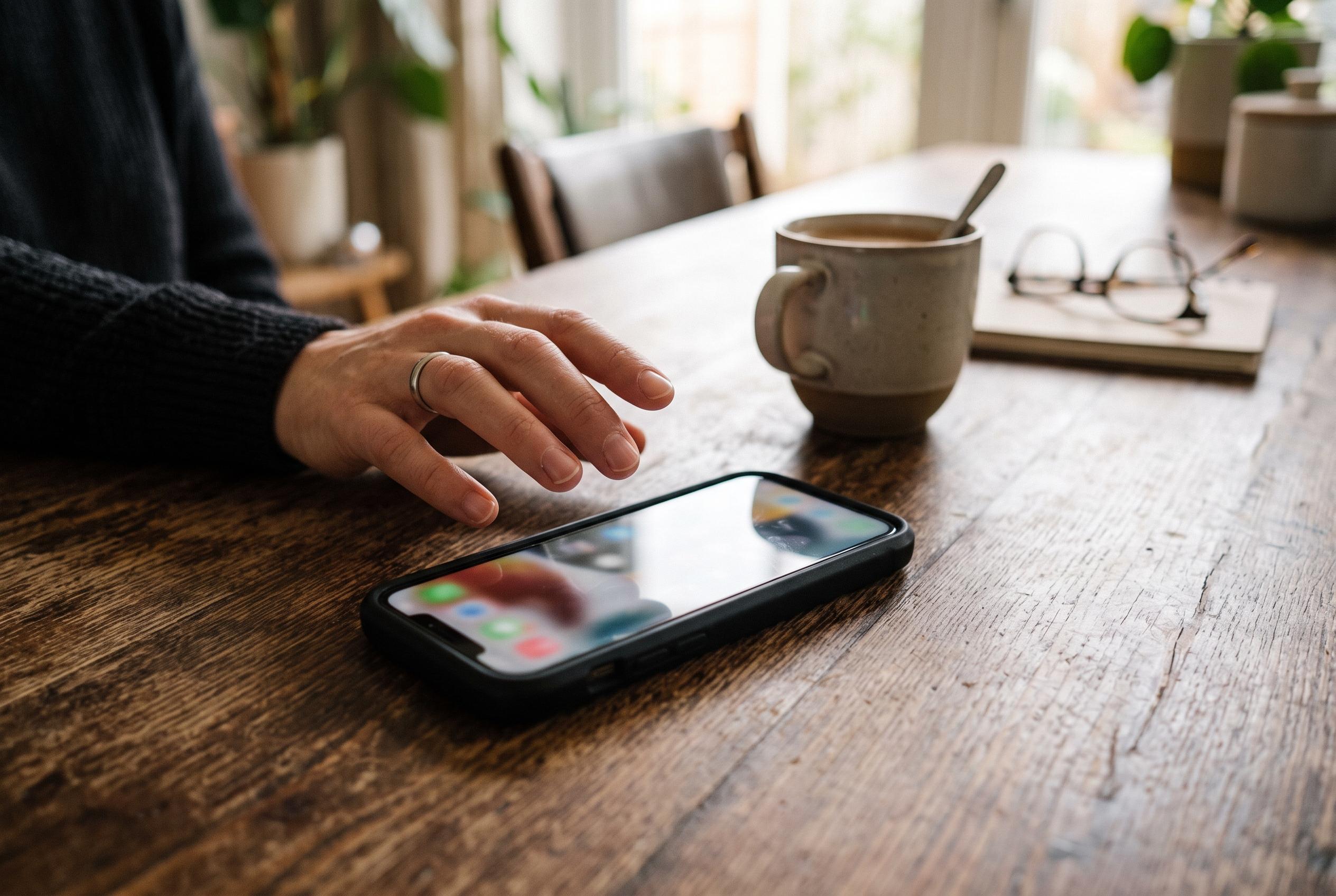

Unexpected apps, excessive permissions, battery drain and unexplained data use can all signal unwanted monitoring , but routine checks and stronger security can help expose it.
Smartphones now hold private messages, photographs, email accounts and financial apps, which makes them an attractive target for unwanted surveillance. Security tools can help, but the same category of software can also be misused if someone gains physical access to a device and installs tracking or monitoring apps without consent.
Among the programmes worth checking are Google Play Protect, which is built into many Android phones and scans installed apps for risky behaviour, and commercial security suites such as Malwarebytes Mobile Security and Bitdefender Mobile Security, which analyse permissions and look for spyware or suspicious background activity. Remote-access tools, including AirDroid and AnyDesk, can also deserve scrutiny if they appear on a handset unexpectedly, because they are designed to control devices from elsewhere. On family devices, Google Family Link may be entirely legitimate, but on an adult’s phone it is sensible to confirm who has administrative control and what supervision remains active.
The warning signs are not always dramatic. McAfee and Kaspersky both point to symptoms such as rapid battery drain, unusual data use, unfamiliar apps, background activity that does not match normal behaviour and permissions that seem excessive for the app in question. They also advise checking for access to the microphone, camera, location services and call-forwarding settings, as these are commonly exploited by monitoring software. In some cases, unusual noises during calls or unexpected activation of sensors can be further clues.
The best defence is routine inspection. That means reviewing app lists, checking permissions, keeping the operating system updated and using strong authentication methods. If an app looks out of place, it should be removed and the device scanned with a reputable security tool. If problems persist, a factory reset may be the final step, although that should be treated as a last resort because it erases data and settings. The broader lesson is that privacy on mobile devices depends as much on regular checks and restricted physical access as it does on any single security app.
Disclaimer: This content is intended for informational purposes only. Readers are advised to exercise their own judgement, conduct due diligence, or consult a qualified expert before acting on any information provided.