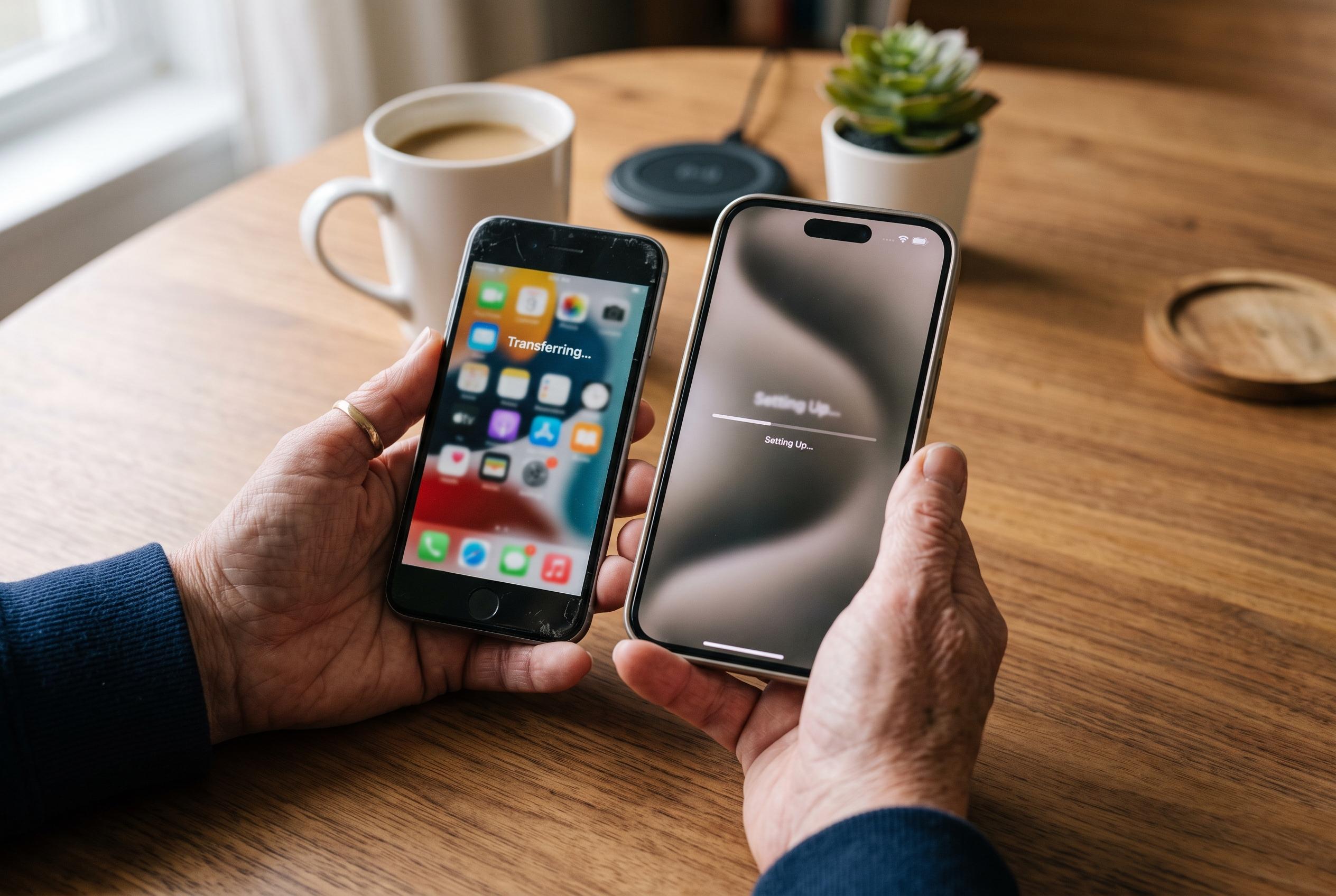

Apple’s Quick Start, wired transfer and iCloud tools can make switching iPhones almost seamless, but users still need to check their data, mobile connection and Apple Watch before wiping the old handset.
Apple’s transfer tools have made moving to a new iPhone far less disruptive than it once was. According to Apple’s support documentation, the quickest route is Quick Start, which lets an existing iPhone and a new one exchange personal data, app layouts and settings when they are placed close together and kept on Wi‑Fi. Apple also supports a wired transfer for users with large libraries, while iCloud remains the main fallback for anyone who prefers to restore from a cloud backup rather than copy device to device.
The appeal of Quick Start is that it reduces the need for manual setup. Apple says the process is designed to work automatically during initial configuration, with the two devices paired over Bluetooth and Wi‑Fi before the migration begins. In practice, that means contacts, photographs, messages and most settings can be carried across in one pass. For many users, it is now the closest thing to a complete handset replacement without having to rebuild the phone from scratch.
A wired transfer is the faster option when there is a substantial amount of data to move. Apple’s guidance explains that connecting the two iPhones with a USB-C cable can improve speed and stability, particularly for people who have large media collections or extensive app data. The company also recommends that both devices remain powered throughout the process, since a battery drop or interruption can delay the migration and, in some cases, force parts of it to be repeated.
iCloud remains important even when a direct transfer is preferred. Apple’s backup-and-restore method gives users a safety net if something goes wrong during setup, and it is still a practical choice for those who are moving between devices over a slower connection or who want to archive their old phone first. In editorial terms, the most reliable approach is often to treat iCloud as insurance rather than as the primary route, particularly when the new device must be ready for immediate use.
SIM handling has also become simpler, especially for users of eSIM. Apple says its setup process can offer eSIM Quick Transfer on compatible devices, allowing a mobile line to move during configuration without a physical card. Where a physical SIM is still in use, the card must be removed from the old handset and inserted into the new one manually. If an eSIM does not transfer cleanly, Apple points users to carrier support and operator apps as the next step, which reflects the fact that activation still depends partly on the network provider.
Once the phone is running, the work is not quite finished. Apple says users should check that photos, messages, banking apps and Apple Pay have all been restored correctly, and they should expect an Apple Watch to be paired again after the migration. The old iPhone should be kept for a short period in case anything needs to be verified before it is erased, since some apps and services may continue downloading or re-authenticating in the background after the first setup screen has appeared.
Disclaimer: This content is intended for informational purposes only. Readers are advised to exercise their own judgement, conduct due diligence, or consult a qualified expert before acting on any information provided.