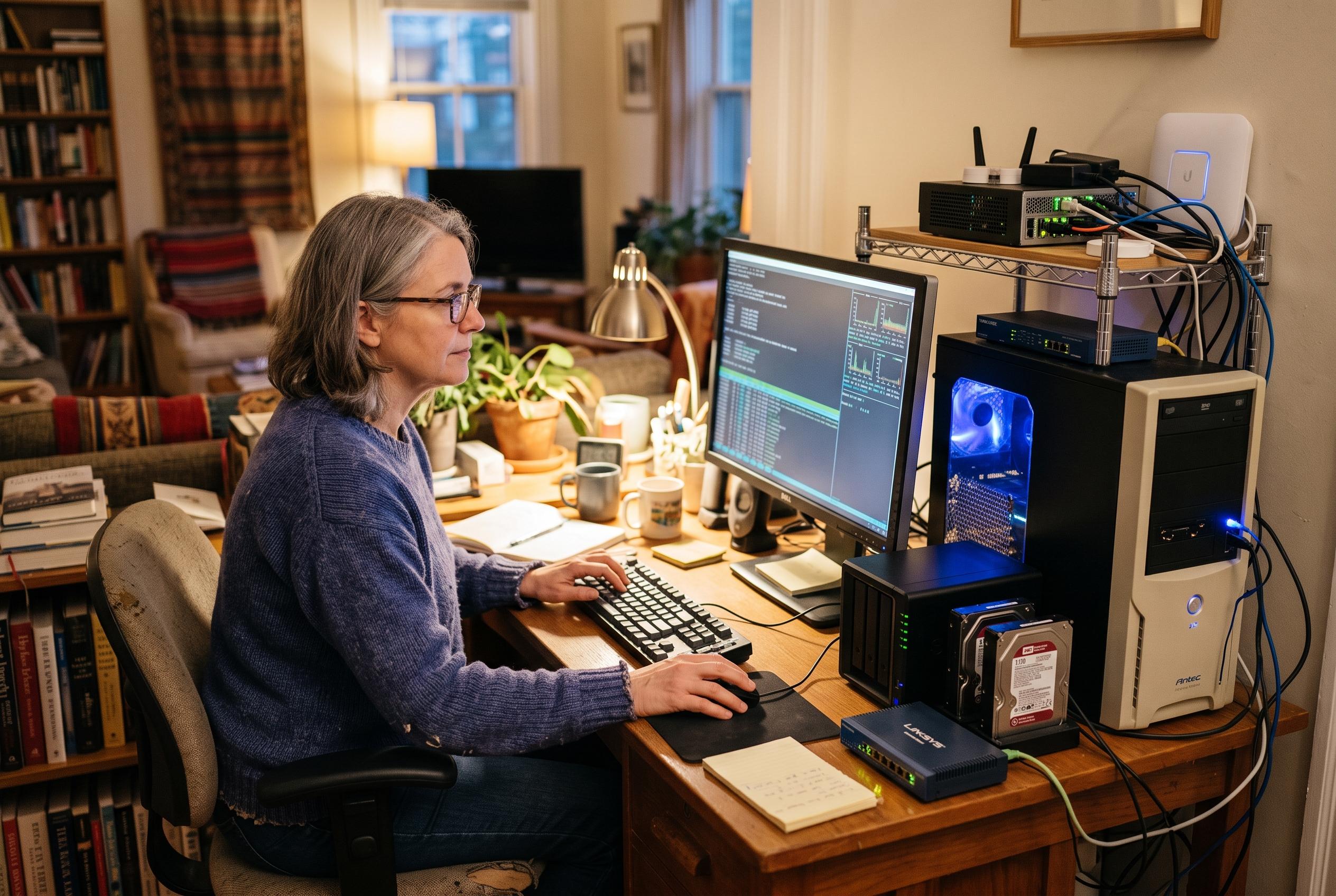

Free tools including Home Assistant, Kopia, Paperless-ngx and Jellyfin can give ageing hardware a useful second life for automation, backups, document storage and media streaming.
An ageing PC does not have to end up discarded simply because it struggles with modern desktop workloads. MakeUseOf argues that older hardware can still serve a useful purpose if it is reassigned to jobs that benefit from being switched on all the time, rather than asked to run a full daily workstation. In practice, that means turning an underused tower or laptop into a small home server for storage, automation, media, or document management.
One of the most practical options is Home Assistant, which lets a single machine control a mixed collection of smart lights, sensors, thermostats, cameras and plugs through one interface. According to Home Assistant’s documentation, its Matter integration is designed for local control over Wi-Fi or Thread via a dedicated Matter Server, reducing dependence on cloud services. That makes it suitable for older PCs that can stay powered on while handling automations such as switching lights on at sunset, triggering alerts when a door opens, or running routines when a room becomes occupied. It also means many devices can keep working even when the internet is unavailable, although Thread, Zigbee and Z-Wave setups may need a compatible USB radio dongle.
A second strong use case is backup. Kopia is an open-source tool for Windows, macOS and Linux that creates encrypted, incremental snapshots of selected files and folders, then stores them locally, on network-attached storage, or in remote cloud locations. Its documentation says it supports both command-line and graphical interfaces, which lowers the barrier for less technical users. On an old PC, that makes it a sensible always-on backup target for household devices, especially if the machine is fitted with a large drive and used as one destination among several rather than the only copy of important data.
Paperless-ngx offers a different kind of utility by turning spare hardware into a private document archive. Once receipts, bills, manuals and warranty paperwork have been scanned, optical character recognition makes the text searchable, so users can find records by product name, address or phrase instead of file name. The workload is front-loaded: scanning and indexing can briefly tax a weak processor, but day-to-day searching is relatively light. Because the system runs locally, the archive stays under the owner’s control rather than being handed to a hosted document service.
For media libraries, Jellyfin can give an old PC a more entertaining role. The software organises films, television series and music and streams them to supported devices without requiring a subscription for the core server functions. Its main challenge is transcoding, where the server must convert video in real time for a device that cannot play the original format. MakeUseOf notes that older Intel processors with Quick Sync hardware can help here, and Jellyfin’s support for Intel acceleration on Linux can make that workload manageable. Used together, these four applications show how an obsolete desktop can become a capable home server, provided it has adequate storage, sensible backups and a stable Linux installation.
Disclaimer: This content is intended for informational purposes only. Readers are advised to exercise their own judgement, conduct due diligence, or consult a qualified expert before acting on any information provided.