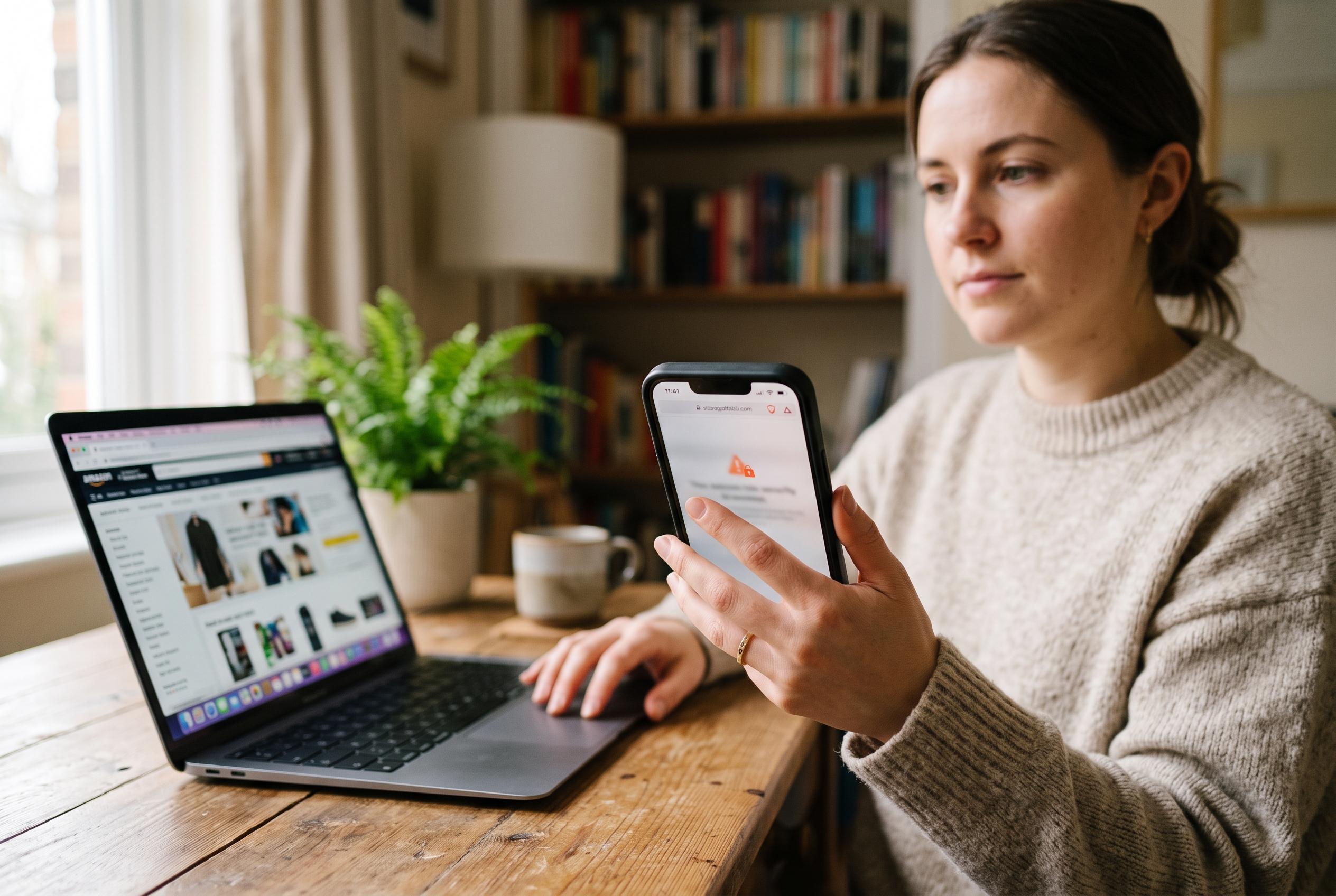

Safari’s security warnings and iPhone privacy tools can reduce online shopping risks, but they cannot confirm that a retailer is genuine or stop users being tricked into sharing sensitive details.
Online shoppers often rely on the security tools built into the iPhone, but those protections are only part of the picture. Apple’s own guidance makes clear that Safari’s encrypted connections are designed to protect data in transit, not to prove that a retailer is genuine. A padlock icon or the absence of an obvious warning can offer reassurance, but neither should be treated as proof that a site is trustworthy.
That distinction matters because fraudulent shops are often designed to look convincing. Apple advises users to check web addresses carefully, avoid submitting personal or payment details on pages marked as insecure, and treat unexpected links with suspicion. The company also warns that pop-ups and deceptive prompts can be used to push people into sharing financial information, which is why it is safer to type a retailer’s address manually rather than follow a message link.
Safari’s Fraudulent Website Warning adds another layer of defence, but it is not a complete shield. Apple says the browser checks whether a site’s certificate is legitimate and can alert users to suspicious pages, yet scammers continue to adapt their methods. In practice, that means a site that does not trigger a warning is not automatically safe, and shoppers still need to look for subtle errors such as misspellings, odd domain endings or inconsistent branding before entering card details or account credentials.
The same principle applies to verification codes. Two-factor authentication remains one of the most effective ways to protect online accounts, but it fails if a user is persuaded to hand over an active code. Legitimate companies do not ask customers to read out security codes by phone, text or chat, and any request for one should be treated as a strong sign of fraud. The safest approach is to enter codes only on services you have opened yourself and never share them with anyone else.
Privacy features built into iPhone and Safari can also reduce exposure while shopping, although they do not make a user anonymous. Apple’s settings for cross-site tracking and other privacy controls limit how advertisers and websites follow people across the web, while the Private Wi-Fi Address function helps reduce device tracking across networks. Even so, Apple and other security guidance both note that public Wi-Fi remains risky for purchases and account access, because hostile networks can still intercept traffic or imitate legitimate hotspots. For that reason, mobile data or a trusted private connection is the better choice for shopping, especially when entering payment information.
The most reliable defence is still a combination of caution and verification. Apple’s advice, together with privacy guidance from other Safari-focused reporting, points to the same conclusion: built-in protections help, but they do not replace careful habits. Check the seller first, use trusted networks, avoid giving away codes, and keep personal data disclosure to the minimum needed for the transaction.
Disclaimer: This content is intended for informational purposes only. Readers are advised to exercise their own judgement, conduct due diligence, or consult a qualified expert before acting on any information provided.