
With 40% of Windows 10 PCs unable to upgrade to Windows 11, choosing repairable, expandable hardware is becoming a security decision as well as a way to reduce replacement costs.
A future-proof digital workspace is built less around buying the newest machine than around choosing hardware that can adapt over time. The practical aim is simple: keep a computer useful for longer by selecting a platform with upgrade room, replaceable parts and enough durability to cope with changing software demands. The original article frames that as a shift in mindset, treating a PC as a long-term investment rather than a disposable purchase.
That approach matters because fixed designs can become expensive quickly. The PIRG Education Fund found that 40% of computers still running Windows 10 cannot move to Windows 11, leaving many perfectly functional machines stranded by platform limits. Microsoft ended free security updates for Windows 10 in October 2025, which makes upgrade resistance a security issue as well as a hardware one. Buying only for immediate needs may appear economical, but it often forces a full replacement sooner than expected.
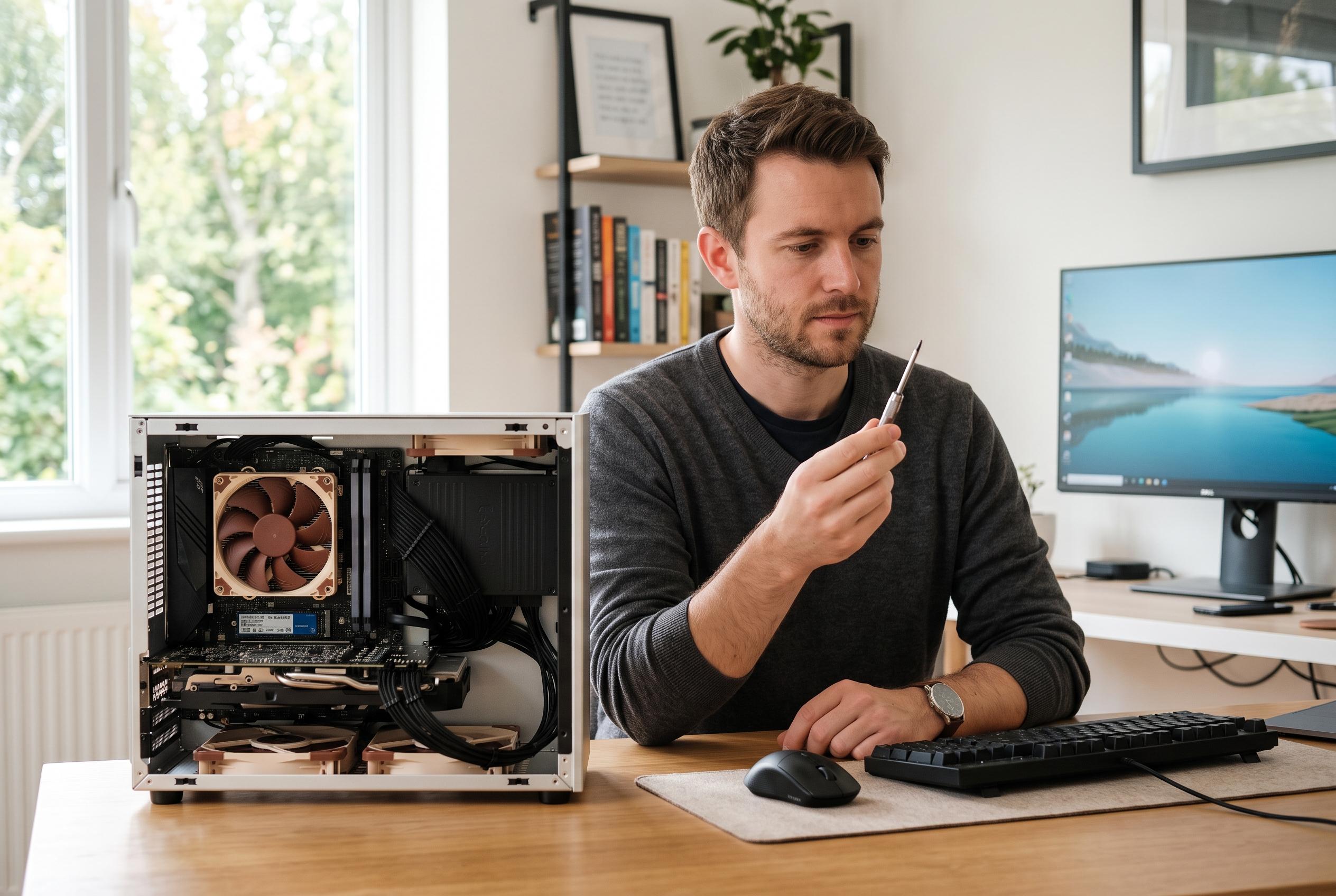
For desktop users, the strongest case for resilience is a modular build. A system with spare memory slots, room for additional storage, a decent power supply and adequate cooling is easier to extend in stages. That matters when the bottleneck is not the whole machine but one component, such as graphics performance or disk capacity. According to related guidance on future-proofing workspaces, the same principle applies more broadly: systems that are modular and interoperable are better able to absorb change without disruption.
The same logic is appearing across digital workplace planning more widely. Other industry commentary stresses adaptable desk layouts, adjustable monitor arms, laptops with more than one useful port, dependable cloud storage and strong connectivity as part of a flexible setup. In practice, future-proofing is not just about processor speed. It is about whether the hardware can support new accessories, new collaboration tools and new workflows without needing to be torn apart and rebuilt.
Durability is the other side of the equation. Build quality, thermal design and reliable power delivery all affect how long a system remains stable under load. Cheap components may meet a budget on day one, but weak airflow or poor power regulation can shorten useful life and undermine performance over time. That is why a deliberate upgrade plan is preferable to reactive replacement: assess the current system, identify the main constraint, upgrade the limiting component first and then review the configuration again as demands change.
The broader lesson is that future-proofing is rarely about predicting the exact next wave of software. It is about leaving enough technical headroom to accommodate it. Whether that means a desktop with spare expansion capacity or a workplace setup built around adaptable hardware, the aim is the same: make change manageable, not expensive.
Disclaimer: This content is intended for informational purposes only. Readers are advised to exercise their own judgement, conduct due diligence, or consult a qualified expert before acting on any information provided.