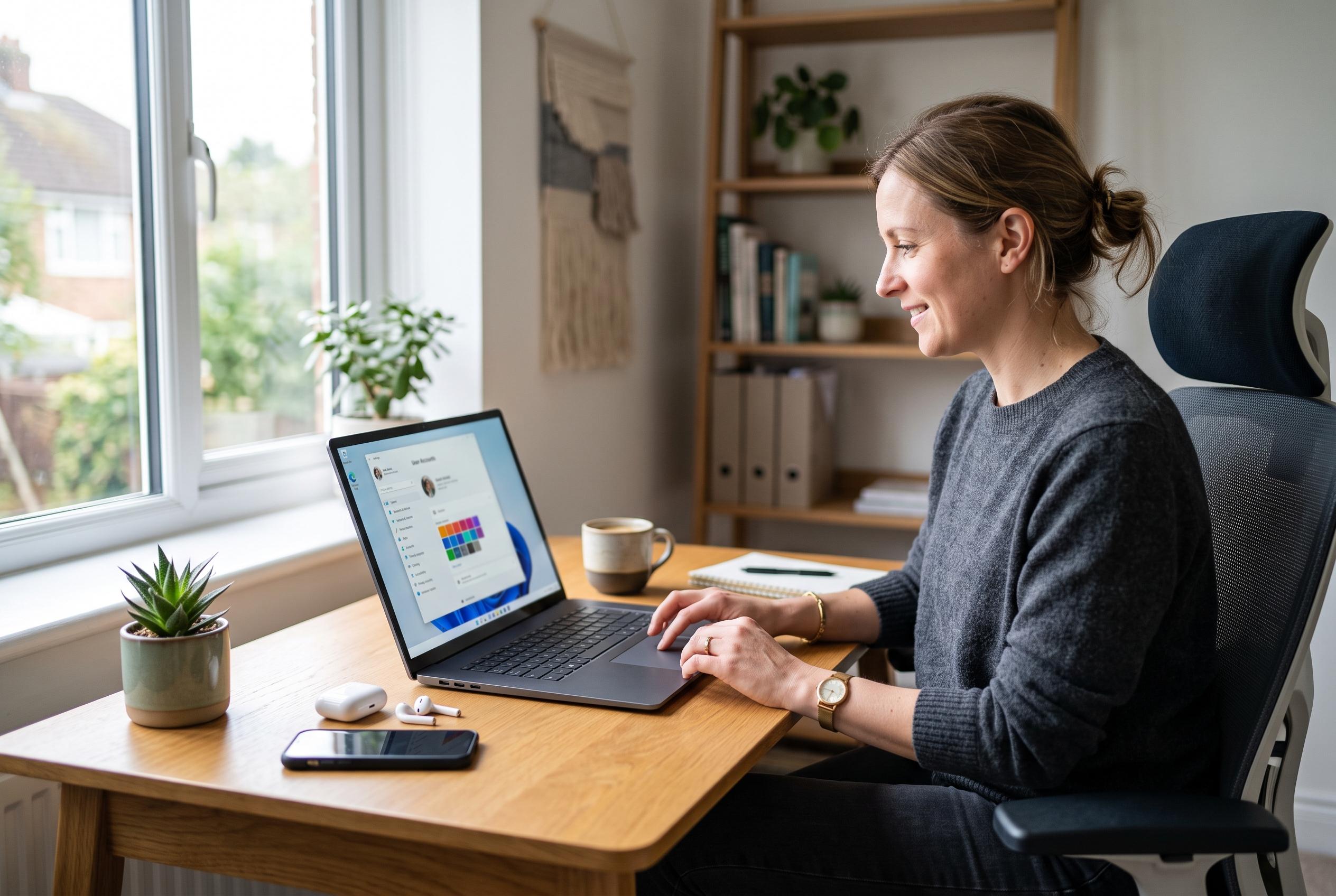

Windows 11 users can create a separate local profile through Settings, keeping files and preferences apart while controlling whether the new account has standard or administrator access.
Windows 11 users can create a separate account for a family member, colleague or guest without using a Microsoft account, and the process is usually simplest through the Settings app. Guides from Windows Central, CloudsPress, Windows Now, Pureinfotech and All Things How agree that the main route is to open Settings, go to Accounts, then choose Other users or a similar account-management section, before selecting the option to add a new user. At that point, Windows allows either a Microsoft account sign-in or a local account that remains tied only to the device.
A local account is often preferred when the aim is privacy, limited access or a self-contained setup. Unlike a Microsoft account, it does not automatically sync settings, files or services across devices. Several of the guides note that this can be useful on shared PCs, test machines or office systems where administrators want to keep control of the environment. When the new user signs in for the first time, Windows creates a separate profile with its own files and settings, which helps keep data apart from the main account.
The step-by-step instructions also show that Windows 11 still supports more than one way to set up a user. In addition to the Settings app, Pureinfotech and All Things How describe Command Prompt, PowerShell and Computer Management as alternative routes for users who are comfortable working beyond the graphical interface. Those methods can be useful for advanced administration or automation, although the simpler Settings-based approach is generally safer for most people. Windows Now also points out that an existing Microsoft account can be converted to a local account, which may matter for users who want to reduce cloud dependence without creating a second profile.
These guides also underline the difference between a standard account and one with administrative rights. A new user can be created with limited permissions, or elevated later if the system owner wants that person to install programmes or change settings. In practice, that means Windows 11 can support a range of setups, from a tightly controlled shared machine to a fully managed profile for a trusted user. For anyone trying to organise access cleanly, the key decision is not just how to add the account, but what level of control it should have from the start.
Disclaimer: This content is intended for informational purposes only. Readers are advised to exercise their own judgement, conduct due diligence, or consult a qualified expert before acting on any information provided.