

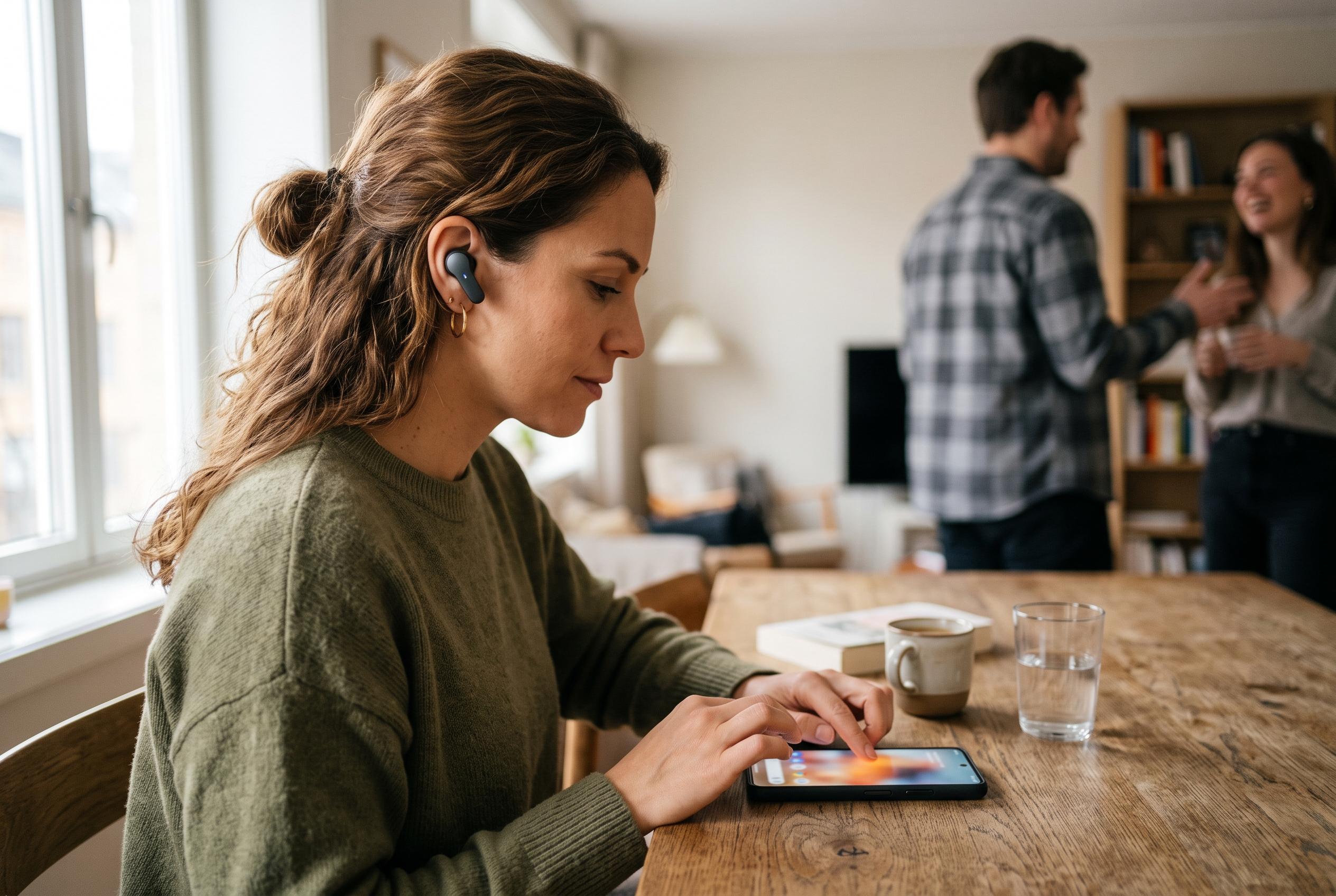

Apple’s Live Translation turns selected AirPods into a real-time language aid, but requires recent hardware, iOS 26, downloaded language packs and Apple Intelligence support.
Apple’s Live Translation feature turns compatible AirPods into a real-time language aid for face-to-face conversations, letting users hear translated speech in their preferred language while also viewing a transcript on iPhone. According to Apple’s support documentation, the system is designed for in-person exchanges and can also present translated replies through the phone, making it useful when two people do not share a common language.
The feature is not broadly available on every headset or handset. Apple says Live Translation requires AirPods 4 with Active Noise Cancellation, AirPods Pro 2, AirPods Pro 3, or AirPods Max 2, paired with an iPhone 15 Pro or later running iOS 26 or later, with Apple Intelligence enabled and the latest AirPods firmware installed. Apple also notes that availability depends on language and region, and that some features may be limited by local support.
Before starting, both languages involved in the conversation must be downloaded to the iPhone. Apple explains that users need the language being spoken by the other person, as well as the language they want to hear. Once the language packs are in place, processing happens on the device, which Apple says keeps conversation data private. Languages can be added from the AirPods settings page on the iPhone, and removed later if they are no longer needed.
To begin a session, Apple directs users to open the Translate app, choose the Live tab and set the two language fields: the other person’s language and the language you want in your AirPods. Live Translation can then be started from the AirPods themselves, by pressing and holding both stems at once, or from the listening mode button on AirPods Max 2. Apple also says the feature can be launched through Siri, the Translate app, Control Centre or the Action button on compatible iPhone models.
Once active, the AirPods translate incoming speech as the other person talks. When the wearer responds, the Translate app can show the reply as text or play it through the iPhone speaker. If both people have compatible AirPods and have set up Live Translation, each can hear the other in their chosen language. Apple also notes that Adaptive Audio switches on automatically when the feature starts, and that users in noisy places can use the iPhone microphone to improve input quality.
For travellers, international teams or anyone navigating multilingual conversations, the feature is a significant extension of Apple’s on-device translation tools. MacRumors and other guidance sites have highlighted the same setup pattern: supported hardware, current software, downloaded languages and activation through the Translate app or a system shortcut. The practical limitation is clear, however: the feature only works on a narrow set of recent devices, and it depends on Apple Intelligence support in the user’s language and region.
Disclaimer: This content is intended for informational purposes only. Readers are advised to exercise their own judgement, conduct due diligence, or consult a qualified expert before acting on any information provided.



