

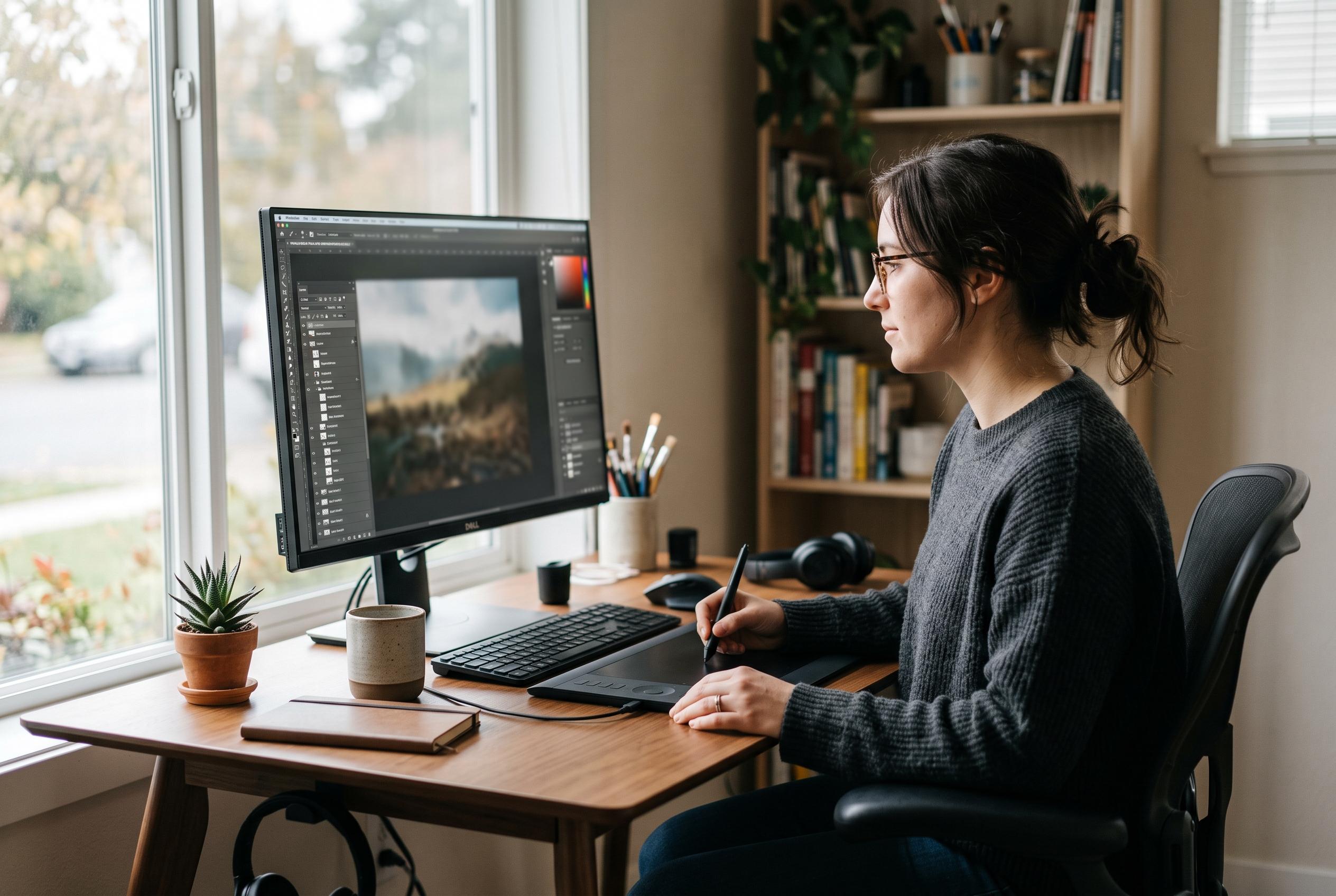

Patchy 1.13 offers non-destructive editing, broad PSD and PSB compatibility, legacy plug-in support and local AI-assisted automation across desktop and browser versions.
Patchy 1.13 arrives as a free, open-source image editor that is aimed squarely at users who know their way around Photoshop. According to MajorGeeks and the project repository, the software is available for Windows, macOS, Linux and as a browser-based app, with desktop builds offering the broadest feature set. The latest release weighs in at about 100 MB and is distributed under the MIT licence.
What makes Patchy notable is its emphasis on practical, layered editing rather than a stripped-down photo toy. MajorGeeks says the editor handles the everyday tasks expected of a serious graphics package, including cropping, resizing, selections, painting, cloning and healing. It also supports adjustment layers, masks, editable text, vector shapes and Smart Objects, which means edits can remain non-destructive instead of being flattened into a single image.
Compatibility is one of its strongest selling points. Both MajorGeeks and the project documentation say Patchy is designed for accurate PSD and PSB work, making it easier to open, revise and round-trip layered Photoshop files without losing structure. The browser version runs locally on the user’s machine, while desktop editions add printing, scanner and camera import, plus command-line automation for repeatable tasks.
The software also reaches beyond general image retouching. MajorGeeks notes support for palette-based painting, seamless textures, sprite sheets and animation, making it relevant to pixel artists and game developers as well as photographers. Its filter set includes a High Pass sharpening tool, a built-in Filter Gallery and the G’MIC library with nearly 400 filters and live previews. On Windows, Patchy also supports classic 32-bit and 64-bit Photoshop .8bf plug-ins, although that compatibility is limited to legacy filters rather than modern Photoshop extensions.
Patchy’s more unusual feature is its optional AI integration. Instead of embedding a prompt box inside the editor, it allows a compatible external assistant such as Claude Code, Codex or Cursor to control the editing tools through a local MCP connector. In practical terms, that can be useful for repetitive work such as applying the same crop, border or watermark across a batch of files, or exporting images at multiple sizes. The setup is more involved than a built-in AI button, but it also means users are not locked to a single provider.
For users looking for a free editor that feels familiar without abandoning layered workflows, Patchy makes a strong case. MajorGeeks describes it as an impressive first impression, though it also advises testing important PSD files and plug-ins before committing to a full migration. That caution is sensible: the application looks promising, but file compatibility and plug-in behaviour will always matter most when it comes to replacing an established workflow.
Disclaimer: This content is intended for informational purposes only. Readers are advised to exercise their own judgement, conduct due diligence, or consult a qualified expert before acting on any information provided.



