

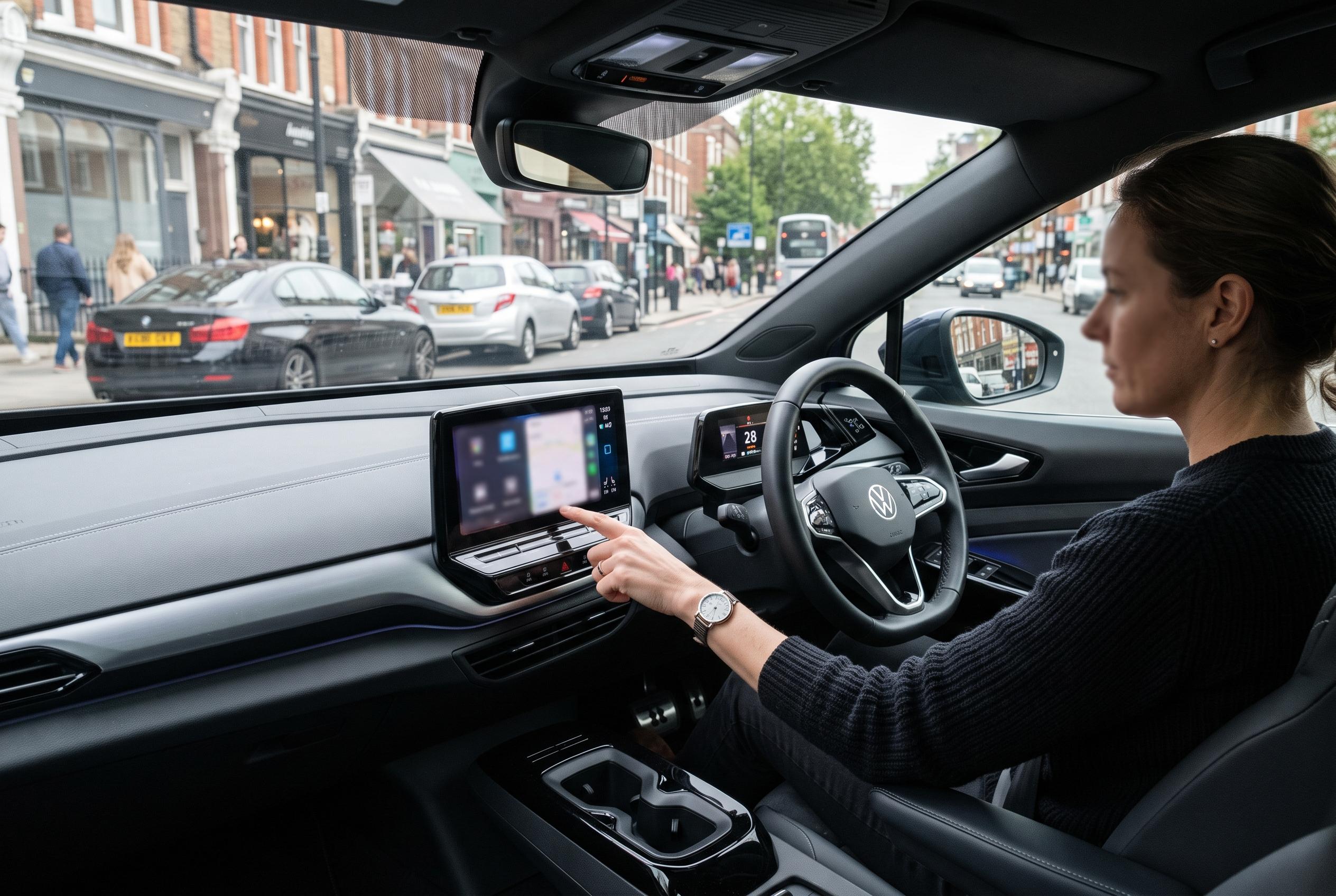

Beyond maps, music and messages, a handful of Android Auto apps can help drivers find parking, track fuel spending, catch up on podcasts and control smart home devices.
Android Auto is easy to reduce to a familiar few defaults: maps, music and messages. But a closer look at less obvious apps shows that the platform can do more than route a journey or play a playlist. A recent hands-on look at a small set of Android Auto-compatible apps suggests that the most useful additions are often the ones that solve practical problems drivers meet every day, from parking to fuel costs and even home routines.
SpotHero is the clearest example of that shift in purpose. According to SpotHero, its Android Auto integration lets drivers view reservations, navigate to a booked car park and access parking passes from the dashboard display. The service is aimed at drivers in the US and Canada, and booking still has to be completed in the mobile app or on the website before the reservation appears in the car. Even so, the in-car view removes some of the stress of arriving in an unfamiliar area and then trying to find somewhere to leave the vehicle.
Fuelio takes a different approach by turning the car screen into a simple cost-tracking tool. The app is built to record fill-ups, mileage, fuel consumption and related expenses, while also showing nearby fuel prices. In practice, that means drivers can keep a running picture of what they are spending rather than relying on vague estimates at the end of the month. Its Android Auto support is limited to lighter tasks, but that is enough to make routine checks easier when a phone should stay out of reach.
Pocket Casts adds a more obvious but still valuable function: it gives drivers a cleaner way to treat a journey as listening time rather than dead time. On Android Auto, the app allows users to browse podcasts, resume episodes and manage playback from the vehicle display. For longer commutes or slow-moving traffic, that can be more useful than reaching for a music app every time. It also gives drivers a simple alternative when they want something talk-based without hunting through their phone while parked or moving.
Samsung SmartThings is the most unexpected entry, because it pushes Android Auto beyond the usual in-car media and navigation roles. The app allows access to up to six compatible smart home devices from the car’s screen, letting users trigger actions such as switching on lights, starting a robot vacuum or beginning a laundry cycle before they get home. It is a narrow use case, but one that shows how Android Auto can function as a quick control panel for everyday tasks rather than just a driving interface.
Taken together, the four apps show that Android Auto is more flexible than its best-known use cases suggest. The strongest examples are not flashy or experimental; they are small, practical tools that remove one step from common routines. For drivers who already rely on Google Maps, Spotify or WhatsApp, the real gain may come from adding apps that fit around daily life instead of simply duplicating what a phone already does.
Disclaimer: This content is intended for informational purposes only. Readers are advised to exercise their own judgement, conduct due diligence, or consult a qualified expert before acting on any information provided.



