

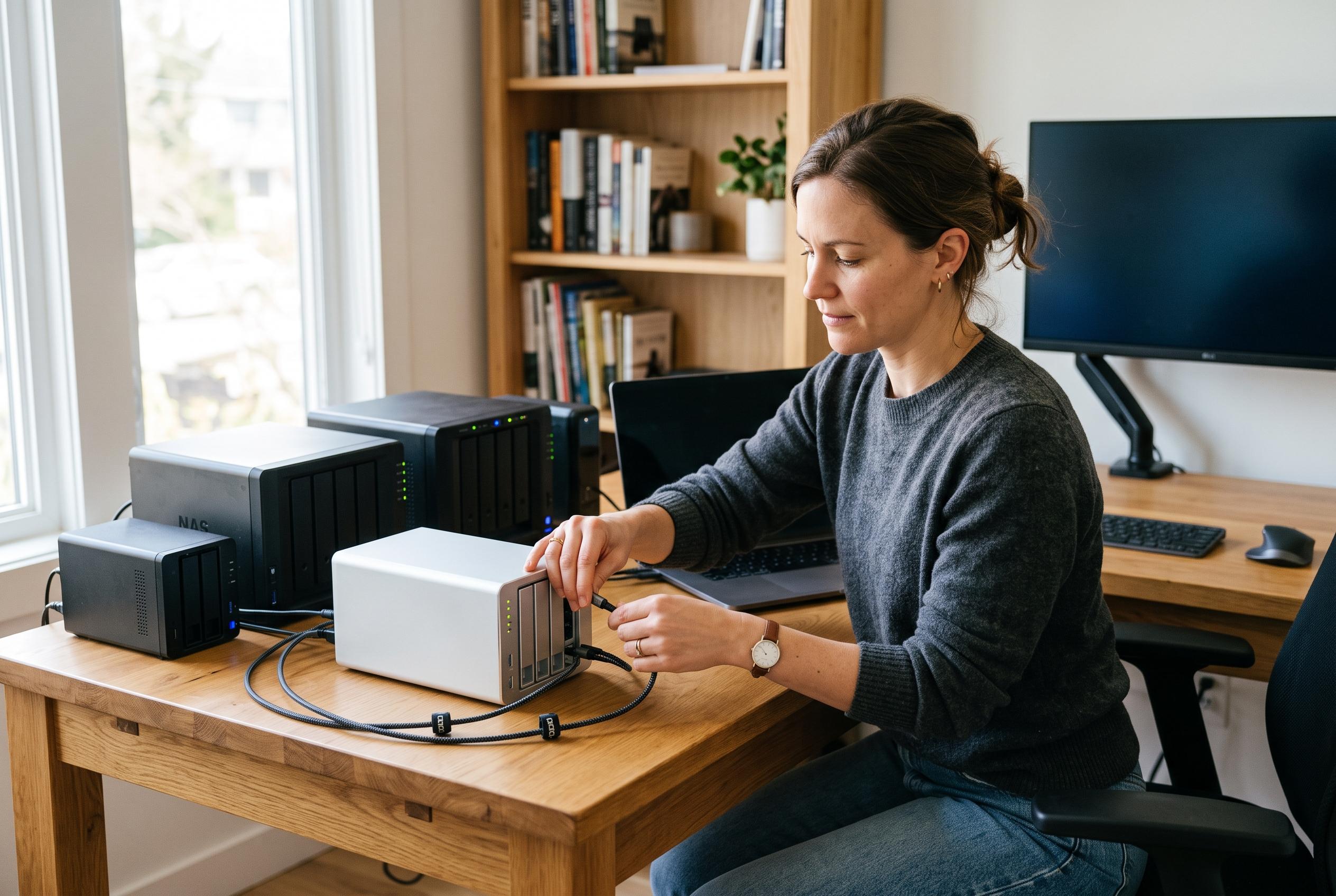

From TerraMaster’s fast direct-attached D2-320 to UGREEN’s expandable DXP2800, these NAS and DAS enclosures show how storage needs should shape the buying decision.
Choosing the right NAS enclosure for backups is less about chasing the longest specification sheet and more about matching storage design to the way data is actually used. For home users, remote workers and small teams, the best option is usually the one that keeps files protected, easy to reach and simple to maintain without paying for features that will never be used. In practice, that means deciding first whether you need a networked NAS for shared access or a direct-attached DAS for faster local transfers.
For buyers who want high-speed local backup performance, the TerraMaster D2-320 stands out as a direct-attached option. TerraMaster describes it as a two-bay USB 3.2 Gen 2 enclosure with support for RAID 0, RAID 1, JBOD and single-disk operation, plus tool-free drive access and temperature-controlled cooling. That makes it a strong fit when the priority is quick backup copies to a single computer rather than network sharing across multiple devices.
Synology’s DS223j and DS223 are aimed at users who want a more traditional private storage hub. The DS223j is positioned as a compact two-bay enclosure for home users who want secure private-cloud storage, automated backups for Macs, PCs and mobile devices, and support for file sharing and IP camera integration. The DS223 goes further for home offices and small businesses, centralising files from computers, phones and external drives while also supporting automated backup jobs and remote camera viewing. Taken together, they reflect Synology’s emphasis on simple administration and broad device support.
For people who want a smaller private backup system, the Synology DS124 offers a one-bay alternative. Synology says it can handle automatic backups from phones, Macs and Windows PCs while acting as a private file cloud with remote access. The single-drive format makes it simpler and more affordable to set up, but it also means users must rely on other backup copies for true redundancy, since there is no mirrored second disk.
UGREEN’s DXP2800 is aimed at buyers who want a backup enclosure that can double as a broader home data hub. According to UGREEN, the unit combines two hard drive bays with two M.2 NVMe slots, supports up to 80TB of storage, and uses an Intel N100 processor, 8GB of DDR5 memory and 2.5GbE networking. It also supports Docker, virtual machines and media server use, which makes it more suitable for advanced home users, remote workers and creators who want one box to handle backups, media and photo libraries.
For expansion-focused users, QNAP’s TR-004 is a straightforward four-bay DAS enclosure built to add capacity to an existing NAS or computer. QNAP says it supports hardware RAID modes including RAID 0, RAID 1, RAID 5, JBOD and individual disks, and works with Windows, macOS and Linux. The company also highlights lockable drive bays and USB-C connectivity. This kind of enclosure is useful when the goal is not a separate NAS ecosystem, but a simple way to extend backup space with flexible RAID options.
The broader choice comes down to how much redundancy, growth and access you need. Two-bay NAS units usually offer the best balance for most households because they can provide mirroring without becoming bulky or expensive. One-bay models are easier to manage but leave redundancy to another backup copy. Four-bay enclosures and DAS boxes make more sense when capacity, speed or archive growth matters more than network features. For most buyers, the best answer is not the largest enclosure available, but the one that fits current data volumes and leaves enough room for what comes next.
Disclaimer: This content is intended for informational purposes only. Readers are advised to exercise their own judgement, conduct due diligence, or consult a qualified expert before acting on any information provided.



