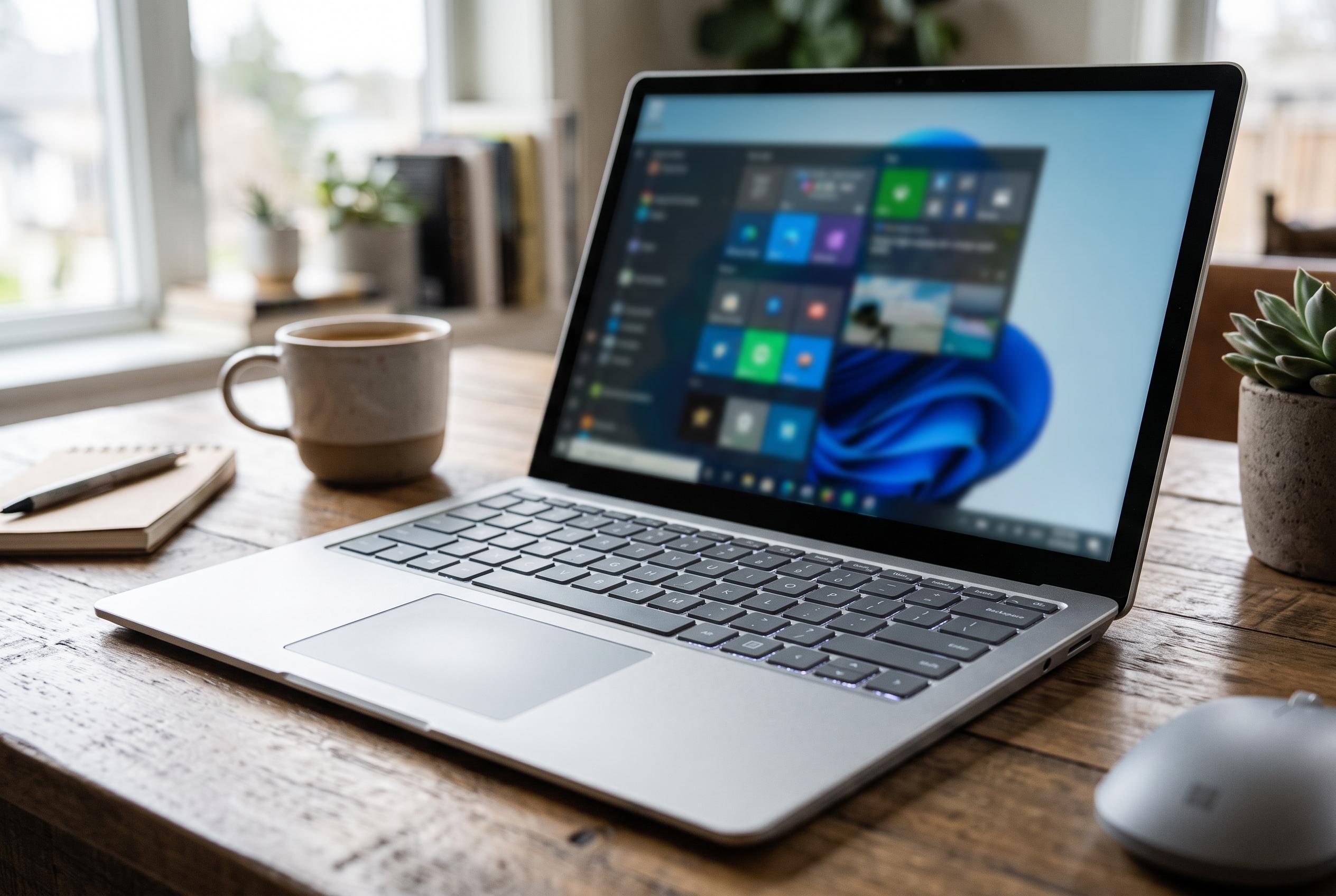

Microsoft now offers PowerToys as a native ARM64 download, bringing utilities such as FancyZones, PowerRename and Advanced Paste to compatible Windows laptops and tablets.
Microsoft PowerToys is available as a native ARM64 download for Windows on ARM devices, giving users of ARM-based laptops and tablets access to the same productivity suite that has long been familiar on x64 PCs. The package is designed to let users reshape parts of the Windows interface and automate routine tasks without changing the core operating system.
According to Microsoft’s documentation, PowerToys supports Windows 11 and Windows 10 version 2004 or later, provided the device uses a 64-bit processor, including ARM64, and has the latest stable Microsoft Edge WebView2 Runtime installed. Microsoft also sets out several installation routes, including the executable installer, the Microsoft Store, and package managers such as WinGet, Chocolatey and Scoop, with separate “Per User” and “Machine wide” options for different deployment needs.
Microsoft describes PowerToys as a free, open-source set of utilities aimed at power users and developers. The suite includes tools such as FancyZones for window layout management, Advanced Paste for more controlled clipboard handling, PowerRename for batch renaming, and Command Palette for launching commands and actions quickly. Other utilities cover keyboard remapping, mouse enhancement, colour picking, file handling and on-screen measurement, making the package a broad toolkit rather than a single-purpose app.
Compatibility with ARM hardware is the key point for Windows on ARM users. Coverage from OnARM.net says native ARM64 support arrived in PowerToys version 0.68.1, while PCWorld reported earlier that Microsoft had already addressed ARM-related issues in a prior update so that features such as PowerRename and File Explorer add-ons would work properly on ARM laptops. PowerToys’ own download page also lists ARM64 builds alongside x64 releases and provides integrity checks, underscoring Microsoft’s effort to make the suite practical on both mainstream and ARM-based Windows systems.
Disclaimer: This content is intended for informational purposes only. Readers are advised to exercise their own judgement, conduct due diligence, or consult a qualified expert before acting on any information provided.