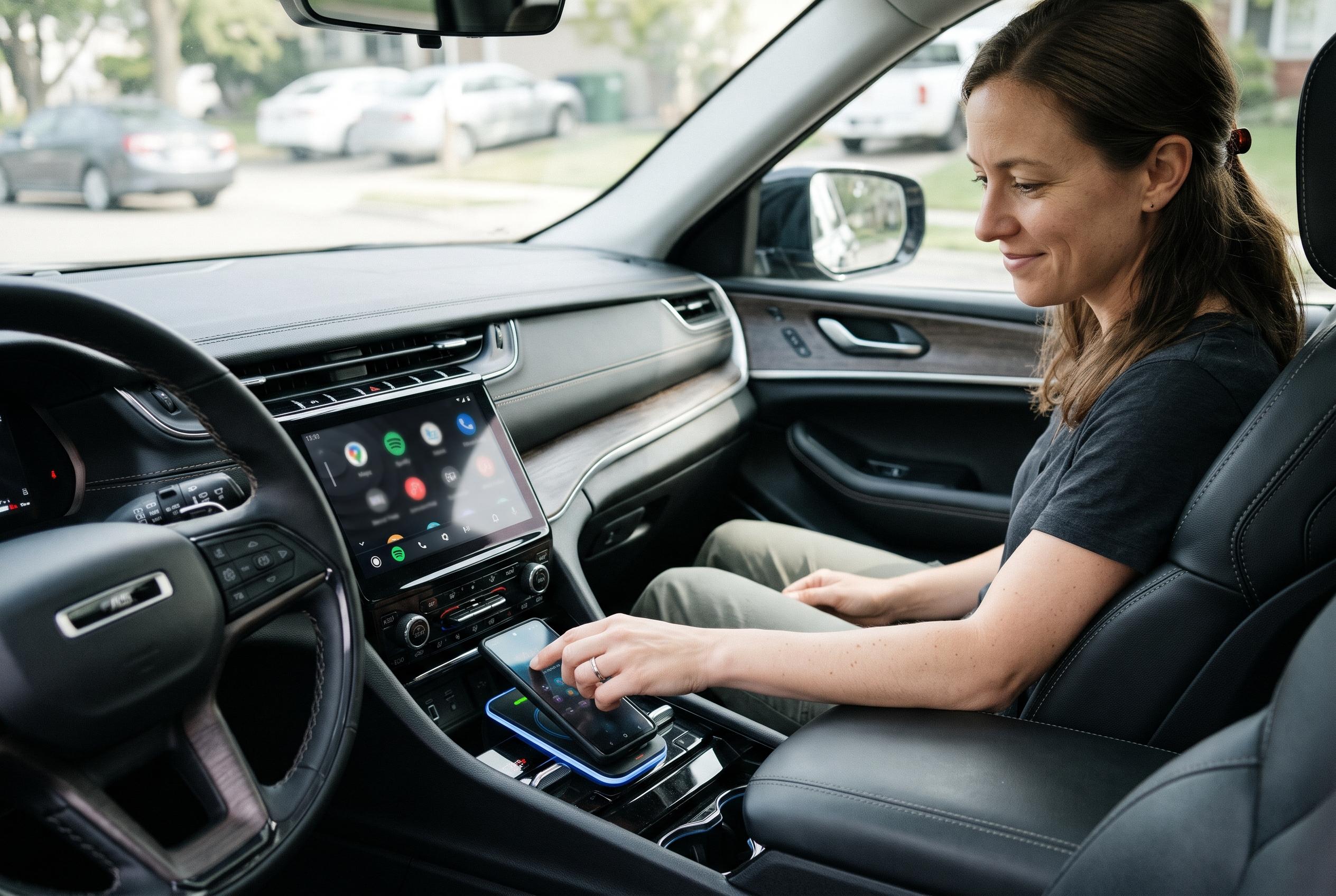

Switching to LTE, disabling 3D buildings and downloading maps and media before a journey can reduce battery use without giving up wireless Android Auto.
Wireless Android Auto can be convenient, but it can also leave a phone noticeably depleted by the end of a drive. According to XDA Developers, the biggest gains came not from abandoning wireless connectivity altogether, but from changing a few phone-side settings that quietly increase power use. The result was a simpler setup that preserved navigation and music playback while reducing the need to think about charging immediately after leaving the car.
The first adjustment was to stop using 5G during the journey and fall back to LTE. That is a sensible trade-off for most in-car tasks, because map guidance, traffic updates and music streaming do not need the extra bandwidth of 5G. Independent battery guides note that 5G can use more power than LTE, partly because phones may search more aggressively for stronger signals or maintain dual connections in some network modes. Android Central says newer devices and better coverage are improving efficiency, but the current difference can still be noticeable, especially in areas with patchy reception. XDA Developers said the setting can usually be found under the handset’s network mode or preferred network type menu.
A second change was to switch off 3D buildings in Google Maps. The feature can make maps look more realistic, and it may help when driving through unfamiliar city centres, but it is not essential for route following. XDA Developers said disabling it lowered heat and reduced the app’s power draw, even if the effect was smaller than the 5G change. Guidance from TechRadar and other Android tutorials confirms that the option sits inside Google Maps settings and can be turned off from the navigation interface, although the exact menu wording may vary by device and software version. In practical terms, the map becomes less detailed, but the core directions remain unchanged.
The final step was more of a usage change than a settings tweak: download what is needed before setting off, then rely on offline content where possible. That means saving maps for the route and pre-downloading playlists or podcasts, so mobile data can stay off for the trip. XDA Developers noted that this works best on longer journeys, especially on motorways or other routes where live traffic rerouting is less important. The compromise is obvious: without a data connection, Google Maps cannot offer live congestion data or traffic-based alternatives, and internet-based messages will not arrive until the phone reconnects. Even so, for drivers who want wireless Android Auto without the constant battery penalty, it is a workable and fairly simple approach.
Disclaimer: This content is intended for informational purposes only. Readers are advised to exercise their own judgement, conduct due diligence, or consult a qualified expert before acting on any information provided.