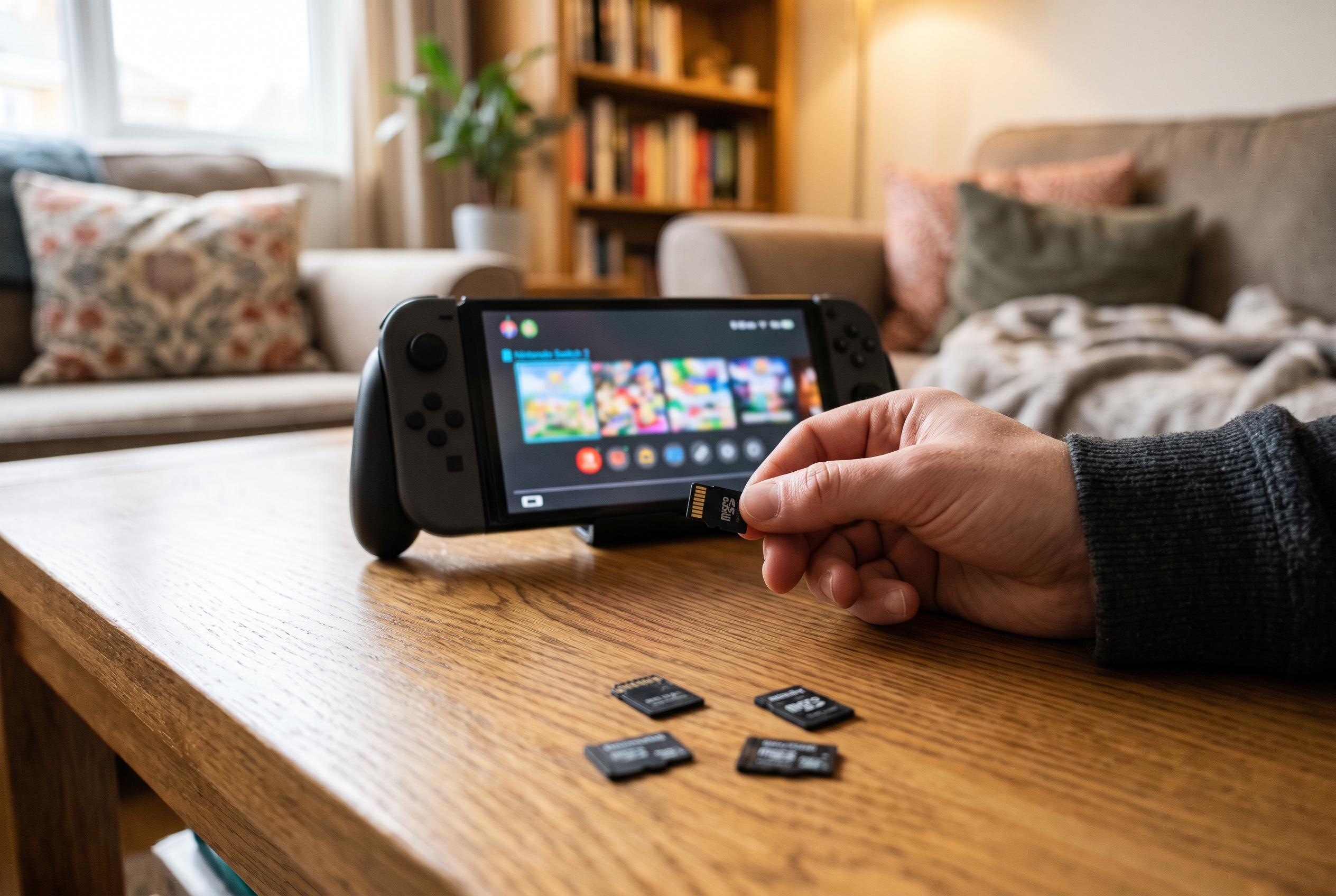

Nintendo’s new console supports expandable storage only through microSD Express cards, leaving owners of older Switch cards unable to use them for games or save data.
The Nintendo Switch 2’s storage story begins with a simple but easily missed constraint: the console does not accept the ordinary microSD cards that millions of original Switch owners already have. According to Nintendo Support, the machine works only with microSD Express cards for expandable storage, and it will not use an older microSD card to save or load digital games or save data. That compatibility rule, more than anything else, explains the confusion around early purchases and the complaints from buyers who found their existing cards were effectively obsolete. Nintendo also says the first use of a microSD Express card requires a system update over the internet, and that cards of up to 2TB are supported.
The practical effect is that Switch 2 owners have to think differently about storage from the outset. Nintendo lists 256GB of internal storage, which is far more than the original Switch offered, but modern games still consume space quickly. Recent eShop listings cited in the lead material show how uneven install sizes can be: some titles are only a few gigabytes, while others run into the tens of gigabytes once updates are included. That makes the choice of card size more than a simple capacity question. It is also a timing question, because patch downloads, game-key cards and larger Switch 2 editions can all push a library beyond internal storage sooner than many buyers expect.
Nintendo’s own guidance points to a straightforward buying rule: choose a card that is explicitly marked microSD Express and, ideally, one that also names Switch 2 compatibility on the packaging. The company says licensed cards are available from retailers that sell Nintendo games. Industry coverage quoted in the source material suggests the market is still narrow, with retail options commonly ranging from 128GB to 1TB even though Nintendo supports up to 2TB. That gap matters because buyers are dealing with a new format, a higher price per gigabyte than older cards, and promotions that can change quickly. In other words, the safest purchase is not the cheapest card with a familiar logo, but the card that states the correct standard plainly.
A further complication is that a card’s physical fit tells you almost nothing about whether it will work. microSD Express uses the same small form factor as older microSD cards, which means an incompatible card can slide into the slot without resistance and still fail to function. That is why the source material stresses checking the label rather than relying on size, speed class or the fact that the card came from an original Switch. Windows Central has also reported that faster microSD Express cards are beginning to appear in capacities as large as 1TB, with quoted sequential speeds far above standard UHS cards, although those figures are only meaningful when the reader and host device support the new standard.
Nintendo’s support documentation also makes clear that a system update is part of the first-time setup process, which reduces the chance of a card appearing to be unsupported when the real problem is stale software. The advice to update before troubleshooting is sensible, particularly because users are now dealing with a new storage standard and a console ecosystem that will continue to change. For buyers planning a large digital library, the best approach is to verify the card on arrival, let the console format it when prompted, and then move or download software only after the system recognises the card correctly.
The broader lesson is that Switch 2 storage is no longer a matter of simply reusing old hardware. Nintendo has raised the internal baseline, but it has also moved the expandable-storage requirement to a newer, faster and more expensive card format. That creates a clear divide between what an original Switch owner already has and what a Switch 2 owner now needs. For anyone shopping this week, the safest assumption is that an old card belongs with the old console, while the new machine demands a fresh purchase that is specifically designed for microSD Express.
Disclaimer: This content is intended for informational purposes only. Readers are advised to exercise their own judgement, conduct due diligence, or consult a qualified expert before acting on any information provided.