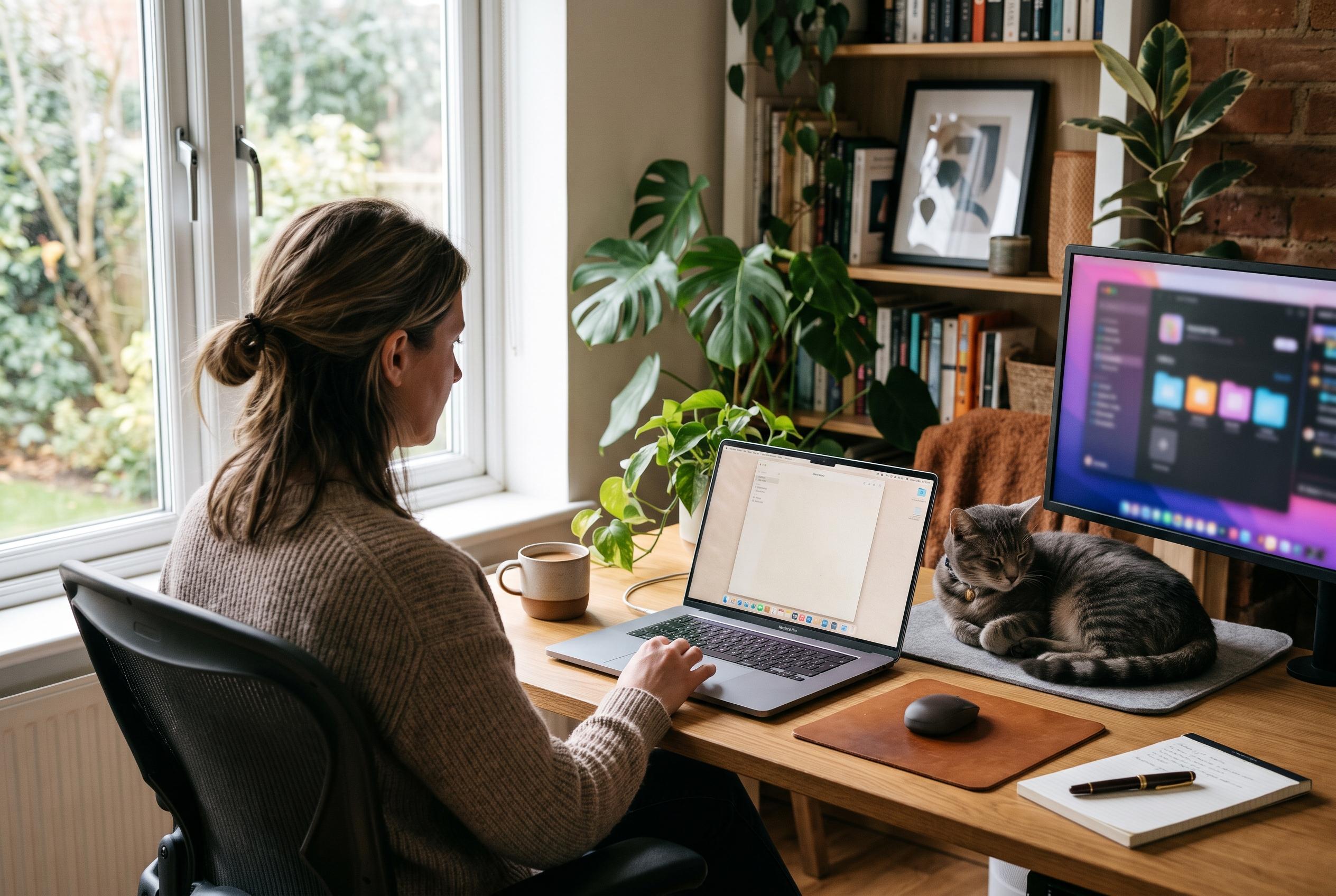

From a virtual clothesline for screenshots to paper-textured displays and cat-proof keyboards, these utilities show how practical software can still have personality.
Three Mac utilities stand out for showing that practical software can also feel engaging to use. In Digital Trends’ round-up, the common thread is not novelty for its own sake, but small design choices that make everyday tasks less tedious: a cleaner way to handle screenshots, a softer visual environment for long sessions at the screen, and a simple safeguard for anyone sharing a desk with a cat.
Tendedero is the clearest example of that approach. Rather than dumping every capture on to the desktop, it places screenshots on a virtual clothesline that appears above the screen when needed. That means the user can keep working with the standard macOS shortcuts while the app handles the filing and presentation. The article says screenshots can be clicked to copy, long-pressed to open Markup, double-clicked to open in Preview, or dragged into another app or a folder. Screen recordings are handled in the same way, and the line can be dismissed with a menu-bar click or a keyboard shortcut.
Paperman takes a different route by changing how the display feels rather than what it shows. According to the developer’s site and App Store listing, the app overlays a paper-like texture across the screen to soften contrast and reduce glare, while leaving colours intact. It offers a choice of textures, including Classic Matte and Sunbaked Parchment, as well as separate settings for light and dark modes and an adjustable intensity range. It also adds optional Desk Lamp and Art modes, with the latter displaying famous paintings when the Mac is idle. The app is sold as a one-time purchase and is also available through Setapp.
Cats Lock is the most specialised of the three, but perhaps the most immediately useful for a certain type of user. The app locks the keyboard across any programme, either manually through a shortcut or automatically through its Smart Detect system, which looks for the random burst patterns typical of a cat walking across keys. The article notes that the detection runs locally on the Mac and does not read typed content, only key-press behaviour. Users with external keyboards can lock just the MacBook’s built-in keyboard, and the app also supports custom lock screens, sounds and profiles.
Taken together, the three apps point to a broader shift in Mac software design: utility no longer has to mean plain interfaces and predictable interactions. A screenshot tool can feel playful, an eye-comfort app can be decorative as well as functional, and a keyboard lock can be built around a very specific real-world problem without becoming cumbersome. That is what makes this shortlist compelling. Each app solves an ordinary irritation, but does so in a way that adds a little character rather than subtracting it.
Disclaimer: This content is intended for informational purposes only. Readers are advised to exercise their own judgement, conduct due diligence, or consult a qualified expert before acting on any information provided.