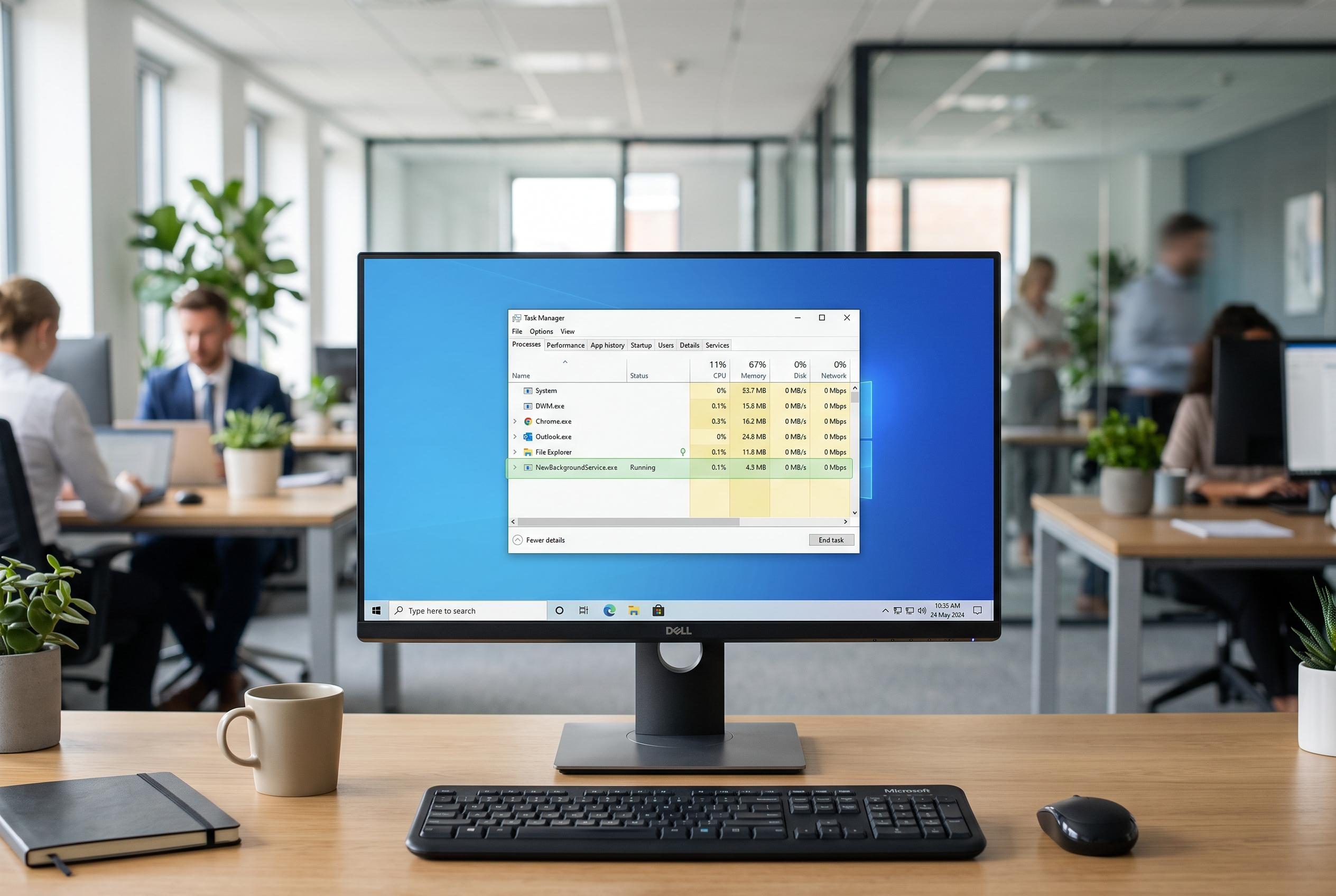

Early indicators of unauthorised activity on Windows PCs, such as unfamiliar processes or configuration changes, can help users detect potential security threats before they escalate, with tools like Task Manager and lightweight monitoring systems playing a key role.
A Windows PC that suddenly feels different may not be broken so much as worth checking. An unfamiliar programme, a process with a vague name, unexpected fan noise or a startup app that was not there before can all be early clues that something has changed. Security specialists increasingly treat this kind of visibility as part of defence, not just the job of antivirus software.
One of the first places to look is Task Manager. Microsoft says its Processes, Performance, Users, Details and Services tabs can help users see what is running, how much memory it is using and whether a task has become stuck or suspicious. That matters because high CPU or memory use is not automatically a sign of malware. Intel notes that resource-heavy applications can make a computer slow, unresponsive or noisy, while Tom’s Hardware points out that Windows often uses RAM aggressively for caching, so high usage alone is not always a problem.
Other warning signs are less about performance and more about change. New startup entries, unfamiliar PowerShell activity, unexplained USB connections and changes to Windows Defender settings all deserve attention because they can point to software or behaviour the user did not approve. Temporary folders are another area to watch, since odd executable files appearing there can indicate something that is trying to hide.
The broader lesson is that security depends on context. A single strange process may be harmless, but a record of when it appeared, where it lives on disk and what else was happening at the same time can help separate routine system behaviour from genuine risk. That is the logic behind lightweight monitoring tools such as SysPulse, which its creator says is designed to show new processes, executable paths, resource use and alerts without replacing antivirus protection.
Disclaimer: This content is intended for informational purposes only. Readers are advised to exercise their own judgement, conduct due diligence, or consult a qualified expert before acting on any information provided.