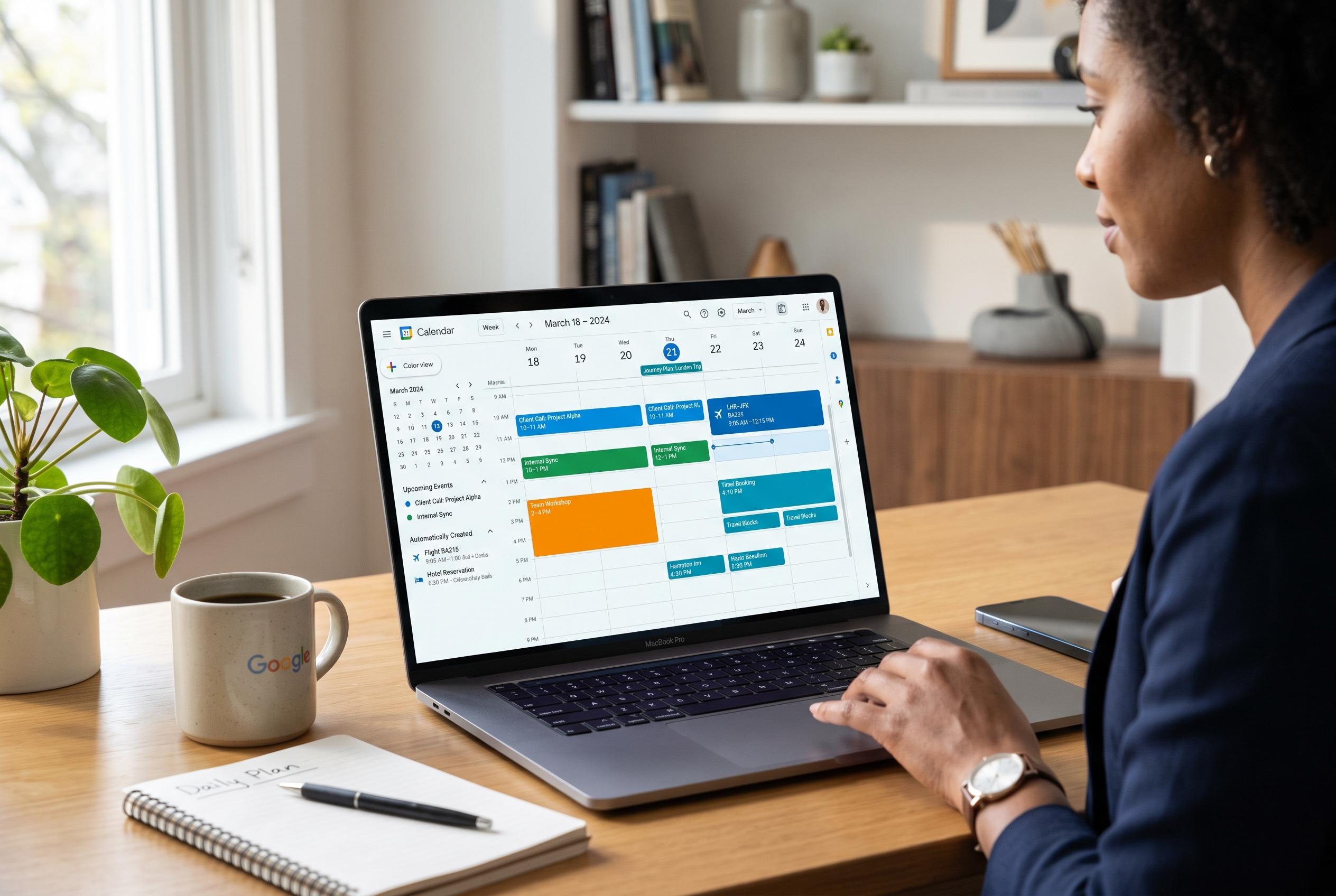

While often viewed as a basic diary, Google Calendar’s advanced features , from automatic event creation to journey planning , are transforming how users manage their time and commitments across personal and professional life.
Google Calendar is often treated as a basic diary, but its deeper features make it far more useful than many users realise. As How-To Geek noted, the service can reduce manual entry, tie scheduling to travel time, keep work and personal commitments separate and even bring tasks into the same view as meetings. Google’s own support material confirms that much of this relies on built-in links with Gmail and Calendar settings that are easy to overlook.
One of the most practical functions is automatic event creation from Gmail. According to Google’s support pages, Calendar can recognise travel bookings, hotel reservations, restaurant confirmations and similar emails, then add them to the schedule with details such as locations, confirmation numbers and links back to the original message. Google also allows users to create a calendar event directly from a Gmail message, which is useful when an email contains the details for a meeting or call.
Travel reminders are another quiet but valuable feature. When an event includes a location, Calendar can prompt the user when it is time to leave, using traffic data from Google Maps to estimate departure time. That makes the reminder system more than a simple alert; it becomes a basic journey planner, which is particularly helpful for in-person meetings and appointments across busy cities.
Organisation also improves when users create separate calendars for different parts of life. Google Calendar lets people maintain distinct schedules for work, personal commitments and errands, then combine them visually through colour coding. The web version is especially useful here, because it supports calendar creation and more detailed management options before those calendars sync to mobile devices.
Recurring events are another obvious but underused tool. Instead of entering the same meeting, bill payment or weekly errand again and again, users can set repeat rules for daily, weekly or monthly patterns, or build a custom schedule. That small change saves time and reduces the chance of missing regular obligations.
Google Calendar also includes task management and appointment booking features that make it more than a conventional calendar. Tasks can sit alongside events, carry due dates and repeat if needed, while appointment scheduling on the web lets others pick from open slots without the usual exchange of messages. For people working across regions, a secondary time zone can be shown on the desktop view, which removes the need for constant mental conversion. Together, these features explain why Google Calendar is not just a place to store dates but a tool for managing time more deliberately.
Disclaimer: This content is intended for informational purposes only. Readers are advised to exercise their own judgement, conduct due diligence, or consult a qualified expert before acting on any information provided.