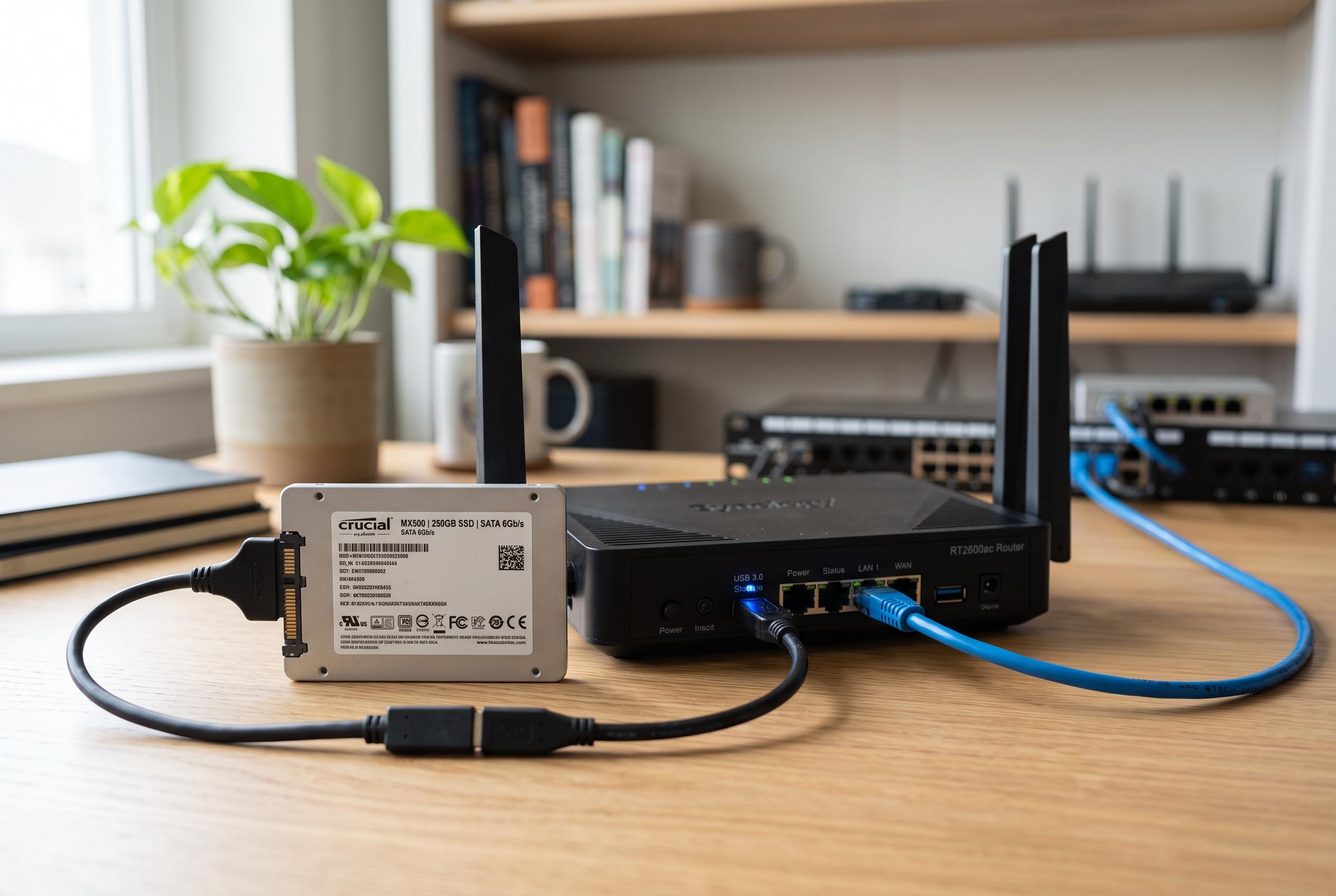

A modest 250GB SSD can still serve as an effective, quiet, and low-power storage node in a home network, provided it is paired with reliable hardware and wired Ethernet for consistent performance.
A 250GB SSD may look underpowered by modern standards, but it can still serve a useful role in a home NAS if the job is defined carefully. For small shared folders, documents, scanned records and light backup duties, that capacity is enough to create a fast, quiet and low-power storage node rather than a full-scale media server. The key is to treat the SSD as one part of a broader setup, not as the only place where all data lives.
The most practical approach is to pair the drive with a modest host machine that can stay on continuously, connect by Ethernet and expose the storage across the network. That could be a Raspberry Pi, an ageing mini PC or even a low-cost Windows system, provided it has stable networking, a decent USB connection for an external enclosure and enough processing power for basic file sharing. In practice, a used office mini PC often makes more sense than a bargain-basement single-board computer once the cost of power supplies, cases and accessories is added.
Power stability matters more than raw performance in this kind of build. A small NAS does not need much cooling or horsepower, but it does need reliable power delivery. For that reason, a proper power supply is worth more than saving a few pounds on unknown adapters or second-hand components with no clear provenance. The same logic applies to the enclosure and host: the aim is dependable operation, not the cheapest possible parts list.
Wired networking is also the right choice. According to How-To Geek, Wi-Fi can work in theory, but Ethernet is the sensible option for a storage device that should remain available at all times. Even basic Gigabit Ethernet is sufficient for a lightweight NAS, and in many cases the network link, USB enclosure or ageing host hardware will become the bottleneck before the SSD does. That makes the build predictable, which is usually more valuable than chasing theoretical speed.
Memory requirements are modest as well. For simple SMB file sharing, backups and everyday document access, a small amount of RAM is enough, and older DDR3 or DDR4 systems can still do the job. The SSD can also be used more strategically in a larger NAS as a cache tier, speeding up frequently accessed files while larger hard drives provide bulk capacity. That mirrors a broader trend in the NAS market: budget systems are increasingly split between simple, low-cost two-bay boxes and higher-end all-flash or multi-bay units, such as Synology’s entry models, Ugreen’s compact starter NAS and faster devices aimed at creators who want 2.5GbE or 10GbE networking. The point remains the same: storage hardware does not need to be new to be useful, and a spare 250GB SSD is often better repurposed than left in a drawer.
Disclaimer: This content is intended for informational purposes only. Readers are advised to exercise their own judgement, conduct due diligence, or consult a qualified expert before acting on any information provided.