

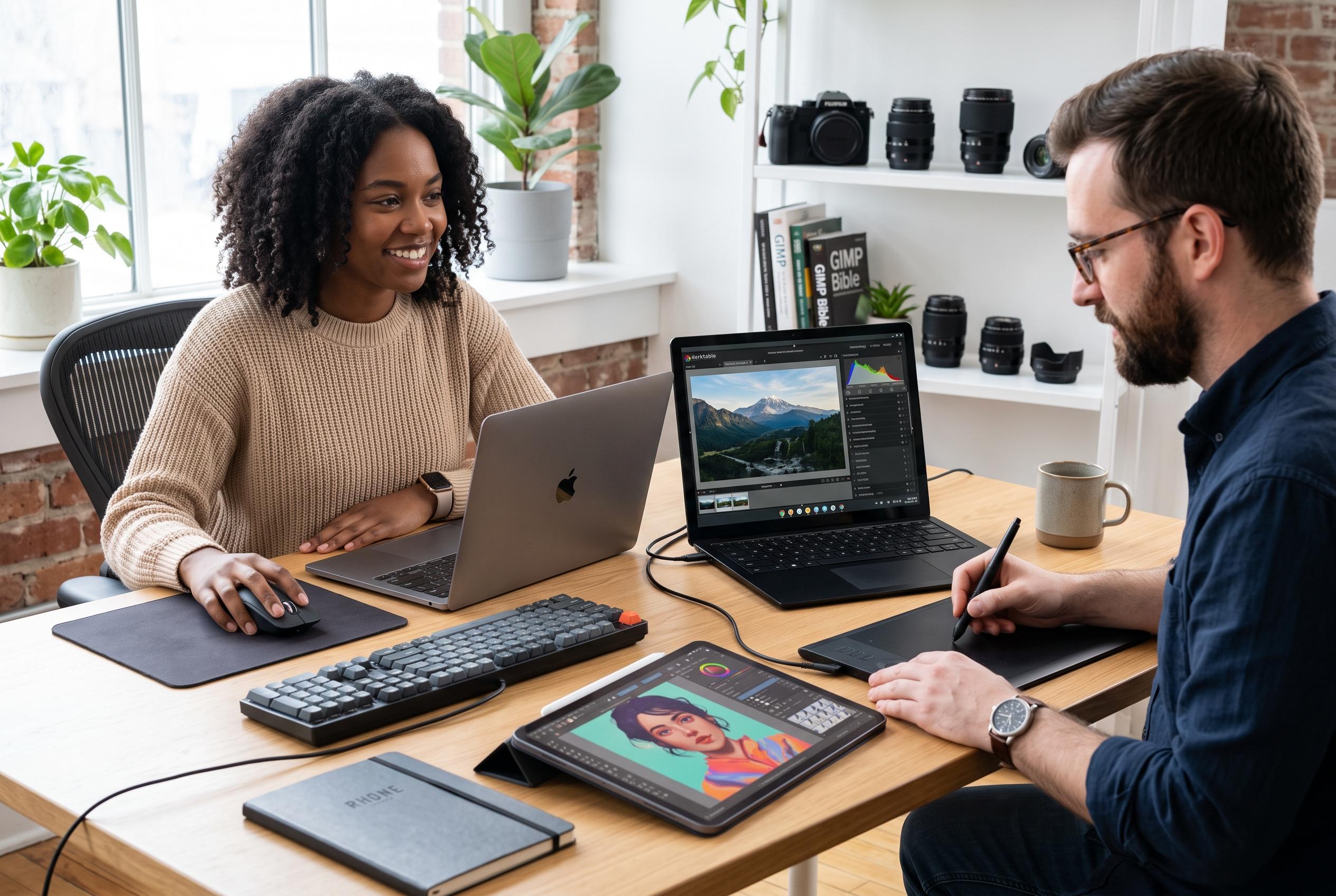

Photographers seeking to bypass subscription-based software now have a diverse array of capable, cost-effective alternatives ranging from free open-source programs to one-time purchase apps, transforming the way images are edited across all levels of expertise.
For photographers who do not want to rely on Adobe’s subscription model, there is no shortage of capable alternatives. The Phoblographer says the appeal is straightforward: several established tools can handle serious photo editing, from RAW development and colour correction to layered retouching and mobile workflows, without forcing users into Lightroom or Photoshop.
Darktable is one of the strongest free options for photographers looking for a Lightroom-style workflow. According to the software’s own positioning and independent reviews, it is an open-source RAW editor available on Windows, macOS and Linux, with tools for exposure, colour, masking, sharpening and lens correction. It is built for non-destructive editing, which means the original file is preserved while adjustments are stored separately.
RawTherapee is another open-source RAW processor, and its focus is different. The programme is aimed at users who want detailed control over colour science, tone curves and highlight recovery. That makes it especially useful in difficult lighting conditions, although TechRadar and the RawTherapee project both note that its depth can make it less approachable for newcomers.
Capture One remains one of the most established premium alternatives to Lightroom. Digital Camera World describes it as a high-end choice, particularly strong for studio and fashion work, while its tethering support makes it valuable for commercial photographers working with connected cameras. It is widely regarded as a professional tool, but also one that demands time to learn.
For Photoshop-style editing, GIMP and Photopea are the most accessible substitutes in this group. GIMP is a long-running free editor with layers, masks, cloning and scripting, while Photopea runs in a browser and can open RAW files and PSD documents. That makes Photopea especially practical for students, occasional editors and anyone who needs layered editing without installing desktop software.
Affinity Photo sits in a different category because it is a paid app with a one-time purchase rather than a subscription. Digital Camera World notes that it offers strong layer-based editing, masking, RAW support, panorama stitching and focus stacking, while TechRadar says ON1 Photo RAW 2026 is another serious contender for photographers who want broad editing and image-management tools without monthly fees. ON1’s review also highlights its AI-assisted masking and enhancement tools, plus a $100 one-off purchase model.
On mobile, Snapseed remains one of the most useful free editing apps for photographers who work from a phone. It offers filters such as Noir and Vintage, along with tools for double exposure, tonal contrast and vignetting. ACDSee Photo Studio Ultimate 2026 is another option for desktop users, especially on Windows, combining cataloguing, non-destructive development, AI tools and multi-layer editing, although it is more complex and can feel crowded. For many photographers, the deciding factor is not which app is best overall, but which one matches their workflow, budget and willingness to learn a new interface.
Disclaimer: This content is intended for informational purposes only. Readers are advised to exercise their own judgement, conduct due diligence, or consult a qualified expert before acting on any information provided.



