

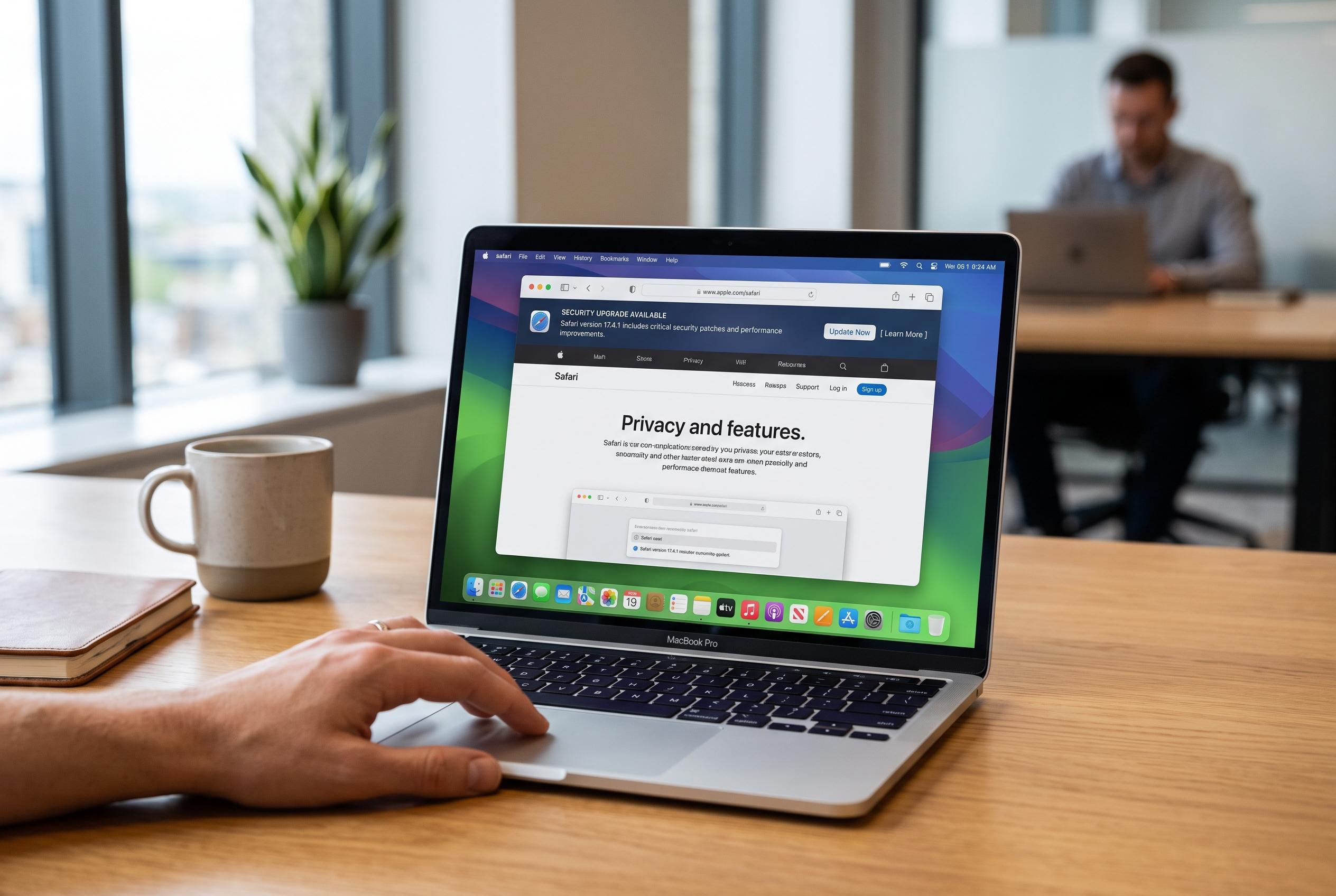

Regular updates to Safari are essential not just for the latest features but for maintaining security, compatibility, and optimal performance on Apple devices. Delaying updates leaves vulnerabilities unpatched and can compromise browsing experience.
Keeping Safari current is less a cosmetic choice than a basic security measure. On Apple devices, the browser is updated through the operating system, so a Safari patch usually arrives with a macOS, iOS or iPadOS update rather than as a separate download. That design keeps Safari aligned with the rest of the system, but it also means users who ignore system updates may leave known weaknesses unpatched for longer than they realise.
The practical case for updating is straightforward. Browser updates routinely include fixes for security flaws, performance improvements and compatibility changes that help websites load and behave properly. iDownloadBlog notes that Safari on iPhone and iPad is updated through Settings, while Mac users manage it through System Settings, making the process simple once you know where to look.
Security remains the strongest reason to stay on the latest version. Outdated browsers can expose users to phishing attacks, malware and other exploits that target known vulnerabilities. Several support guides stress that Apple bundles Safari fixes into operating-system updates specifically to keep those protections current, which means delay is often the real risk rather than the update itself.
Performance is another benefit that is easy to overlook. Newer Safari builds typically improve page rendering, JavaScript handling and memory use, which can make everyday browsing feel faster and more stable. That matters particularly on older devices, where small efficiency gains can reduce lag and prevent tabs from becoming unresponsive.
Safari updates also help preserve access to modern websites. As web standards evolve, older browser versions can struggle with newer coding methods, leading to broken layouts, missing functions or failed page loads. Keeping Safari updated reduces those compatibility problems and makes the browser more reliable across contemporary sites and web apps.
Privacy is a further part of the equation. Apple has gradually expanded Safari’s tracking protections, and each software release can strengthen those controls. For users who rely on features such as tracker blocking and Apple’s broader privacy tools, staying updated is important because those defences are refined over time rather than left static.
For Mac users, the update path is usually System Settings, then General, then Software Update. On older versions of macOS, the route may still pass through System Preferences. If an update is available, installing it will also update Safari to the newest version supported by that operating system.
The same principle applies on iPhone and iPad. Safari is not updated separately on those devices; it arrives with iOS or iPadOS updates through Settings, then General, then Software Update. For most users, enabling automatic updates is the simplest way to avoid missing security fixes and feature improvements.
In practice, the advice is simple: keep the device itself updated and Safari will follow. That approach protects against security gaps, improves reliability and ensures the browser remains compatible with the modern web. For Apple users, maintaining Safari is really just part of maintaining the device.
Disclaimer: This content is intended for informational purposes only. Readers are advised to exercise their own judgement, conduct due diligence, or consult a qualified expert before acting on any information provided.



