

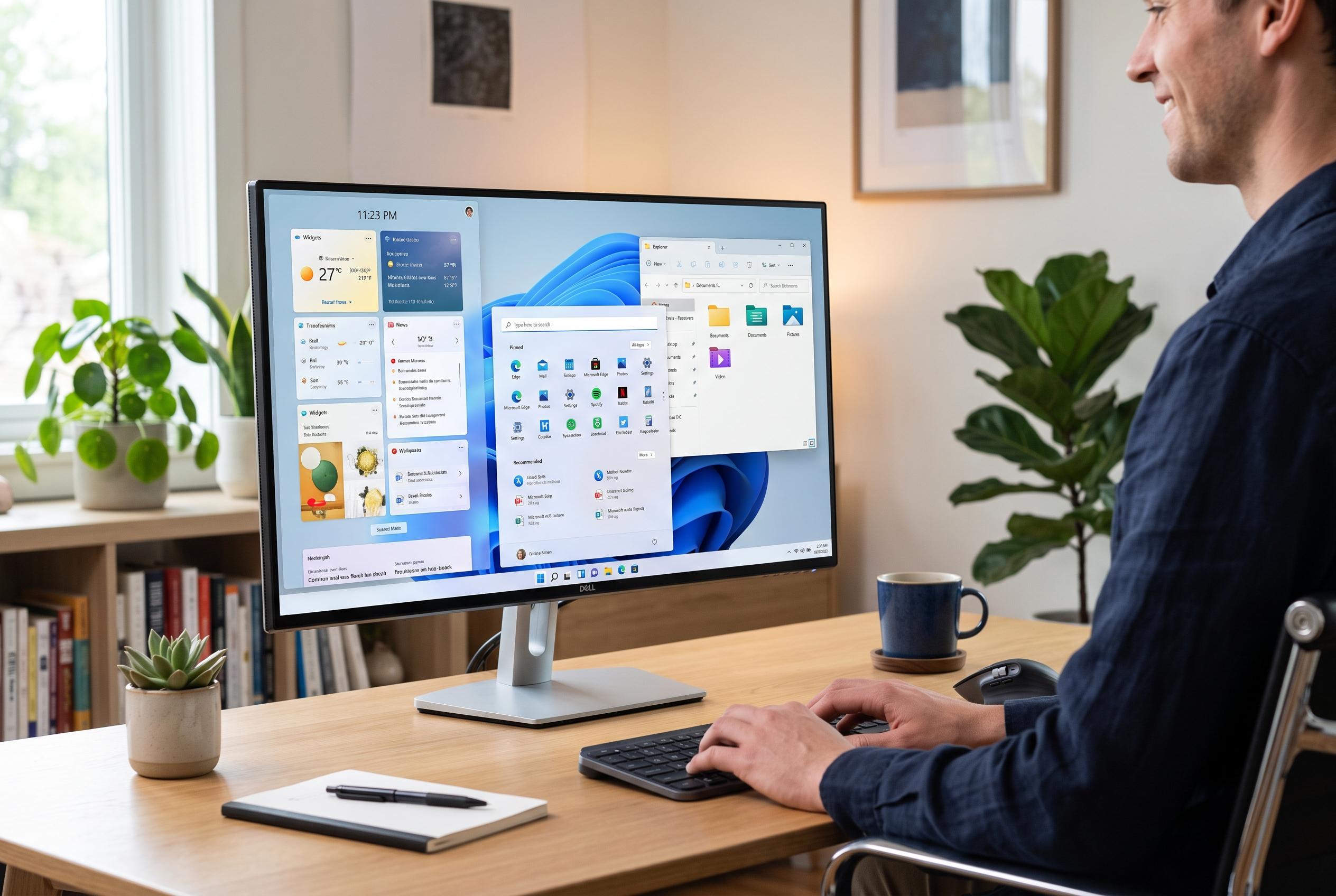

Microsoft is accelerating Windows 11’s modernisation by expanding WinUI, addressing years of interface inconsistency and technical debt. The move aims to create a more cohesive, responsive experience amid ongoing updates and strategic reforms.
Microsoft is finally moving to tidy up Windows 11, but the latest wave of changes also underlines how long the operating system has been burdened by a patchwork of old and new interface layers. Windows Central reported that Microsoft is expanding its use of WinUI, the company’s modern interface framework, to improve performance and reduce the visual and technical inconsistency that has defined parts of Windows for years. Some of those changes are already appearing in the Windows Insider programme, while others remain in preview or are still only shown in mock-ups. According to Windows Central, that makes the overhaul welcome but also late.
The core criticism is not that modernising Windows is easy. Marcus Ash, Microsoft’s vice-president for design and research, told Windows Central that updating legacy components is a difficult process, especially when older code must continue to support enterprise customers and long-standing workflows. But the broader issue is strategic: Windows Central argues that a more unified system should have been a priority much earlier, rather than something Microsoft now appears to be tackling after years of user complaints and accumulated technical debt.
Microsoft’s current approach is more systematic than earlier cosmetic refreshes. Windows Central reported that the company is using WinUI to update more parts of the interface, including the File Properties dialogue, the Autoplay menu, Print Management, the Run dialogue and elements of the Start menu. The aim is not only a cleaner look but also better responsiveness, darker mode support where appropriate and lower memory use on some PCs. In parallel, Windows Central says Microsoft is also developing tools to make future modernisation faster, so components such as File Explorer and Registry Editor can be rebuilt with less friction than before.
The company’s wider Windows K2 effort suggests this is now a broader reset rather than a handful of isolated fixes. Windows Central has reported that Microsoft is testing changes this year aimed at making Windows Update less intrusive, reducing advertising and AI clutter, improving Taskbar and Start menu customisation and adding performance gains through a low-latency profile. July updates in the Insider channel also brought refinements to Search, Start, User Account Control and File Explorer. Taken together, the work points to a company that is finally trying to make Windows feel coherent again, even if the scale of the cleanup is a reminder of how far the platform drifted from that goal in the first place.
Disclaimer: This content is intended for informational purposes only. Readers are advised to exercise their own judgement, conduct due diligence, or consult a qualified expert before acting on any information provided.



