

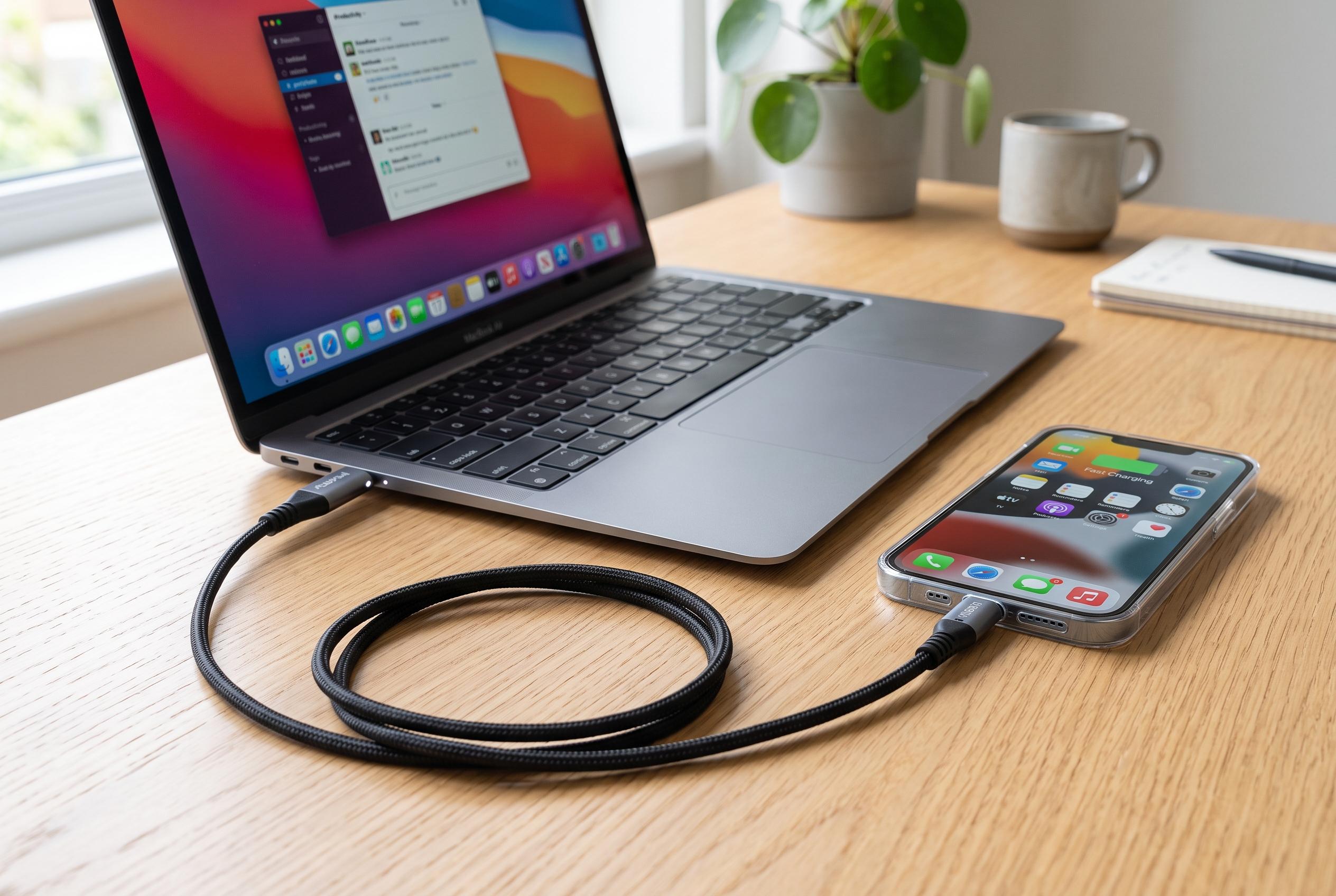

While USB-C connectors are reversible by design, actual performance varies with cable quality, certification, and device compatibility, highlighting the importance of choosing certified cables for optimal speed and power delivery.
USB-C is reversible by design, but that does not mean every USB-C cable behaves the same. The connector can be inserted either way and, in a compliant setup, charging and data transfer should work consistently regardless of orientation, according to the USB Implementers Forum’s specification. Where users see a difference, the cause is usually a fault in the cable, port or device rather than a “wrong” side of the plug.
That distinction matters because USB-C describes the shape of the connector, not a fixed level of performance. The USB-IF’s certification programme makes clear that cables vary in capability, including power delivery and data speed, and that buyers should choose a certified cable matched to the device’s requirements. In practice, two cables with the same plugs can support very different functions. One may charge a phone and carry basic data, while another can handle faster transfers, external displays or laptop charging.
The article’s point is reinforced by the USB-IF’s technical framework, which allows USB-C cables to scale from simpler charging use cases to much higher power levels. Industry reporting on the USB-C 2.1 revision noted support for Extended Power Range, or EPR, which raises the ceiling to 240W for compatible devices and cables. That is enough for some laptops, but only when the charger, cable and device all support the same standard.
That is why flipping a plug will not make a weak charger faster or turn a limited cable into a high-speed one. USB-C charging speed depends on the full chain: the device, the adapter and the cable. If one of those parts supports only modest power or older USB 2.0 data rates, performance will stay limited no matter which way the connector is turned.
When a cable appears to work only in one orientation, the sensible test is to try another certified cable and another port. If the problem disappears, the original cable is likely damaged or non-compliant. If data transfer remains slow but charging works, the cable may simply be built for basic charging rather than higher-speed file transfers or video output. The practical lesson is straightforward: USB-C is reversible, but its performance depends on the specification behind it.
Disclaimer: This content is intended for informational purposes only. Readers are advised to exercise their own judgement, conduct due diligence, or consult a qualified expert before acting on any information provided.



