

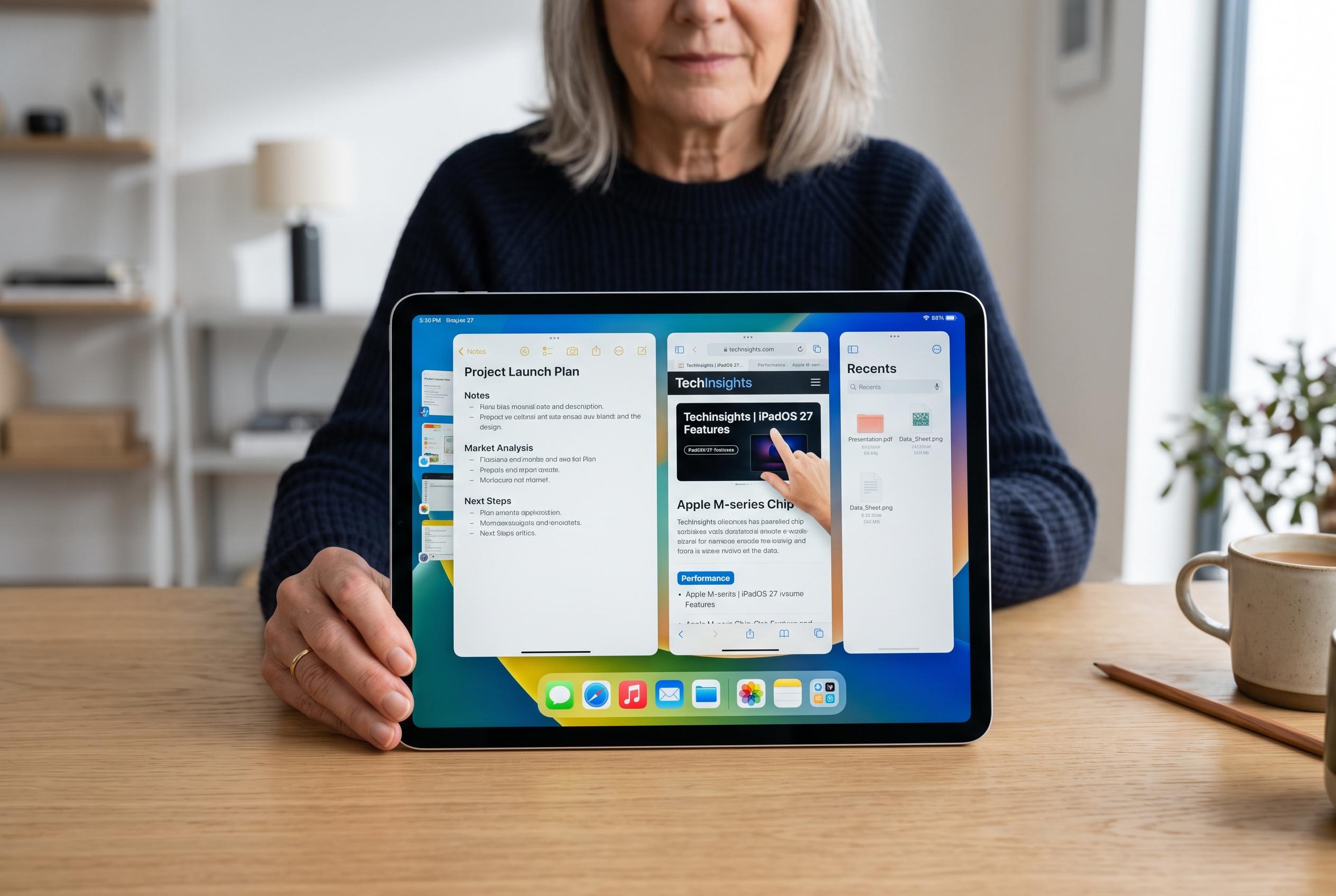

The latest update to iPadOS 27 significantly refreshes older iPads, boosting responsiveness, multitasking, and interface usability, although certain hardware limitations remain.
On an iPad 10 with Apple’s A14 chip, iPadOS 27 appears to do what many major software updates promise but rarely deliver: make older hardware feel less constrained. In a hands-on account published by AppleInsider, the writer said the tablet felt noticeably quicker after installation, with smoother multitasking, faster window movement and fewer app reloads during everyday use. That impression is in line with Apple’s own claims that iPadOS 27 delivers sharper app launches, quicker transfers and broader performance gains across supported iPads.
The biggest improvement seems to come in split-screen and floating-window work. According to the AppleInsider test, switching between apps became nearly immediate, while dragging windows no longer felt sticky or delayed. MacRumors reached a similar conclusion in its hands-on review, saying the update makes multitasking feel more responsive and gestures for closing, switching and moving windows feel faster. Apple has also said the updated task scheduling is available across all supported iPads, not just the newest models.
The update also appears to clean up a few long-standing interface irritations. AppleInsider said an annoying visual glitch when closing the App Library has disappeared in iPadOS 27, leaving the transition smooth. Apple’s release notes and MacRumors’ roundup also point to a new always-visible menu bar, intended to give users quicker access to app controls and make the iPad feel closer to a laptop in daily use. Apple says that menu bar can remain on screen, while MacRumors notes it also shows the active app name in the status area.
There are limits, though. The A14-based iPad 10 still cannot run Apple Intelligence, which Apple has tied to much newer hardware such as M1 or A17 Pro-class chips. AppleInsider said one banking app stopped launching after the upgrade, but reinstalling the latest version fixed the problem. That kind of issue is common with betas and is one reason AppleInsider advised against installing the build on a primary work device.
Battery life, at least in this early testing, did not appear to suffer. AppleInsider said the tablet’s charging rhythm stayed broadly the same and there was no obvious overnight drain. That is encouraging for a beta build, since early versions often expose power-management bugs before Apple refines them for release. Apple’s own materials emphasise wider efficiency gains across browsing, file transfers and app launches, suggesting the company is aiming for both speed and polish.
Taken together, the reports suggest iPadOS 27 is unusually generous to older iPads. For the iPad 10 in particular, the update seems to improve responsiveness, tidy up interface behaviour and add a genuinely useful menu bar, even if it stops short of bringing the device into Apple’s AI era. For users whose iPads are still on the supported list, the evidence points to a worthwhile upgrade.
Disclaimer: This content is intended for informational purposes only. Readers are advised to exercise their own judgement, conduct due diligence, or consult a qualified expert before acting on any information provided.



