

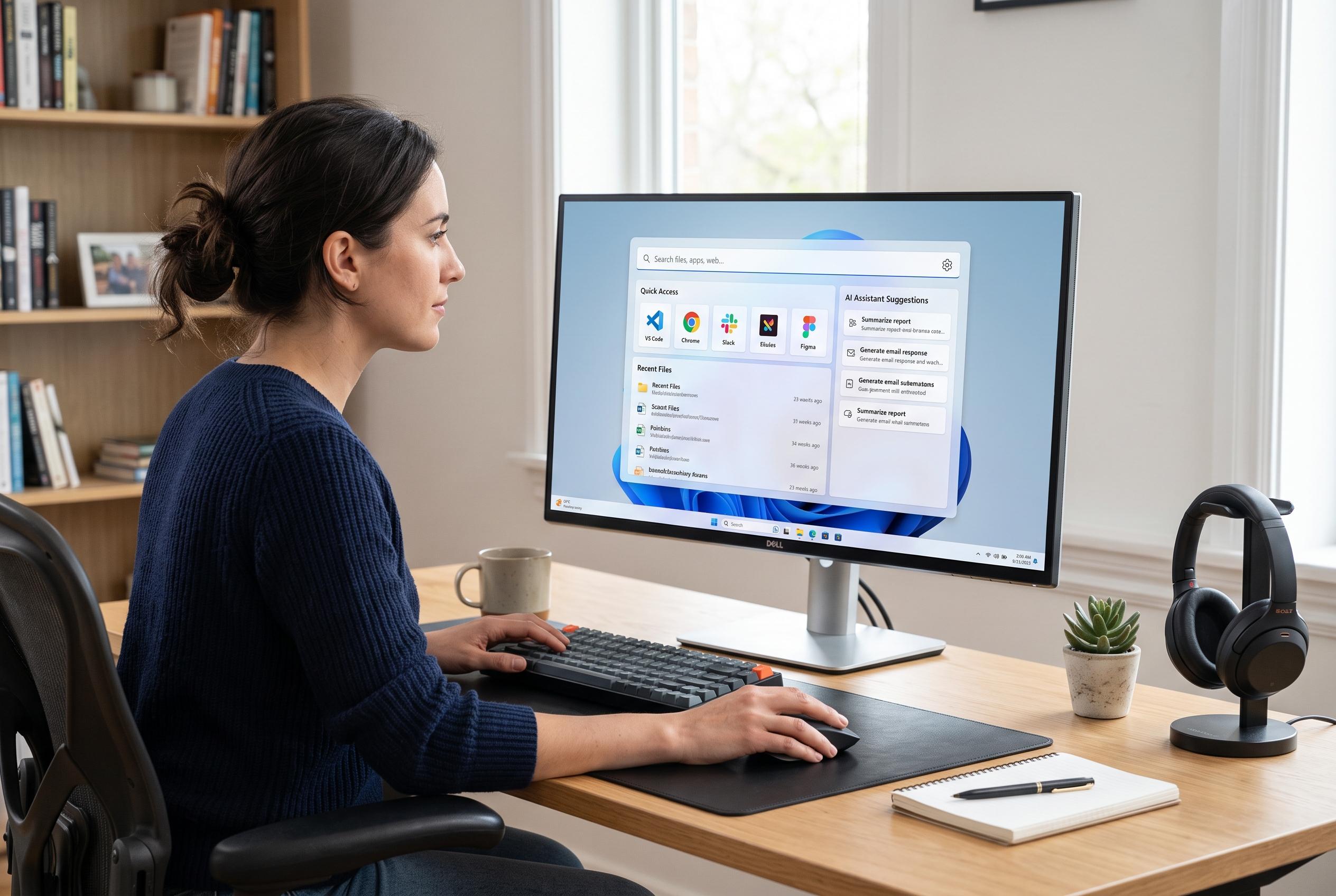

As Windows users seek faster, more focused ways to access applications and commands, modern launchers are transforming from simple shortcuts into comprehensive control centres, integrating search, file management, and AI features to streamline workflows.
Windows users have long relied on a patchwork of utilities to make the system feel more efficient. Some turn to ExplorerPatcher to restore older interface elements, while others use tools such as Winaero Tweaker to disable features they do not want. But the strongest case for a launcher is simpler: it gives one keyboard-first entry point for apps, files, commands and system actions, reducing the need to move through nested menus or depend on Windows Search.
That matters because the standard Windows launch process can feel slow and inconsistent. Users can open the Start menu, click pinned apps, search for a file or setting, or use the Run dialogue, but each route still involves extra steps or remembered command names. In practice, launchers compress that workflow into a single search field, which is why they are increasingly popular with power users and anyone trying to cut down on repetitive clicks. PCWorld has previously noted that app launchers can streamline access to applications, files, web searches and shell commands.
The appeal goes beyond simple app launching. Some modern tools now integrate file search, command execution, package installation, aliases and plugins inside the same interface. Raycast, for example, is designed to handle file operations such as renaming, deleting, sharing and creating quick links, while also supporting commands and extensions. That broader model is what makes launchers more than an alternative to the Start menu: they become a control layer for common tasks. Windows Report has also highlighted a range of launcher options for Windows, underlining how broad the category has become.
That broader approach also helps explain why launchers can feel more useful than Windows Search itself. Search in Windows often mixes local results with web suggestions, Store prompts and other distractions, while launcher-based tools usually stay focused on what the user asked for. Some can also plug into faster file indexers such as Everything, improving results further. Combined with the rise of AI features inside some launchers, including summarisation and image generation, the category has moved well beyond novelty. For many Windows users, it is now a practical way to work faster and keep more of the operating system under keyboard control.
Disclaimer: This content is intended for informational purposes only. Readers are advised to exercise their own judgement, conduct due diligence, or consult a qualified expert before acting on any information provided.



