

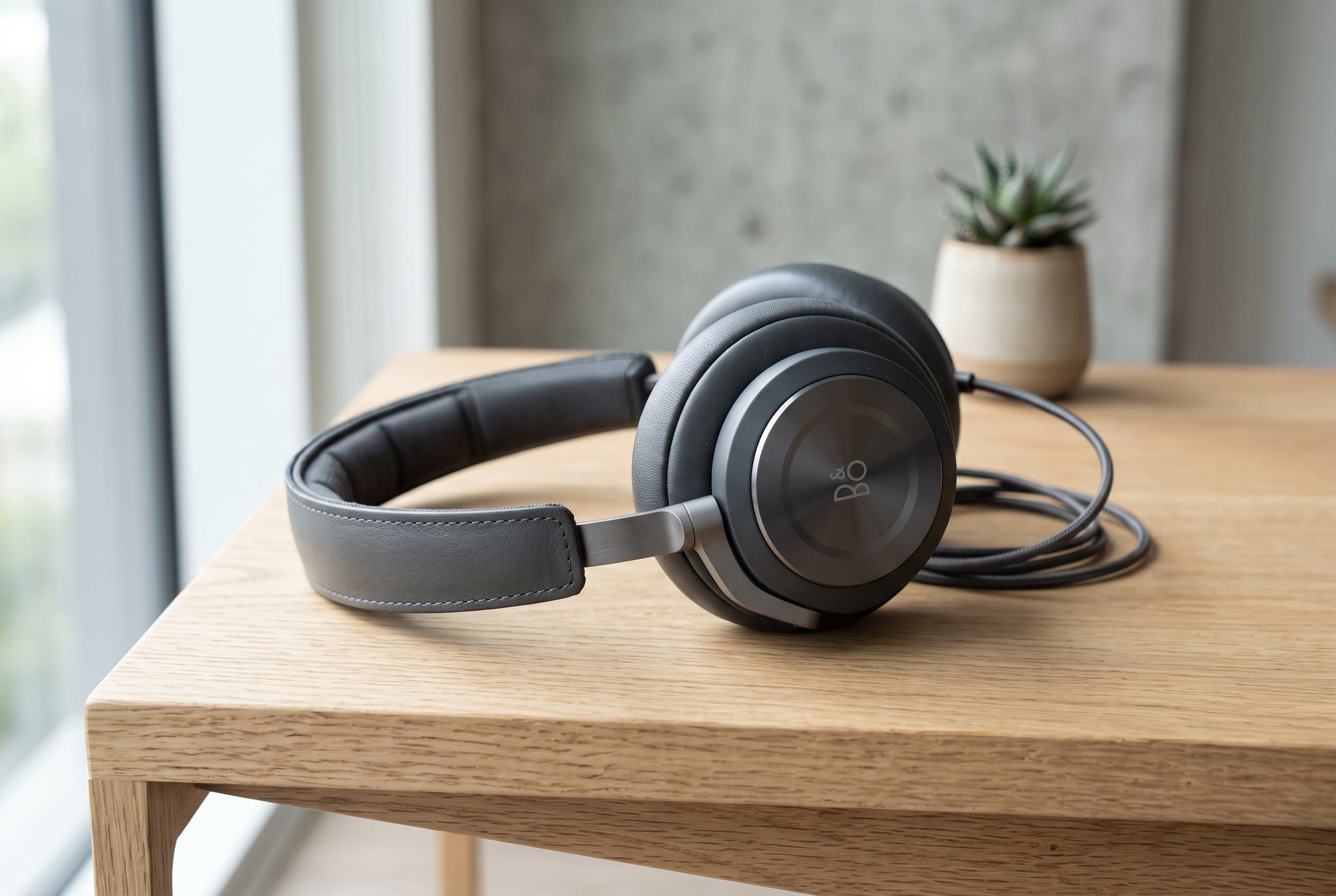

Many high-end headphones and earbuds promise superior sound but often fall short due to incompatibilities in the playback chain, from device support to app settings. Experts reveal how to optimise your setup for maximum quality.
Many premium headphones and earbuds are capable of far better sound than most people realise, but that does not mean the full specification is being used in everyday listening. MakeUseOf points out that true hi-res playback depends on the entire chain: the music service, the phone, the wireless codec or wired output, and often the companion app for the headphones themselves. If any one of those links falls short, the listening experience drops to the lowest common standard.
The first limit is the source device. Many recent Android phones can handle high-resolution formats such as FLAC and ALAC at up to 32-bit/192kHz, while iPhones support ALAC up to 24-bit/192kHz, according to the MakeUseOf guide. For wireless listening, however, the supported Bluetooth codec matters just as much. The article notes that iPhones are limited to AAC over Bluetooth, while Android devices may support higher-grade options such as LDAC, aptX HD and aptX Lossless, depending on the handset and the headphones.
That compatibility gap is not theoretical. Android Central says Samsung’s Galaxy S25 series supports Bluetooth codecs including LDAC, AAC, SBC and Samsung Seamless Codec, alongside system features such as Dolby Atmos and a wired UHQ upscaler. It also underlines a broader point: a phone can advertise advanced audio features, but they only matter when the headphones and the listening source can match them. In some cases, users must also switch codecs manually in Developer Options or through the device’s sound settings.
The headphone app can be another hidden bottleneck. MakeUseOf says premium models such as Sennheiser’s Momentum 5 Wireless will automatically settle on the highest codec both sides support, but the app will grey out better options if the source device cannot handle them. On an Android phone that supports aptX, those headphones can use a higher-quality stream. On an iPhone, the app may show only AAC because the phone itself does not support the stronger codecs.
For people who want the best possible sound, a wired connection can still be the cleanest route. MakeUseOf says a USB-C digital-to-analogue converter can bypass the phone’s built-in audio hardware and preserve more detail, while Apple Music and similar services must also be set to lossless output where available. Android Central adds that newer software features, including native support for codecs such as LHDC on some devices, are improving wireless audio, but they still depend on every device in the chain being compatible. In practice, premium headphones only deliver their full promise when the phone, app and audio source are all configured to meet them.
Disclaimer: This content is intended for informational purposes only. Readers are advised to exercise their own judgement, conduct due diligence, or consult a qualified expert before acting on any information provided.



