

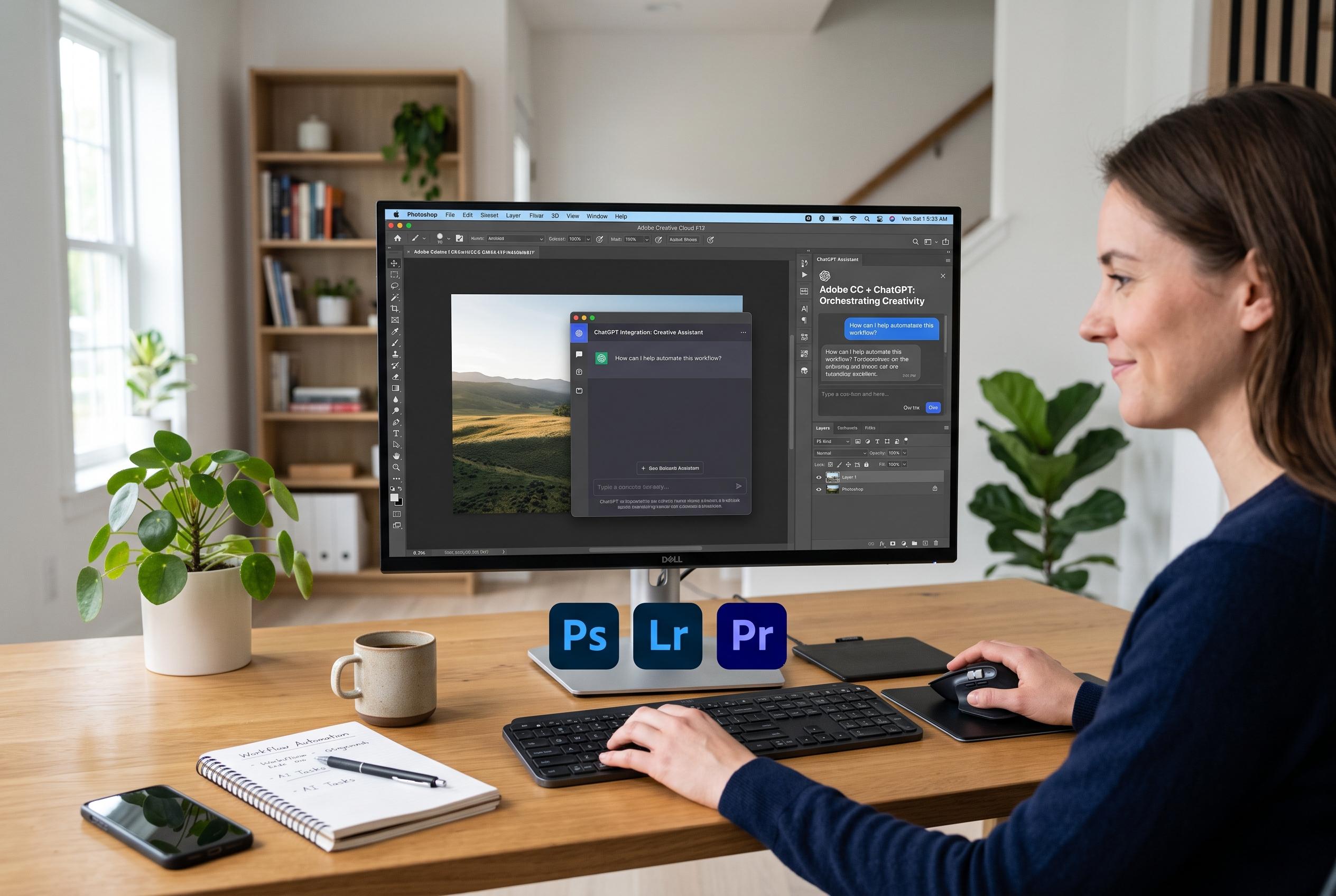

Adobe broadens its ChatGPT-powered workflow platform, enabling seamless task automation across Photoshop, Lightroom, Premiere, and more, signalling a shift towards AI-driven creative orchestration.
Adobe has moved its ChatGPT integration from a narrow app connector to a much broader workflow tool, giving the chatbot access to more than 70 functions across its creative and document software. According to Adobe’s announcement and coverage by Digital Camera World, the new plug-in links ChatGPT to products including Photoshop, Lightroom, Premiere, Illustrator, InDesign and Acrobat, allowing users to request tasks such as image editing, video clipping, social-media resizing and PDF creation in one conversation.
The change matters because it removes the need to choose a specific Adobe application before issuing a command. In Adobe’s earlier integration, launched in December 2025, users had to tell ChatGPT whether they wanted Photoshop, Express or Acrobat to handle the task. The company now says that layer is no longer necessary: users can simply describe the outcome they want, and ChatGPT can route the request across Adobe’s tools, with finished files saved to Creative Cloud.
That broader orchestration is the clearest sign of Adobe’s strategy. The new system is built around ChatGPT’s Work and Codex desktops and supports multiple file uploads, which makes it more useful for production work than a single-purpose add-on. Adobe and reports from Cinco Días said the feature is intended to let people create consistent assets across formats, including short-form video, promotional graphics and document packages, without opening each programme separately.
Adobe has also been deepening its ties with OpenAI beyond design tools. In February, the company said it was testing advertising inside ChatGPT with OpenAI, starting with logged-in US users aged 18 and over on the free and Go plans. That pilot suggests Adobe sees ChatGPT not just as a place to automate creative work, but as a new channel for brand creation, distribution and measurement.
Even so, the company is not presenting the plug-in as a replacement for professional desktop software. That is an important distinction. Fast automation can handle routine resizing, reformatting and draft production, but it does not remove the need for judgement in areas such as typography, layout balance and image treatment. Adobe’s latest step is less about replacing creative labour than about changing where the first pass of that labour begins.
Disclaimer: This content is intended for informational purposes only. Readers are advised to exercise their own judgement, conduct due diligence, or consult a qualified expert before acting on any information provided.



