

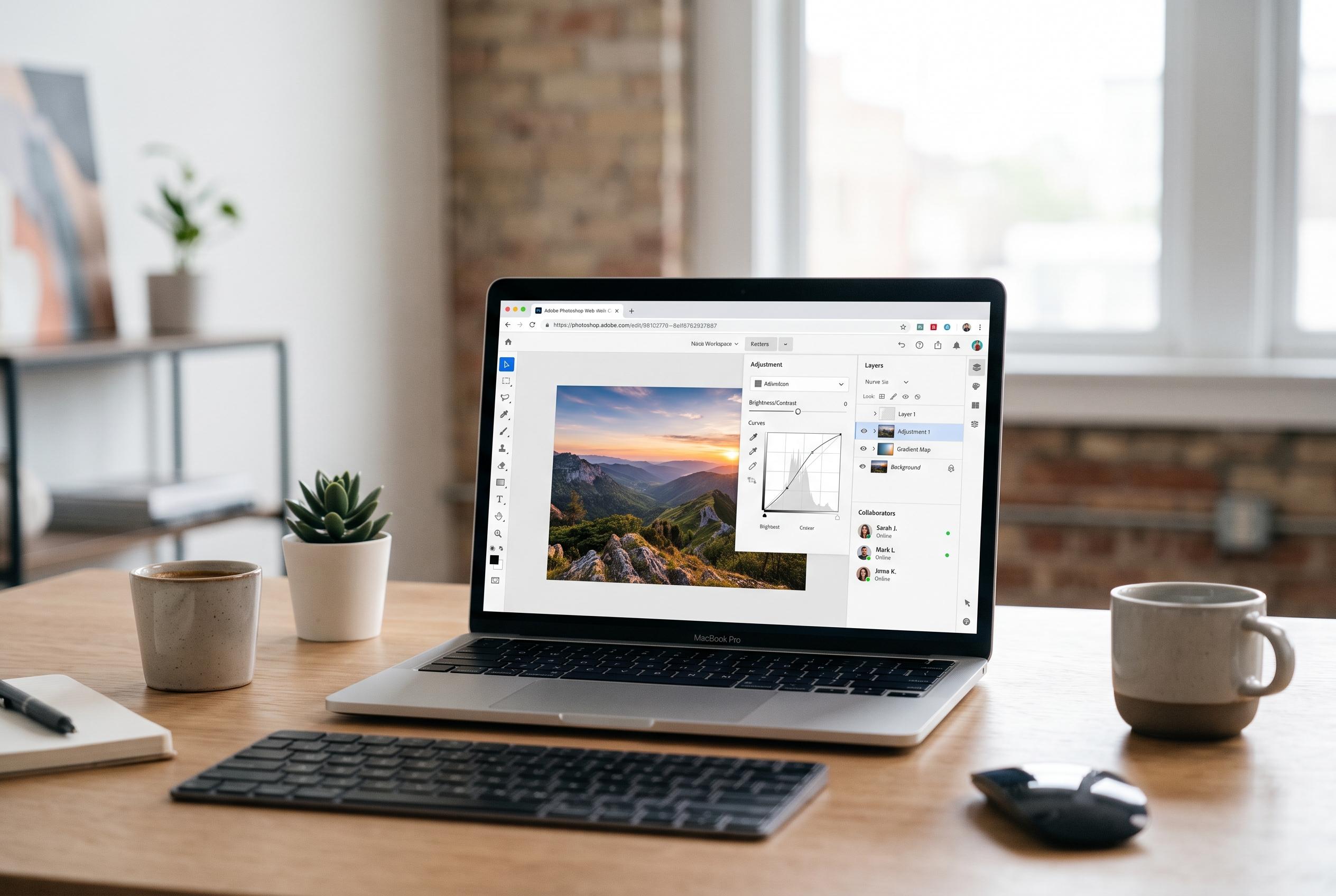

Adobe has expanded Photoshop beyond the desktop with a browser-based version designed for accessible, collaborative editing. While ideal for quick edits and online collaboration, it remains a supplement rather than a replacement for the full desktop application, highlighting a shift towards hybrid creative workflows.
Adobe has moved Photoshop far beyond the desktop, but the online version is not a full substitute for every workflow. According to Adobe’s help pages, Photoshop on the web is included with Photoshop plans and runs in a browser with a streamlined interface, basic editing tools and cloud document support. That makes it useful for quick work, shared projects and devices that cannot comfortably run the full application.
The shift reflects a wider change in creative software. Browser-based tools are now powerful enough to handle many tasks once reserved for installed programmes, and Adobe has clearly positioned Photoshop on the web as part of that change. The company says the service is designed for accessibility and collaboration rather than as a one-to-one replacement for the desktop edition. In practice, that means users can crop, resize, retouch and work with layers online, but some specialist features remain tied to the desktop app.
Adobe’s support material says users need an Adobe account and a qualifying Photoshop plan to access the web version. The service is not a free standalone product. Adobe also provides setup guidance for logging in, opening files and moving between cloud documents, which underlines how tightly the browser version is linked to the broader Creative Cloud system.
That integration is one of its main advantages. Adobe says Photoshop on the web supports working directly with cloud files and sharing material for review and collaboration. For teams, that can reduce the friction of sending files back and forth. For students, freelancers and occasional users, it can also remove the need to install large software packages on every machine.
The practical limits are just as important. Adobe’s technical requirements pages set out supported browsers and system conditions, showing that performance depends on both the device and the connection. Large files, complex edits and unstable internet access can all make the experience slower or less reliable than the desktop version. For demanding production work, the installed application still offers the broader toolset and greater consistency.
For users who only need simpler edits, Adobe’s Photoshop Express remains the lighter option. It is built for quick adjustments, filters and basic image fixes rather than deep layer work. That leaves Adobe with a tiered approach: Photoshop Express for fast, casual tasks, Photoshop on the web for more serious browser-based editing and the desktop app for advanced professional use. Adobe’s own documentation makes clear that the company sees the web version as part of a hybrid workflow, not a replacement for every user.
Disclaimer: This content is intended for informational purposes only. Readers are advised to exercise their own judgement, conduct due diligence, or consult a qualified expert before acting on any information provided.



