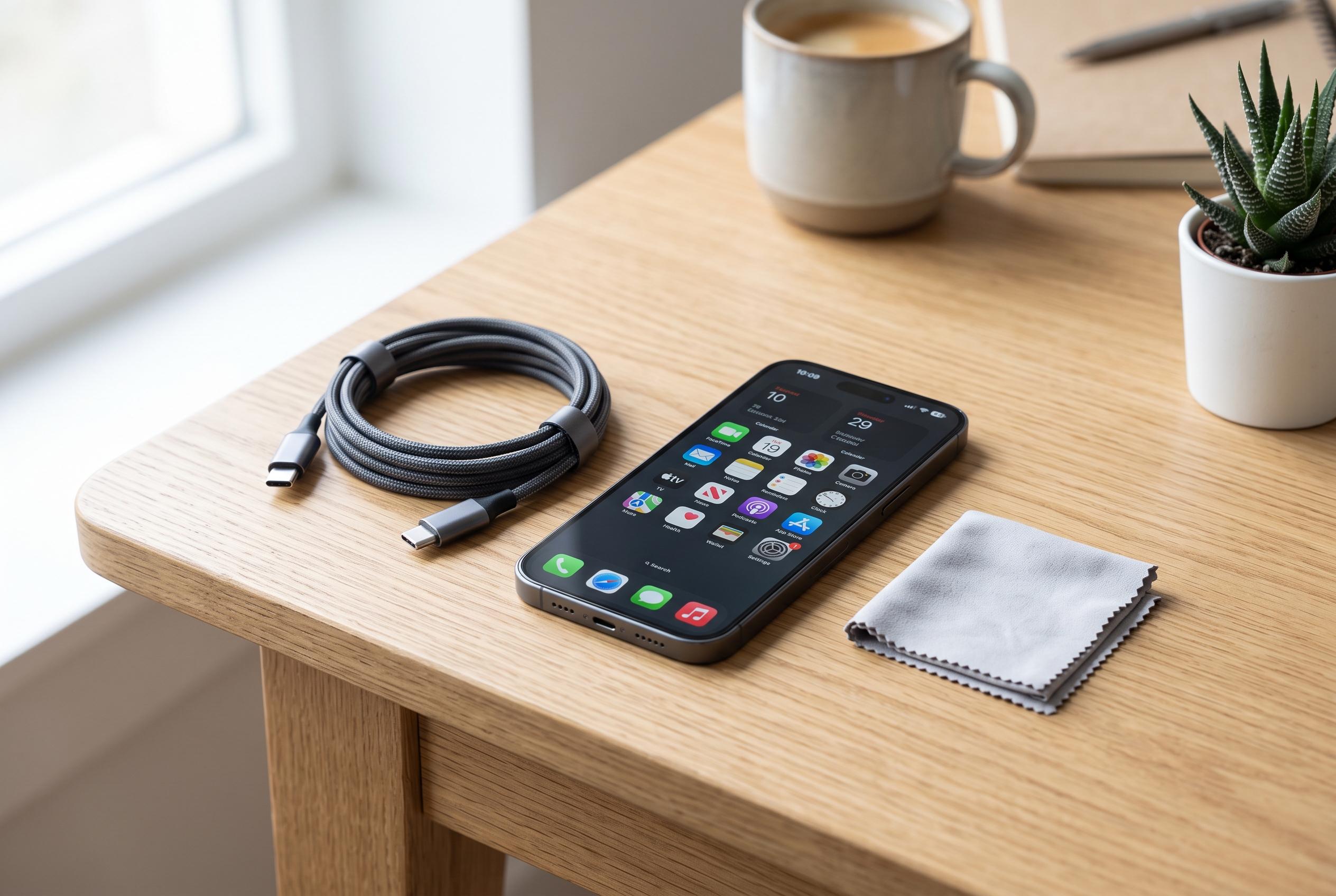

Experts emphasise the importance of safe charging practices, including avoiding heat, moisture, and poor-quality cables, to maintain battery longevity amid routine smartphone use.
Smartphone charging is so routine that many users barely notice the habits that shape battery health over time. The central issue is not whether a phone is plugged in often, but whether it is charged safely, at a sensible temperature and with equipment that matches the device’s needs. Apple and Google both advise users to avoid poor-quality cables, damaged chargers, moisture and excessive heat, because those are the conditions most likely to cause lasting harm.
One of the most common mistakes is relying on a cheap or worn cable simply because it fits the port. That does not mean it is suitable for the phone’s power requirements. Google recommends using the cable supplied with the device or one that meets recognised standards, especially for phones designed for fast charging. If a cable is frayed, split or has a damaged connector, it should be replaced rather than reused.
Heat is another major factor. A phone may become slightly warm during charging, but persistent or extreme heat should not be ignored. Apple says excessive temperatures can temporarily affect how a phone works and can shorten battery life over time. Battery specialists quoted by Tom’s Guide, Batteries Plus and Kaspersky similarly advise avoiding charging in hot environments and keeping the battery in a moderate range, commonly around 20% to 80% or 90%, to reduce stress on the cells.
Where the phone is charged also matters. Placing it under a pillow, blanket or thick case can trap heat and slow ventilation. Apple and Google both advise charging in a well-ventilated area rather than on bedding or other soft surfaces. Samsung’s battery guidance also stresses routine charging habits and avoiding repeated deep discharges, which can add unnecessary wear.
Moisture is a separate hazard. If water or dampness is present in the charging port, the safest approach is to disconnect the charger and let the device dry fully before trying again. Google warns against inserting objects into the port to clear debris, and Apple says a wet phone should not be charged until it is completely dry. Using a hair dryer or other external heat source is also discouraged.
Users should also take warning signs in the charging port seriously. If the cable keeps slipping out, charging cuts in and out, or the port appears scorched, bent or clogged with dirt, the problem should not be treated as normal. Google advises against trying to dig debris out with makeshift tools. In cases of visible damage, an authorised service check is the safer option.
As for overnight charging, the risk is often overstated. Modern smartphones generally manage charging on their own once the battery is full. The better question is not whether the phone stays plugged in, but whether it is left charging in heat or under bedding. A cool, open surface remains the safest place to charge, whether the session lasts 20 minutes or all night.
Disclaimer: This content is intended for informational purposes only. Readers are advised to exercise their own judgement, conduct due diligence, or consult a qualified expert before acting on any information provided.