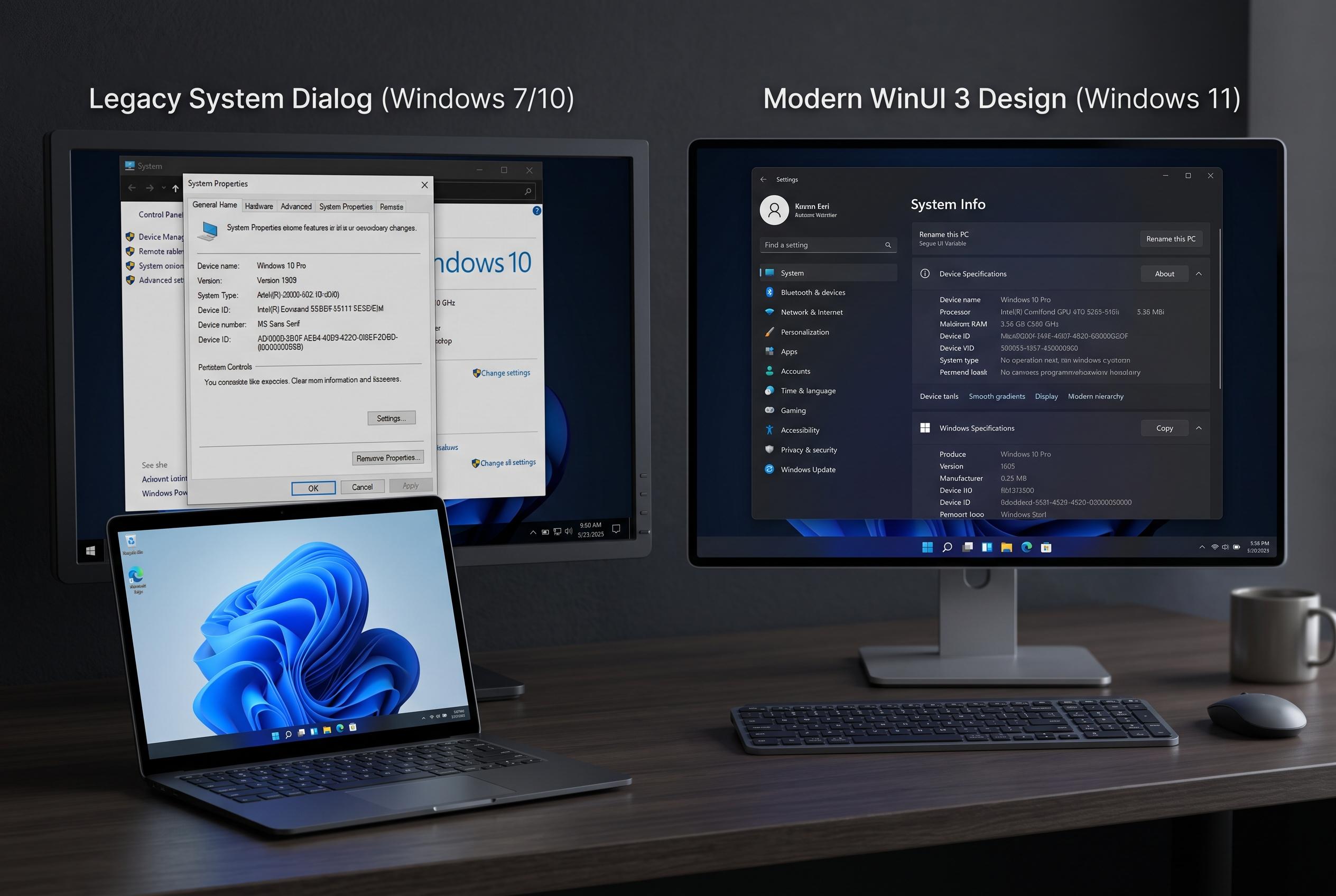

Microsoft is ramping up efforts to unify Windows 11’s interface by replacing outdated system tools, such as the File Explorer Properties window and the Run dialog, with modern designs built using WinUI 3, enhancing consistency, performance, and visual appeal across the operating system.
Microsoft is broadening its effort to modernise Windows 11’s interface, focusing on long-standing legacy components that still sit uneasily beside the operating system’s newer design language. The latest changes centre on the File Explorer Properties window, the Run dialog, Start and other system tools that have remained visually closer to Windows 8 or even earlier versions than to Windows 11’s current look. According to Windows Central and Windows Latest, the work is being done with WinUI, Microsoft’s modern Windows user interface framework, rather than by applying superficial theme changes to old code.
The File Properties panel is one of the clearest examples of Microsoft’s problem. It is one of the most frequently used parts of Windows, yet it has long preserved a dated appearance and, in some cases, lacked full dark mode support. Windows Latest reported that the redesigned Properties dialog has been rebuilt in WinUI 3 rather than simply restyled, with preview builds showing a more modern native interface. That matters because the Properties window is a routine part of file management, and its older design has made Windows 11 feel inconsistent even when the rest of File Explorer has moved forward.
Microsoft’s wider plan reaches beyond File Explorer. Windows Central reported that the company has also updated or is updating the Autoplay menu, Print Management and the Run dialog, while continuing to bring the Start menu into the same design system. The aim is not only visual consistency but also better performance, darker theme support and lower resource use through a more unified compositor approach. Windows Latest also said that Microsoft’s design team has signalled more work ahead, with further legacy tools such as Registry Editor likely candidates for revision.
That push reflects a broader engineering decision. Windows is built on decades of overlapping platforms, APIs and compatibility requirements, which makes a clean replacement of older interfaces difficult. Microsoft can modernise some components quickly, but others are deeply embedded in the operating system and tied to existing workflows. As a result, Windows 11 still presents a patchwork of old and new interfaces, even after several years of refinement.
For users, the practical value of the redesign is consistency. A more coherent interface reduces friction in common tasks such as checking file details, managing printers or launching system utilities. It also strengthens Windows 11’s identity at a time when Microsoft has been trying to move the platform away from the visual habits of Windows 8 and Windows 10. The work is incomplete, but the direction is clear: Microsoft wants Windows to look and behave like a single system again rather than a collection of eras.
Disclaimer: This content is intended for informational purposes only. Readers are advised to exercise their own judgement, conduct due diligence, or consult a qualified expert before acting on any information provided.