

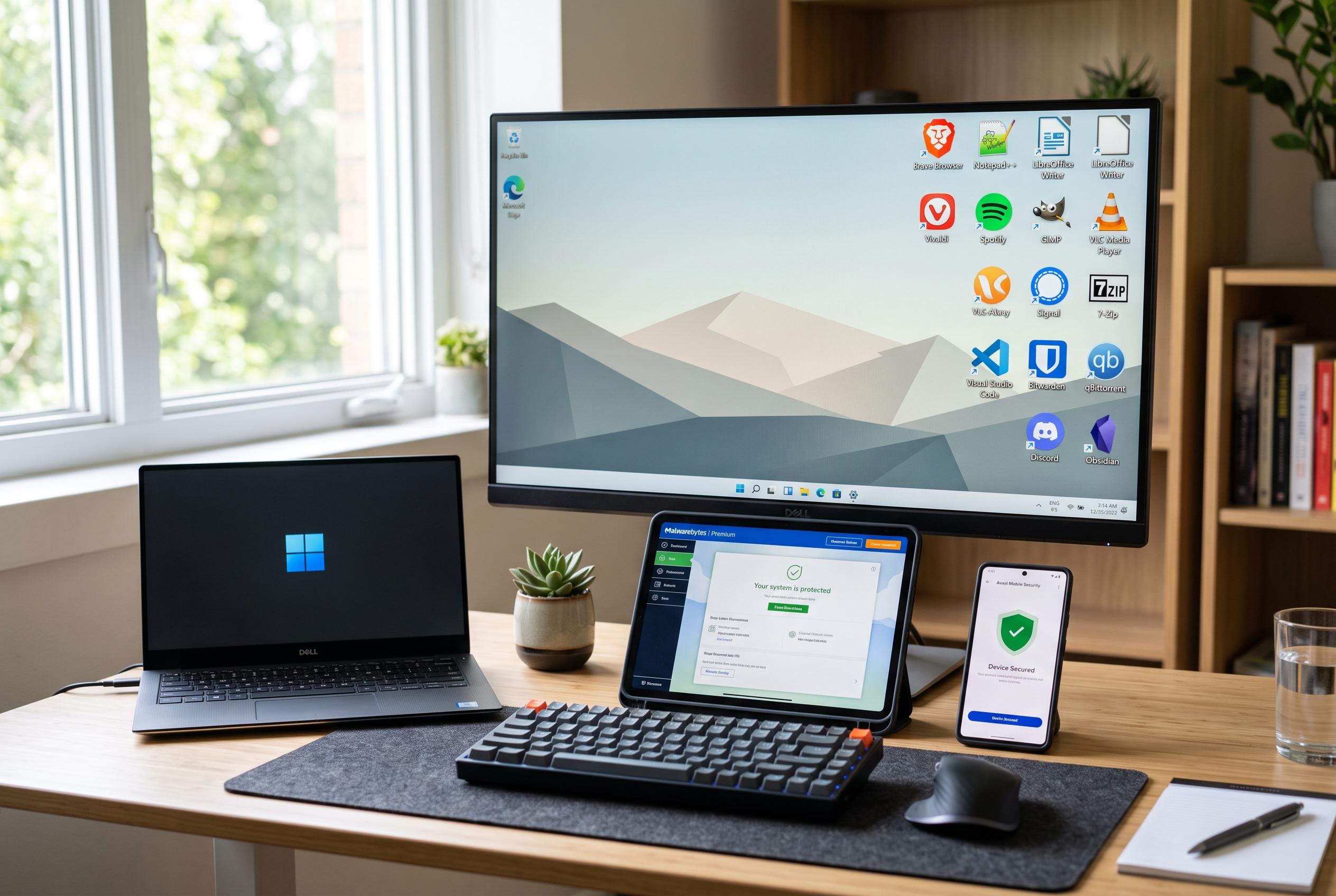

A curated selection of essential free applications and tools to optimise, secure, and streamline a fresh Windows installation, ensuring efficiency from day one.
A fresh Windows installation often leads to the same routine: add a file archiver, a media player, a text editor, a few productivity tools and a recovery plan before the machine becomes genuinely useful. The appeal of the usual shortlist is not novelty but reliability. Each of these applications has a long record of being free, light on system resources and free of the kind of bundled extras that can make a simple download irritating.
For file handling, 7-Zip remains a standard choice because it goes well beyond basic ZIP support and opens formats such as RAR, 7z, TAR and ISO. VLC Media Player plays most audio and video files without extra codec packs, while Notepad++ continues to be the more capable choice for anyone who edits configuration files, scripts or code and wants tabs, syntax highlighting and a mature plugin ecosystem. PowerToys is the clearest example of Microsoft shipping a toolkit that many users would otherwise expect to find built into Windows itself, with features such as FancyZones for window management, PowerToys Run for quick launching, a colour picker and Text Extractor.
Search and security needs are served by different kinds of tools. Everything, from voidtools, is widely used because it indexes file and folder names directly through the NTFS Master File Table, which makes results appear far more quickly than Windows Search on large drives. Malwarebytes Free is not intended to replace real-time antivirus software, but it is useful as an on-demand scanner when a system seems suspicious or when a user wants a second opinion before opening files from an uncertain source. Windows Terminal also deserves a place on a new PC, especially for people who use Command Prompt, PowerShell or the Windows Subsystem for Linux, as it adds tabs, better Unicode support and GPU-accelerated text rendering.
Backing up a system is the one step that is easiest to delay and hardest to regret later. Macrium Reflect Free offers full disk and partition imaging, scheduled backups and bootable rescue media, which makes it especially useful before driver updates, registry changes or BIOS flashes. That kind of image backup can reduce recovery time from hours to minutes if something goes wrong. For office work, LibreOffice provides a capable free alternative to Microsoft 365 for everyday documents, spreadsheets and presentations, while ShareX remains one of the most complete free tools on Windows for screenshots, annotation, GIF capture and one-click uploads.
Users who install new machines regularly can save time by using winget, Windows’ built-in package manager, to script the whole setup instead of downloading each installer separately. The advantage is less about automation for its own sake and more about consistency: the same trusted applications can be installed in one pass, with less chance of missing a crucial utility. The central pattern is simple. A good Windows setup is not about filling the machine with software; it is about installing a small number of proven tools that make the system faster to search, easier to recover and more practical to use from the first day.
Disclaimer: This content is intended for informational purposes only. Readers are advised to exercise their own judgement, conduct due diligence, or consult a qualified expert before acting on any information provided.



