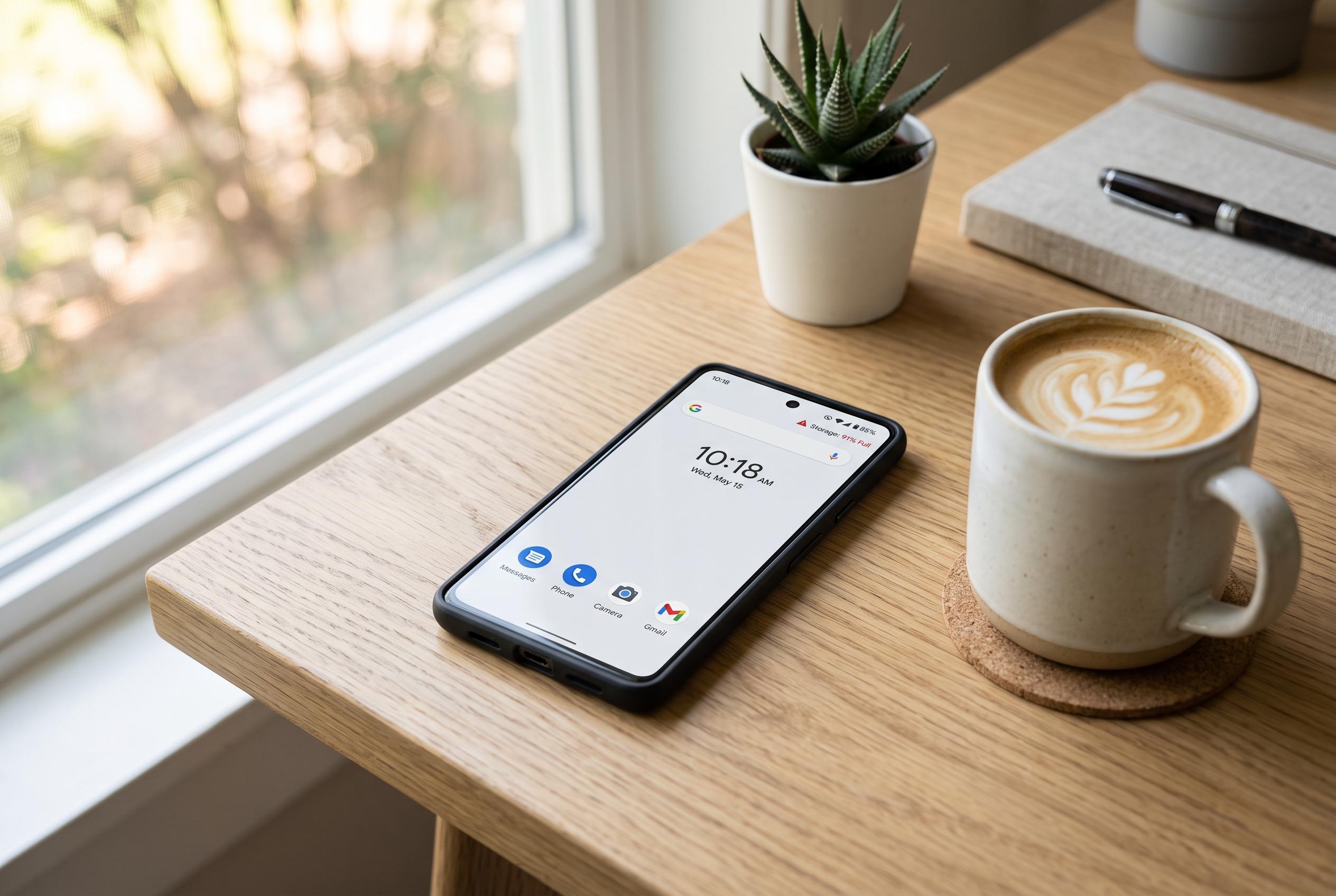

Regular maintenance by managing storage, limiting background apps, and simplifying home screens can significantly enhance the responsiveness of ageing Android devices, revealing that habits rather than hardware faults are often to blame for sluggishness.
A sluggish Android phone is often blamed on age or overheating, but the causes are usually more ordinary. How-To Geek says everyday habits can leave even capable devices feeling slower than they should, and most of the damage comes from how storage, background activity and interface settings are managed.
One of the biggest culprits is low storage. How-To Geek explains that Android needs free space for temporary files, app caches, database updates and cleanup after system changes, while SamMobile notes that a nearly full device can become unstable, slow to launch apps and even struggle with updates. The practical answer is to reclaim space by removing unused apps, moving photos and videos elsewhere and clearing out downloaded files that are no longer needed.
Background activity is another common source of drag. SamMobile says the number of installed apps is not the issue on its own; the problem is the apps that keep working after you stop using them. How-To Geek adds that these processes can consume memory, processor time and cellular data for syncing, notifications and logging, which is especially noticeable on budget and mid-range phones. Checking battery usage and restricting background activity for troublesome apps can reduce the load without removing useful software entirely.
Home-screen clutter can also make a phone feel less responsive than it really is. How-To Geek warns that complex widgets, live dashboards and animated wallpapers can continue using resources in the background, adding unnecessary strain. For users who care more about speed than visual effects, the final adjustment is cosmetic but effective: reducing Android’s animation scale in Developer Options makes the interface feel faster, even if it does not increase raw performance.
The broader lesson is that a phone that seems to be ageing badly is often suffering from accumulated habits rather than a single fault. Regular housekeeping, lighter home-screen setups and a closer look at storage use can restore a surprising amount of responsiveness, particularly on cheaper Android devices.
Disclaimer: This content is intended for informational purposes only. Readers are advised to exercise their own judgement, conduct due diligence, or consult a qualified expert before acting on any information provided.