

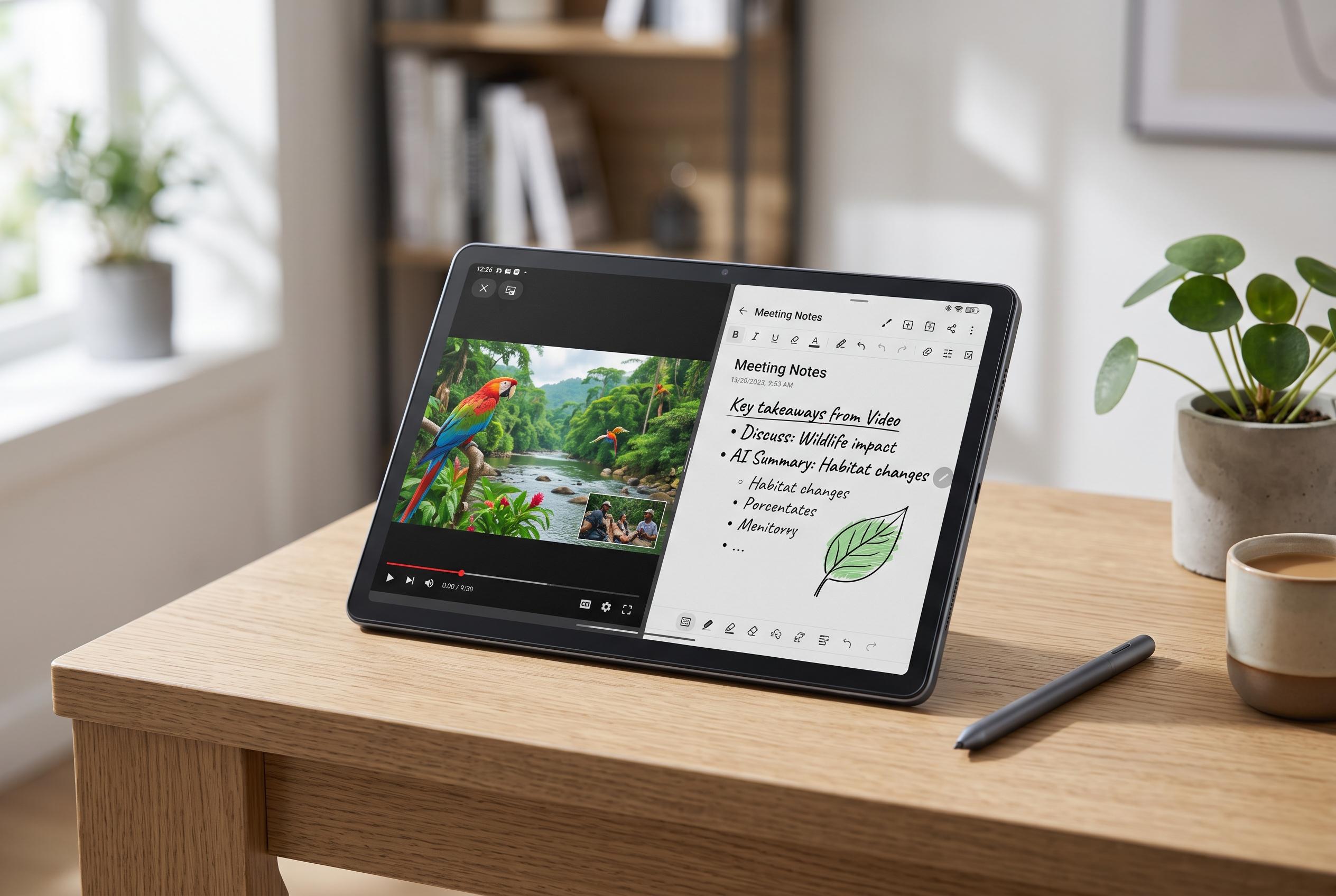

TCL’s Note A1 Nxtpaper aims to bridge the gap between dedicated e-note devices and conventional Android tablets, offering a paper-like display combined with colour, video, and AI-powered note-taking tools, but faces navigation challenges.
TCL’s Note A1 Nxtpaper is trying to sit between two categories: a dedicated e-note tablet and a conventional Android slate. Wired’s review says that is the device’s central appeal, because the screen aims for a paper-like feel without giving up colour, video or the wider app ecosystem that an E Ink tablet cannot match. In practical terms, that makes it a more flexible tool for reading, annotating and light productivity work than a pure digital notebook. The trade-off is that it will not feel as close to paper as the best E Ink devices.
The hardware is built around an 11.5-inch 2.2K NXTPAPER display with a 120Hz refresh rate and a 3:2 aspect ratio, according to TCL. The company says the panel is designed to cut glare and reduce eye strain, while the tablet itself ships with 8GB of RAM and 256GB of storage. Reviewers have also noted a slim aluminium body that is roughly comparable in size to an 11-inch Kindle Scribe, along with support for the T-Pen Pro stylus, which offers 8,192 pressure levels for writing and sketching.
Where the Note A1 makes a stronger case is in note-taking software. Wired praised the pen-to-edit workflow, saying a tap on a note brings up a toolbar for pen type, colour and line thickness, which keeps the interface simple while still exposing the controls most people need. Its Inspiration Space tool also stands out, letting users clip text from documents or web pages, store it and then convert it into editable text or feed it into other AI functions. TCL says those built-in AI tools also cover handwriting conversion, voice transcription, summaries and translation.
The weaker point, according to Wired, is file handling and overall navigation. The reviewer found the document management system clumsy, with no straightforward way to switch from reading to editing inside a note and an unintuitive method for opening two documents side by side. That said, the version now sold through major retailers appears to be more polished than the early Kickstarter units, which reportedly lacked Google Play and required sideloading. With Play Store access now included, the Note A1 is a more conventional Android tablet than those early versions, though its app launcher and sidebar still need some customisation to feel efficient.
Disclaimer: This content is intended for informational purposes only. Readers are advised to exercise their own judgement, conduct due diligence, or consult a qualified expert before acting on any information provided.



