

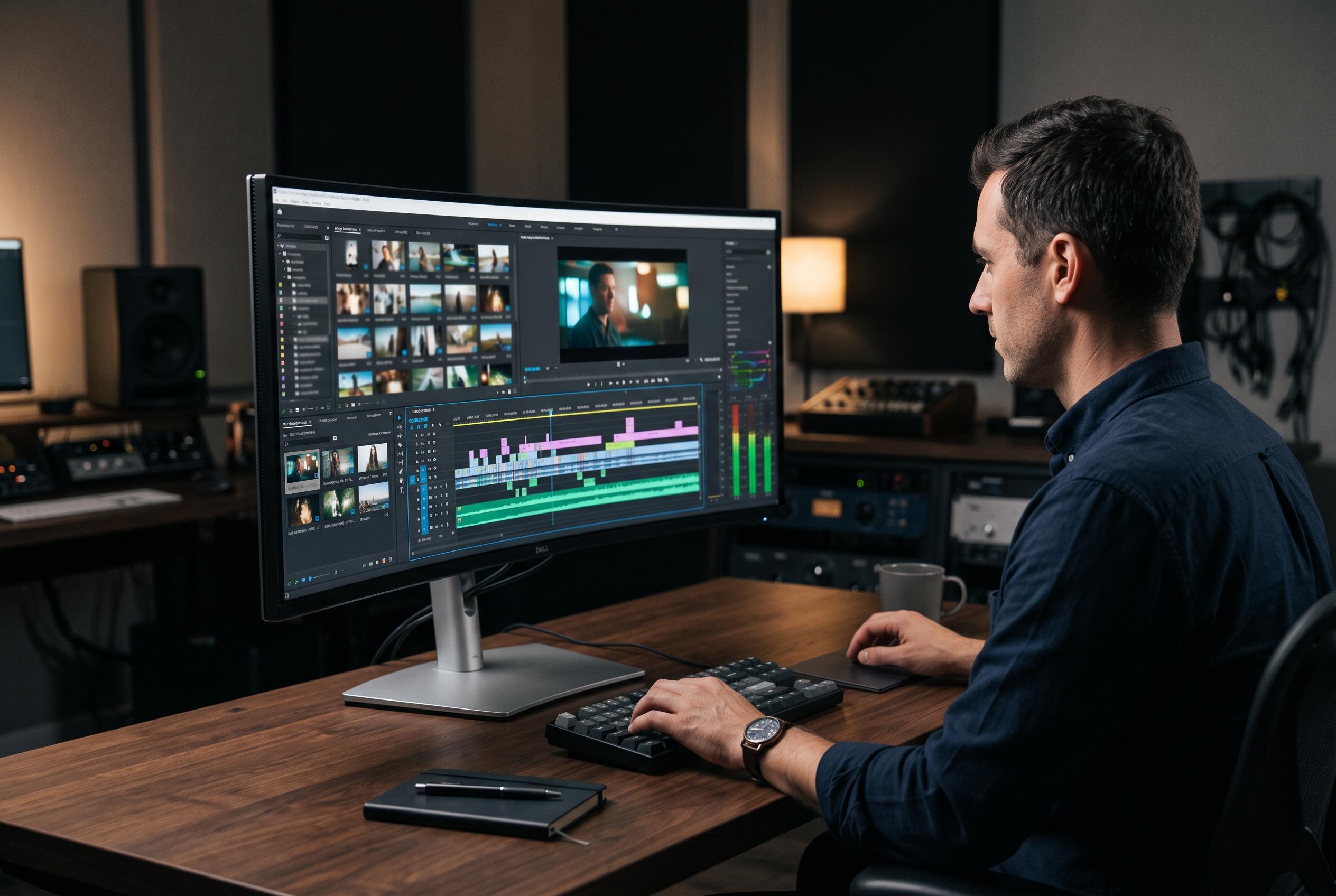

Dell’s UltraSharp U4025QW emerges as the premier choice for editors seeking a single, high-resolution ultrawide monitor that combines superb colour accuracy, sharpness, and versatile connectivity, challenging the dual-monitor setup with a seamless, detailed workspace.
Dell’s UltraSharp U4025QW has emerged as the clearest all-round choice for editors who want a single ultrawide screen to replace a dual-monitor setup. Reviews from RTINGS, PCWorld, DisplayNinja and TechSpot all point to the same core strengths: a 40-inch 5K2K panel, IPS Black technology, strong colour performance and a wide set of inputs built around Thunderbolt 4. For timeline-heavy work, that combination gives editors a large, sharply rendered canvas without the bezel break that comes with two separate displays.
The appeal is not just size, but clarity. PCWorld reported that the monitor’s 5,120 x 2,160 resolution delivers highly detailed text and images, while RTINGS and DisplayNinja said it ships with very good colour accuracy, covering 99% of DCI-P3 and arriving with a Delta E below 2. PCWorld also measured peak brightness at 408 nits and noted full sRGB coverage, which should make the screen comfortable for mixed editing, review and desktop work in varied lighting conditions.
Connectivity is another reason the U4025QW stands out in a crowded category. According to PCWorld, the monitor includes Thunderbolt 4, HDMI 2.1 and DisplayPort 1.4, while RTINGS highlighted the built-in KVM switch for people who move between two computers. That makes it well suited to editors who use one display for both a Mac and a Windows workstation, or who want a cleaner desk with fewer cables. TechSpot also praised the build quality and ergonomics, reinforcing its pitch as a professional tool rather than a gaming-first panel.
There are trade-offs, and they are worth noting. RTINGS and DisplayNinja both said HDR performance is limited, so this is not the right display for serious HDR grading. The monitor is also heavy at 42 lbs, which matters if you plan to mount it. Text Clarity added a more niche point: while scaling is straightforward on Windows, macOS users may see less crisp behaviour at some settings because the resolution does not map cleanly to Retina scaling. That does not make it a poor Mac monitor, but it does mean buyers should be aware of how their operating system handles the panel.
The Dell S3425DW remains the strongest value option for editors who do not need a 5K2K workspace. Digital Camera World described it as a 34-inch curved ultrawide with good colour performance and useful USB-C connectivity, including front-facing USB ports for easy access. The same review also flagged weaker brightness uniformity and a slight shortfall against Dell’s claimed DCI-P3 figure, which suggests it is best treated as a practical editing monitor rather than a reference screen. For many freelancers, that is enough: a clean single-cable setup, plenty of space for a Premiere Pro or Resolve layout, and a price that sits well below flagship territory.
Taken together, the reviews point to a simple conclusion. The U4025QW is the most capable ultrawide here for professional editing, especially if colour accuracy, sharpness and connectivity all matter at once. The S3425DW is the more accessible choice when budget and desk space are tighter. For editors who spend long hours trimming timelines, managing bins and comparing scopes, the move to an ultrawide remains less about novelty than workflow efficiency.
Disclaimer: This content is intended for informational purposes only. Readers are advised to exercise their own judgement, conduct due diligence, or consult a qualified expert before acting on any information provided.


