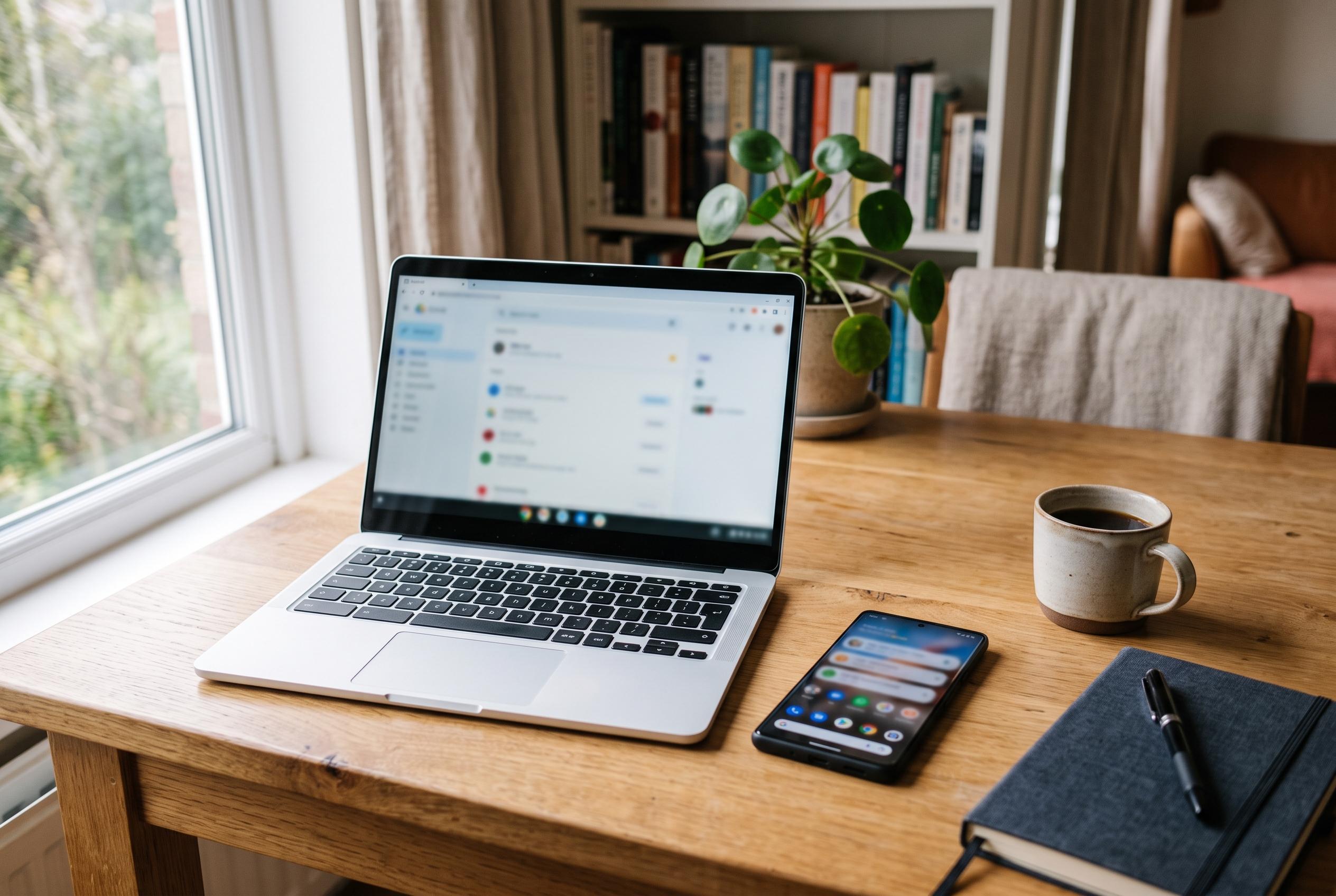

Google’s first Android-powered laptops promise seamless phone integration, but patchy app support, immature software and mixed battery life make the £700-plus devices difficult to justify.
Google’s new Android-powered laptops are being positioned as the next step after Chromebooks, but the case for them is less convincing than the launch pitch suggests. According to How-To Geek, the first wave of “Googlebooks” runs Android rather than ChromeOS, supports Android apps, and drops Linux app support altogether. The publication’s hands-on view was blunt: much of what these machines promise has already existed on Android phones for years, and in some respects the laptop experience still feels less polished than a modern handset connected to a display.
The debut line-up is modest but broad, with five models from Acer, Asus, Dell, HP and Lenovo. PhoneArena reported that pricing starts at $899, placing the devices firmly in premium territory. That matters because, as How-To Geek noted, the software still behaves like a beta product in several important ways. App availability is uneven, because Googlebooks are treated as a separate class of device by the Play Store, and some Android apps need to be sideloaded rather than installed directly. Even then, compatibility can vary depending on whether the machine uses Intel silicon or ARM-based hardware.
The biggest marketing promise is tighter integration with Android phones, yet that feature is only useful under fairly specific conditions. How-To Geek reported that seamless syncing depends on a phone running Android 17, and that the feature originally required a Pixel before gradually expanding to other recent devices. For many users, that leaves a gap between the ideal and the reality of everyday ownership. A person already using an Android phone with desktop-mode support can achieve much of the same continuity without buying a separate laptop, since notifications, files and apps can already travel with the handset.
That view is reinforced by the existing Android desktop options from Google’s hardware partners. How-To Geek said Motorola’s Smart Connect, Samsung DeX and Google’s own desktop mode already provide working alternatives, with the best results usually coming from a phone that can connect to an external display both wired and wirelessly. The article also pointed to practical accessories that make the experience usable, including a lapdock, a USB-C monitor, a Bluetooth keyboard and mouse, or even AR glasses. In other words, the concept of a pocketable computer that becomes a desktop is not new; Googlebooks mostly repackage it into a dedicated laptop shell.
Early testing suggests the new category still has the familiar problems of first-generation hardware. Tom’s Guide found battery life on the first five Googlebooks to be mixed, with the best result from HP reaching 11 hours and 52 minutes, while Asus fell to just over six hours in one test. Windows Central, meanwhile, praised the Asus Googlebook 14’s build quality and display but said the operating system remains immature, with awkward keyboard behaviour and app issues that make the transition from Windows difficult. Taken together, the early verdict is clear: the hardware may be competent, but the software is not yet strong enough to make these laptops feel indispensable, especially when many of the same functions already live inside the phone in your pocket.
Disclaimer: This content is intended for informational purposes only. Readers are advised to exercise their own judgement, conduct due diligence, or consult a qualified expert before acting on any information provided.