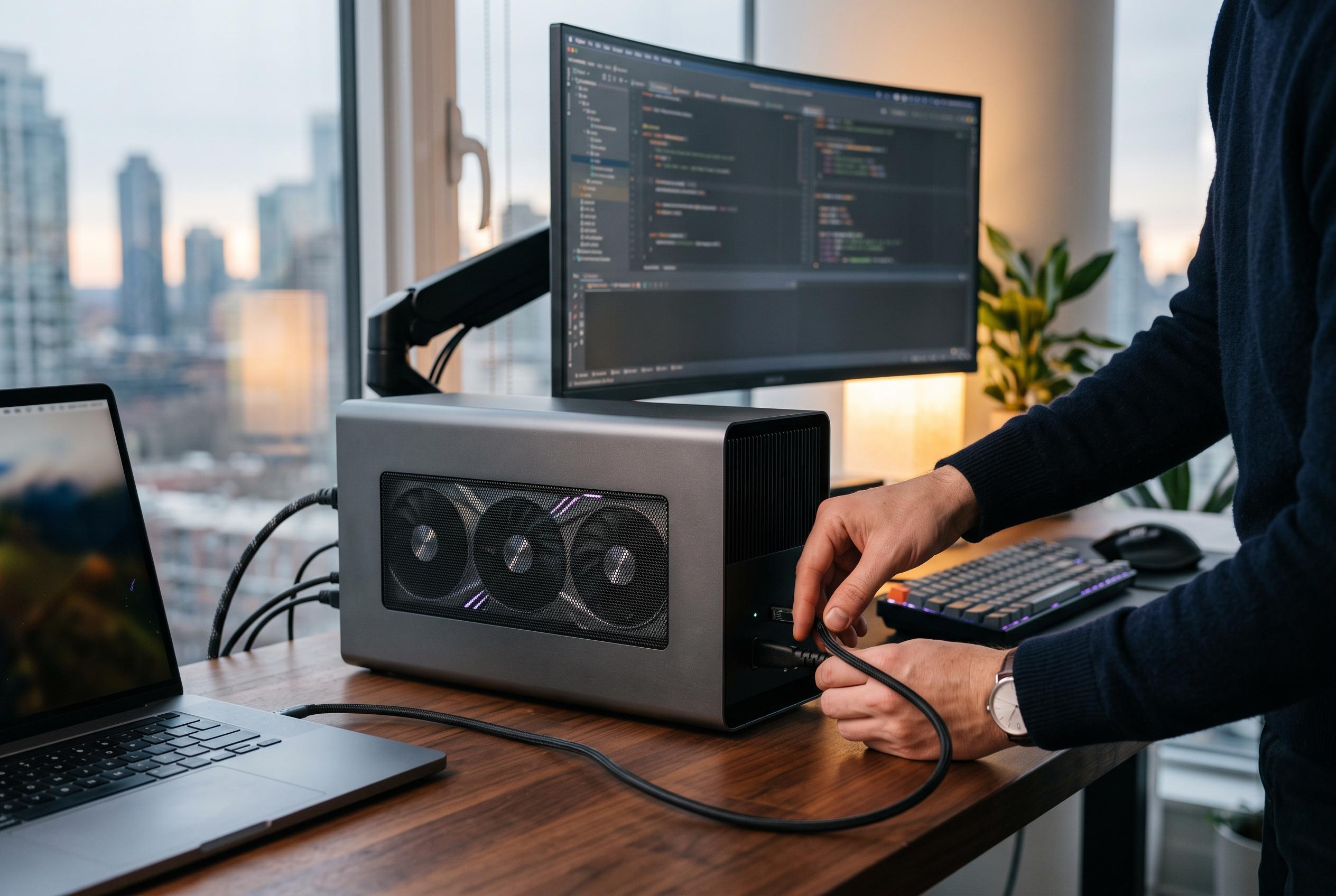

A recent comparison shows that USB4-based external GPU enclosures deliver faster and more stable performance than traditional Thunderbolt 3 docks, especially with high-end GPUs, highlighting the importance of interface choice for demanding graphics workloads.
External GPUs are meant to offer a simple answer to a familiar problem: one machine for work, games and travel, with graphics performance available on demand. In practice, the connection between laptop and dock often matters as much as the graphics card itself. A recent comparison suggests that, for some eGPU builds, the interface choice can make the difference between a smooth experience and a frustrating one.
The test contrasted two very different enclosures. One was a conventional Thunderbolt 3 eGPU dock built around Intel’s JHL7440, also known as Titan Ridge, a controller Intel says was launched in early 2018 and is still widely used in older enclosures. The other was a more improvised USB4-based arrangement using newer bridge hardware that sends the full link budget through to the GPU rather than reserving part of it for extra ports and passthrough features. That distinction turns out to be central to the performance gap.
Using an AMD RX 9070 and an Arch Linux setup with current Mesa and Radeon Vulkan drivers, the tester found the USB4 arrangement consistently faster and more stable. In DOOM (2016), frame rates rose from roughly 130fps on the Thunderbolt 3 dock to a capped 175fps on the USB4 setup. The difference was even more visible in The Blood of the Dawnwalker, where the Thunderbolt enclosure struggled with heavy stutter and low frame rates, while the USB4 build was not only smoother but also more reliable under load.
The reason is not that both systems advertise the same headline speed and therefore perform the same. According to technical comparisons of Thunderbolt 3, Thunderbolt 4 and USB4, these links may all be rated at 40Gbps, yet the practical bandwidth available to the GPU can differ significantly depending on how the controller allocates the tunnel. Intel’s older Thunderbolt 3 design typically leaves less room for graphics traffic, while newer USB4 and Thunderbolt 4 designs are better suited to GPU workloads. More detailed eGPU guides also note that interfaces such as OCuLink, which connect more directly to PCIe lanes, can avoid some of the overhead that holds back Thunderbolt-based solutions.
There are trade-offs either way. The USB4 dock used in the test lacked USB Power Delivery passthrough, so it required a separate charging cable. The conventional enclosure, by contrast, offered the convenience of extra ports and a neater one-box layout. Even so, the reported results underline a practical point for buyers: the enclosure’s chipset is often more important than the marketing label on the connector. Older Thunderbolt 3 hardware may be adequate for cards such as the RX 6600, but newer high-end GPUs are more likely to expose the limitations of the interface. For that reason, the test points towards USB4, Thunderbolt 5 or OCuLink for anyone trying to squeeze serious performance from an external graphics setup.
Disclaimer: This content is intended for informational purposes only. Readers are advised to exercise their own judgement, conduct due diligence, or consult a qualified expert before acting on any information provided.