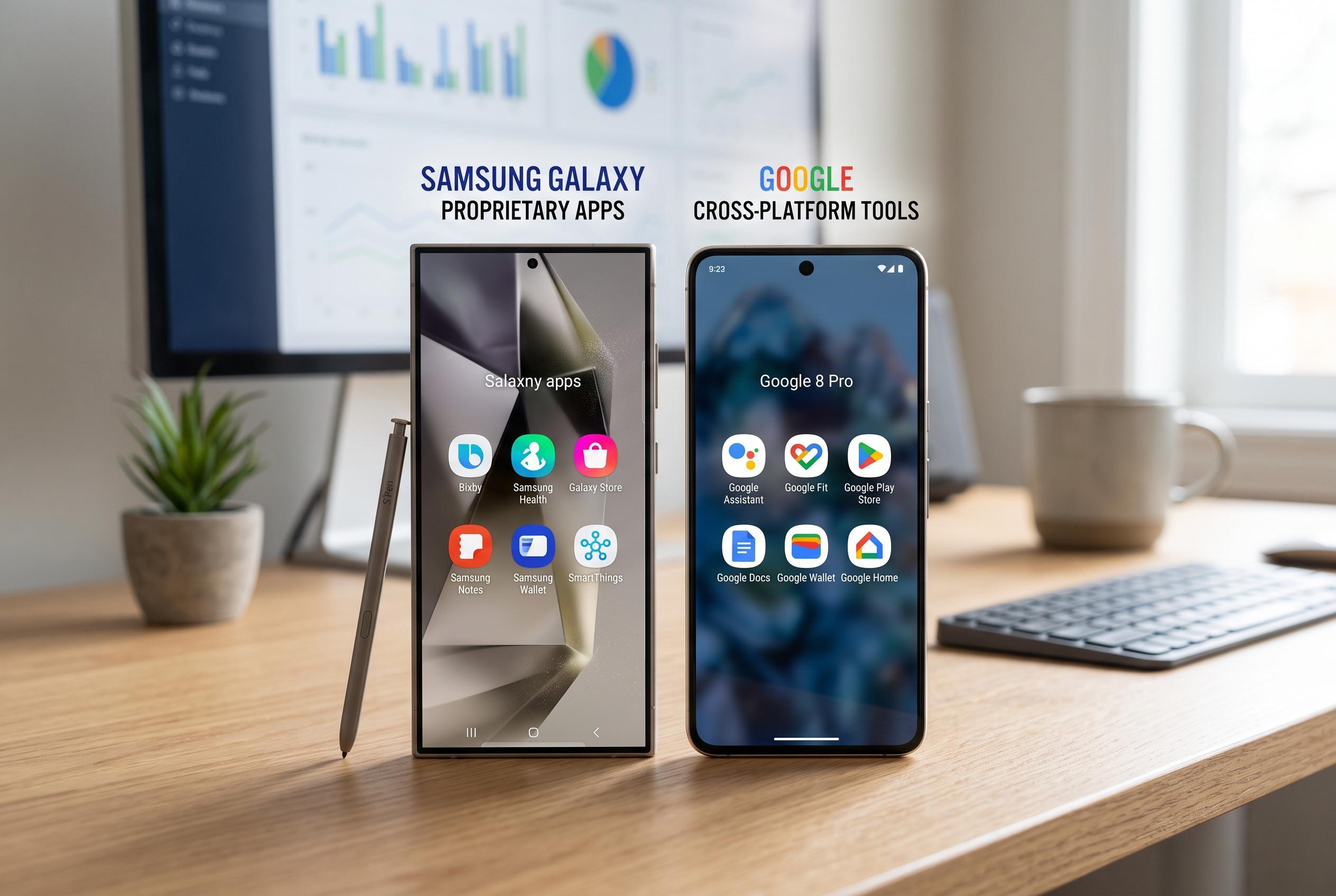

Samsung’s proprietary apps on Galaxy devices demonstrate significant capabilities, especially in notes and browsing, but often rely heavily on the Samsung ecosystem, contrasting with Google’s more versatile, cross-platform offerings.
Many Samsung Galaxy owners begin by stripping away the preloaded apps and replacing them with Google’s defaults. That instinct is understandable: Google’s tools are deeply integrated across devices, while Samsung’s software often looks, at first glance, like an optional extra. Yet Samsung has spent heavily on One UI and its own app ecosystem, and some of those apps are built to work closely with Galaxy hardware. The result is a mixed picture, as Samsung’s own keyboard settings and privacy controls show that some of its software is meant to be tuned rather than discarded. According to SamMobile, users can also turn off predictive text or clear learned words if they do not want the keyboard storing their typing habits.
The keyboard was the weakest part of the experiment. Samsung Keyboard can be customised far more than Google’s Gboard, with changes to layout and key size available through Samsung’s Good Lock tools, but that flexibility did not make up for its less forgiving predictions and stricter autocorrect. SamMobile notes that predictive text can be disabled entirely, and that learned words can be removed, which may appeal to users who value control over convenience. Even so, the core typing experience still matters most, and in that respect Google’s keyboard remains easier to trust for fast, everyday entry.
Messaging produced a clearer divide. Samsung Messages supports RCS chat, and Samsung’s own support pages describe it as a full-featured messaging app for Galaxy phones and tablets. Android Central’s guide also shows that RCS can be set up on Samsung devices with read receipts and richer media sharing. But Samsung’s app remains tied to Samsung hardware, while Google Messages offers broader continuity across devices and a web interface. For people who move between a phone, laptop and browser throughout the day, that difference is decisive.
Payments and passwords followed a similar pattern. Samsung Pass and Samsung Wallet work well on a Galaxy phone, and Samsung positions Wallet behind Knox security protections, but the system is still primarily phone-first. Google’s password manager and wallet services are less tightly tied to one brand of device, which makes them more practical for people who switch between platforms. The Samsung setup is not weak; it is simply more dependent on staying inside Samsung’s ecosystem, where Google’s tools are built for wider reach and easier recovery across devices.
The strongest case for Samsung came from Notes. Samsung Notes is much more than a basic notepad. On Galaxy devices, it offers folders, PDF annotation, handwriting-to-text and deeper S Pen support, and Samsung has recently added AI features such as summarisation and handwriting cleanup in One UI 7. For anyone who writes heavily on a phone or tablet, that makes it one of the most capable note-taking apps available on Android. Google Keep is simpler and easier to sync broadly, but it is not trying to do the same job.
Samsung Internet was the other standout. It feels designed for mobile use rather than adapted from desktop habits, with more control over toolbar layout and easier one-handed browsing. It also supports ad-blocking in a way Chrome on Android does not, which is a practical advantage for many users. The main drawback is cross-device sync: bookmarks do not flow as naturally into desktop browsers as Google’s services do. Samsung does offer a Chrome extension to bridge that gap, though sync can be inconsistent. In the end, Samsung’s software proved better than its reputation suggests, but Google still wins where platform-agnostic continuity matters most.
Disclaimer: This content is intended for informational purposes only. Readers are advised to exercise their own judgement, conduct due diligence, or consult a qualified expert before acting on any information provided.