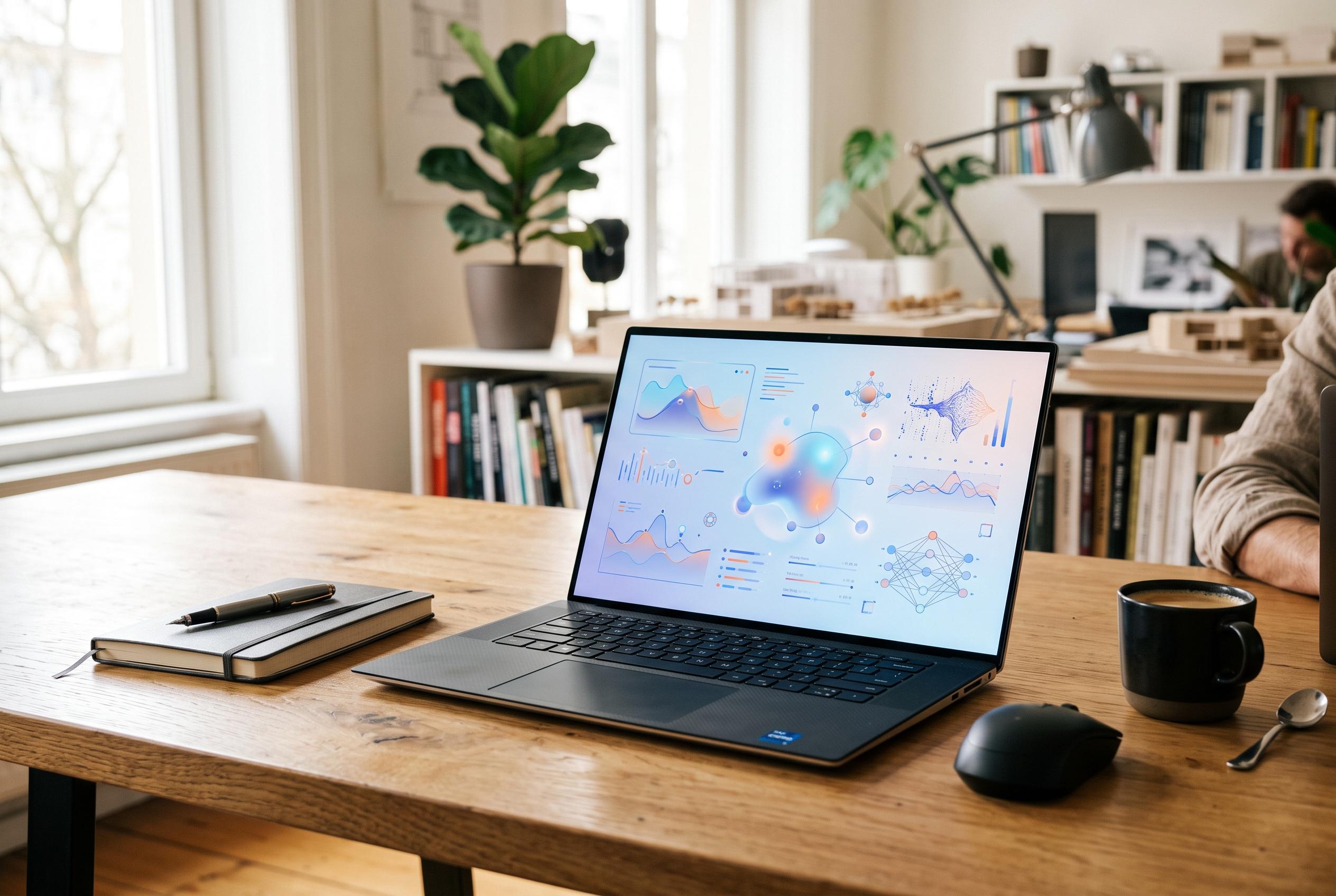

Google’s Gemini desktop app on Windows offers a more integrated, research-friendly AI workspace compared to Microsoft’s Copilot, potentially redefining the AI assistant landscape.
Google’s new Gemini desktop app for Windows makes a strong case that Microsoft’s own Copilot still lacks a clear identity. Both assistants handle routine prompts competently: they can explain concepts, rewrite text, summarise material and generate ideas. But the comparison shifts once the tools are used as full workspaces rather than simple chatbots.
The clearest advantage lies in Gemini’s notebook system. It allows a wider range of source material, including YouTube videos, Markdown files and documents, which makes it better suited to serious research. Copilot Notebook, by contrast, remains comparatively limited, relying mainly on OneDrive files and pasted links. Even basic workflows, such as bringing a OneNote page into a notebook, still require awkward manual steps. Gemini also goes further after ingestion, with generated formats such as video summaries and presentations that make the material more usable.
That broader approach extends to image generation. Copilot can produce acceptable results for straightforward requests, but Gemini appears more accurate when prompts become more detailed. In side-by-side use, it followed complex placement and content instructions more closely, which matters for users who work from a precise visual idea rather than a loose concept. Google is also adding video generation into the same app, giving it a wider creative toolkit in one place.
Integration is where Gemini seems to click most convincingly. The app ties into services such as Gmail, Google Photos, Keep and Tasks in ways that turn it into a practical assistant rather than a separate chat window. Google’s ecosystem lets it summarise mail, create tasks and surface photos without forcing the user to leave the app. Microsoft’s experience is broader in one sense, but also more fragmented, with capabilities spread across Windows, OneDrive, OneNote and Microsoft 365 rather than concentrated in a single coherent workflow.
That contrast is sharpened by Microsoft’s own shifting Copilot strategy. Windows users have already seen the company merge separate Copilot apps, and now Microsoft is moving towards another all-in-one version that is meant to bring together Copilot, Microsoft 365 agents and coding tools. Windows Central recently reported that Microsoft is also testing Grok models from xAI inside Copilot for users in its Frontier Programme, although that trial does not extend to the UK. At the same time, rival AI players are pushing into Windows too: Tom’s Hardware reported that Perplexity has brought a local Windows AI agent to RTX hardware with at least 24GB of VRAM, underscoring how crowded this market is becoming.
For now, though, Gemini looks like the more complete product on Windows. It feels faster to use, more flexible in research tasks and better connected to the services that many people already rely on every day. Microsoft still has the advantage of owning the platform, but Google has made the more convincing case for what an AI workspace on Windows should be.
Disclaimer: This content is intended for informational purposes only. Readers are advised to exercise their own judgement, conduct due diligence, or consult a qualified expert before acting on any information provided.