

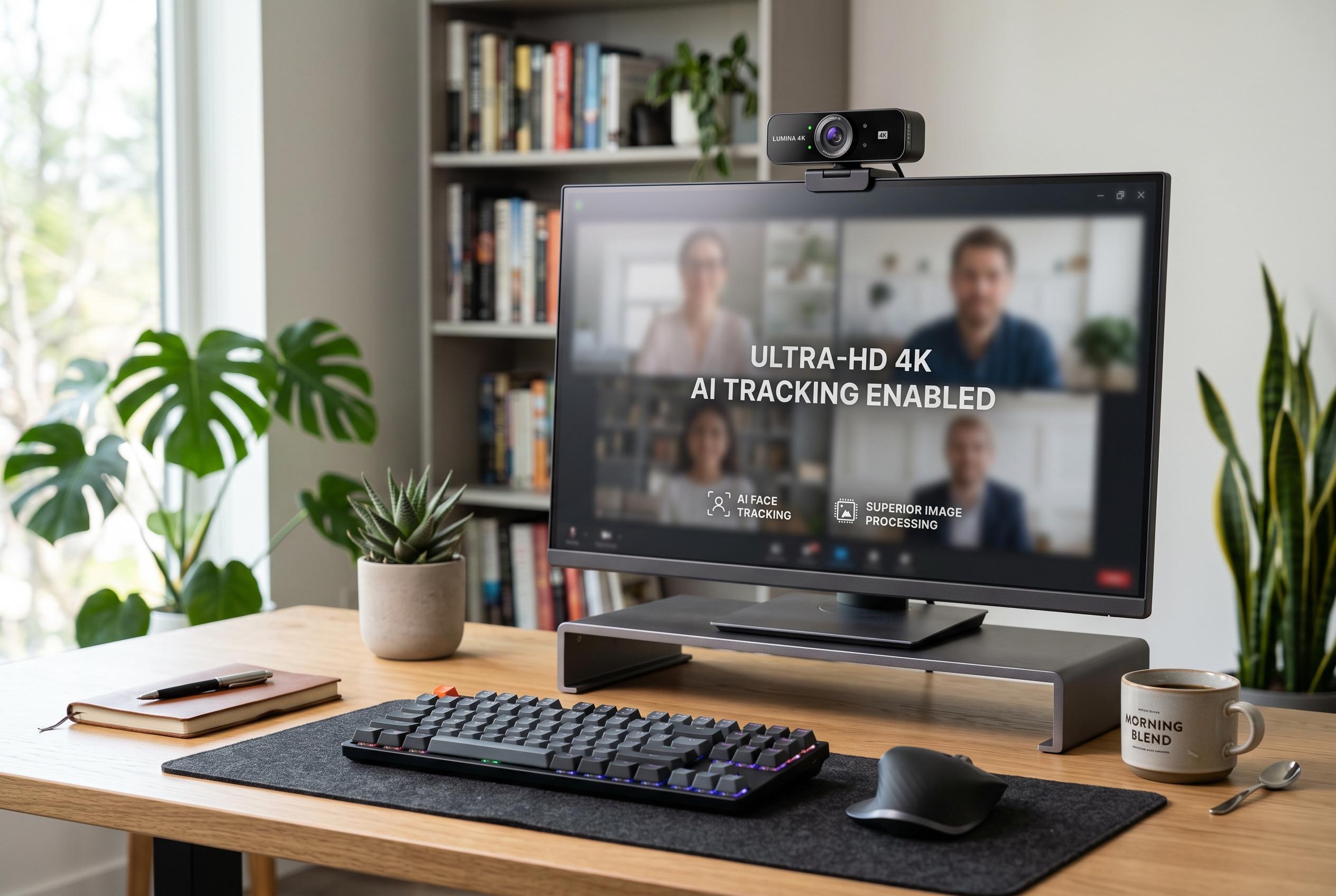

After extensive testing, experts confirm that high-quality 4K webcams significantly boost image clarity and presence in business calls, with options ranging from affordable to premium models incorporating AI tracking and superior image processing.
After three months of testing eight 4K webcams across more than 200 hours of meetings, one conclusion stands out: image quality matters far more in business calls than many buyers expect. A standard laptop camera can look acceptable in ideal light, but a proper 4K webcam gives cleaner detail, steadier exposure and a more credible on-screen presence when you are speaking with clients, partners or colleagues.
For most business users, the Logitech Brio remains the safest all-round choice. Windows Central has repeatedly noted its strong 4K output, HDR support and Windows Hello facial recognition, and those strengths still make it relevant despite its age. It is particularly useful in mixed lighting, where its exposure handling keeps faces visible without washing out the background. The dual microphones are adequate for everyday calls, although professionals who need better audio will still want a separate microphone. Recent price drops have also made it more attractive than before.
For buyers watching costs, the EMEET C960 offers a more basic but still practical route into 4K video. PCWorld’s review of the earlier SmartCam version praised its value for routine conferencing, while noting that image quality falls away in dim rooms and the microphone is only average. That matches the broader appeal of this model: it is best suited to well-lit offices and straightforward meetings, rather than users who need the best colour accuracy or low-light performance.
At the premium end, the Logitech MX Brio and Insta360 Link 2 push further on image quality and workflow features. Windows Central found the MX Brio improved on the original Brio in detail and dynamic range, though it does not include Windows Hello. The Insta360 Link 2 goes a step further with physical AI tracking, which is useful for presenters who move between a desk and a whiteboard during calls. Those features are less essential for static desk use, but they can make a visible difference in training, sales demonstrations and executive presentations.
The broader lesson is that resolution alone does not decide quality. Sensor size, autofocus, field of view, low-light handling and privacy features all shape how a camera performs in real meetings. For most professionals, the Brio line remains the most dependable option. For tighter budgets, the C960 is serviceable. For users who want the best image processing or AI-assisted framing, the MX Brio and Insta360 Link 2 are stronger choices.
Disclaimer: This content is intended for informational purposes only. Readers are advised to exercise their own judgement, conduct due diligence, or consult a qualified expert before acting on any information provided.



