
Termux and DeX can handle Git, SSH and lighter coding tasks on a Galaxy phone, but throttling, slower builds and uneven Linux support keep laptops ahead for serious development.
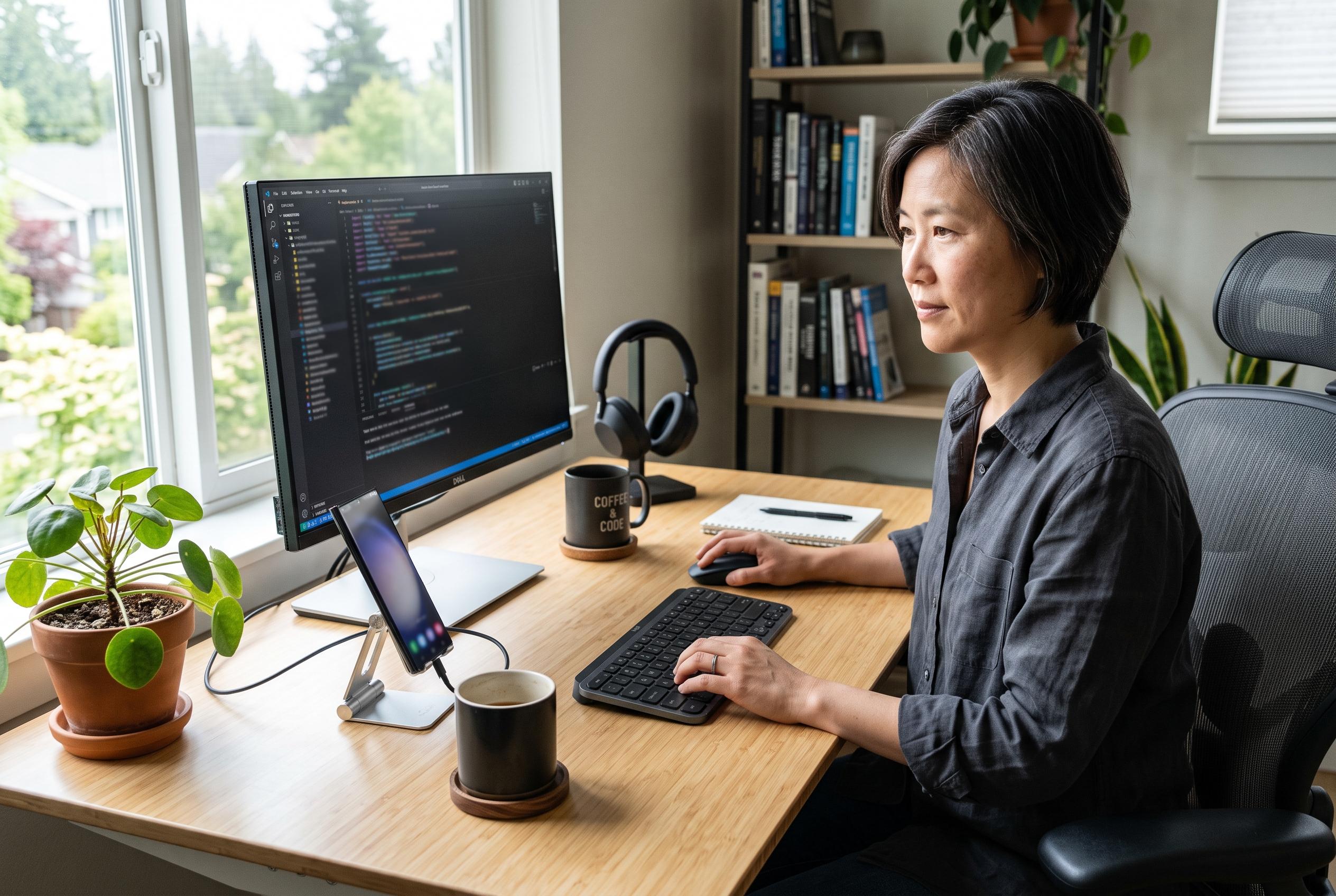
Samsung phones are edging closer to a credible coding setup when paired with the right software, but the experiment still comes with clear limits. A recent hands-on test by Android Police found that a Galaxy handset running Samsung DeX and Termux could manage genuine development tasks when docked to an external display, with a keyboard and mouse attached. Git operations, remote SSH sessions and browser-based access to Visual Studio Code all worked smoothly enough to suggest that pocket-sized hardware can serve as more than a novelty for developers.
The technical basis for that result is Termux, which provides a Linux-like terminal environment on Android without requiring root access. Through its package manager, users can install tools such as Python, Node.js, Git and a range of compilers. In DeX mode, the phone screen can switch off while the monitor presents a desktop-style workspace with resizable windows, giving the setup a more conventional workstation feel. The appeal is obvious: a single device can move between mobile use and desk-based productivity without any further hardware.
Yet performance drops away once the workload becomes heavier. Kunal Ganglani, writing on his own site after using a Galaxy S24 Ultra as his main development machine, reported that a medium-sized Git clone took longer than on an M2 MacBook Air, while Next.js startup times and npm installs were markedly slower. CPU-heavy Python scripts showed a similar gap, and sustained compilation quickly exposed thermal limits. After around five minutes, he found that the phone became hot enough for throttling to set in, underlining the fundamental weakness of using a handset for prolonged build work.
That assessment matches Android Police’s own conclusion that DeX can cope with lighter jobs but struggles once developers move into Docker, lengthy builds or other demanding tasks. Earlier Samsung experiments with desktop Linux, including Linux on DeX, were eventually dropped, leaving users to assemble their own alternatives. The usual workaround is a combination of Termux and proot-distro, which can create an Ubuntu or Debian-style userland, but that approach adds overhead and slows input-output operations. Some tests place the penalty at roughly 20 to 50 per cent, depending on the workload.
More ambitious attempts show what the platform can do when pushed, but also how much juggling it still requires. One developer described running an AI coding agent on a Galaxy S25 Ultra for five weeks by layering proot-distro Ubuntu inside Termux and connecting it to tools such as MCP servers and Playwright. The arrangement even survived screen locks and wireless adb control. At the same time, the account also made plain that the setup was highly improvised, and that documentation has not yet caught up with what is technically possible on modern Galaxy hardware.
Samsung has improved DeX over time. Recent One UI releases have added saved window layouts, better multitasking and broader keyboard support, including use with Apple keyboards. Reports also suggest the interface can now drive true 4K output with the right configuration, while keeping the phone display off during use. Even so, app compatibility remains uneven, GPU acceleration is inconsistent for some tasks and battery drain becomes a practical concern during long sessions at high resolution. Linux Terminal, Samsung’s newer option on some Exynos devices, points to a more native future, but availability is limited and Snapdragon models common in the US are often excluded.
For travelling developers and anyone doing light scripting, remote administration or quick source-control work, the attraction is hard to dismiss. A phone that can connect to a monitor and take on desktop duties offers genuine convenience. But the evidence from recent tests points to a simple conclusion: Samsung’s software can get close to a workstation experience, yet sustained development still exposes the physics of a thin mobile device. The tools are here, and they are better than many expected, but laptops remain the safer choice for large codebases, repeated builds and work that cannot pause for heat.
Disclaimer: This content is intended for informational purposes only. Readers are advised to exercise their own judgement, conduct due diligence, or consult a qualified expert before acting on any information provided.