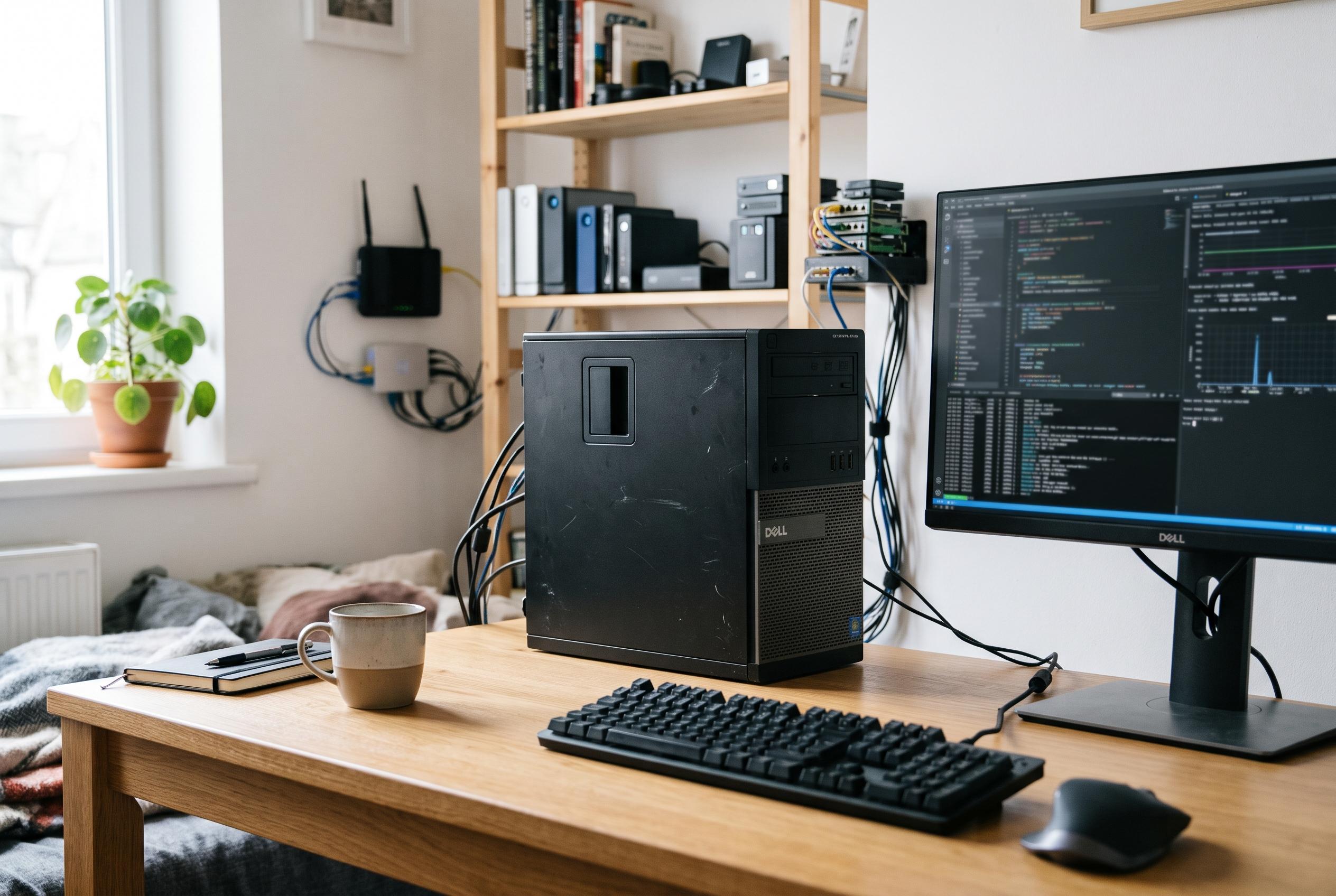

Refurbished office desktops can run everything from Docker containers to media servers, but processor support, upgrade potential, storage and power use determine whether a bargain becomes a reliable homelab.
A cheap refurbished office PC can be a sensible starting point for a home server, but only if the hardware matches the workload. The attraction is obvious: for a relatively small outlay, an ex-corporate desktop can handle self-hosted services, light container workloads and even a modest media server. The risk is equally clear. Without checking the specification properly, buyers can end up with a machine that is underpowered, poorly configured or missing key parts altogether.
Processor choice is the first filter. A familiar premium label does not guarantee useful performance, especially on older machines, and the exact generation often matters more than the badge on the case. For simple services such as DNS filtering or home automation, modest hardware may be enough. But once virtual machines, media transcoding or AI-assisted tools enter the picture, a CPU with hardware virtualisation support becomes important, and Intel chips with Quick Sync Video are particularly valuable for Plex or Jellyfin users who want hardware-accelerated transcoding. Homelab budget guides also show that older business desktops can still do respectable work: one Dell OptiPlex 7050 setup is described as capable of running Proxmox, several lightweight virtual machines and Docker containers while remaining inexpensive to run.
Memory is the next practical constraint. A basic self-hosting setup can function with very little RAM, but reliability falls away quickly as more services are added. Eight gigabytes is a better starting point, especially if the machine will run multiple containers or a small number of virtual machines. The most useful question is not just how much RAM is installed, but how much the motherboard supports and whether there are spare slots for an upgrade. That matters because many older office PCs use DDR3, which is still available cheaply on the second-hand market, and a small RAM increase can transform a bargain machine into something much more usable.
Storage should not be taken for granted. Refurbished desktops are often sold without drives, because sellers remove them before listing the machine. A listing that says the PC is working does not necessarily mean it includes an SSD or hard disk. If the system is to be used only for a handful of services, this may be an inexpensive fix. If the plan is to double it as a network-attached storage box for media or backups, however, the cost of replacement drives needs to be part of the calculation from the outset.
Expansion is where a desktop usually beats a mini PC or laptop. Internal SATA ports, PCIe slots and, in some cases, M.2 connectors make room for future storage, networking upgrades or even a dedicated graphics card. That flexibility can be especially useful if the homelab grows into something more demanding. Back-panel connectivity matters too: gigabit Ethernet should be seen as the minimum, and extra USB ports are helpful for peripherals such as Zigbee adapters and other smart-home hardware. One reason many homelab enthusiasts still favour compact systems is that newer mini PCs now offer stronger baseline specifications, including quiet operation, 2.5Gbps networking and support for Linux-based server software, while some N100-based models are particularly efficient for round-the-clock use.
Power consumption is the final check, and perhaps the one most easily overlooked. A server that runs continuously needs to be affordable to leave on all day, not merely cheap to buy. It is better to look at measured idle power for the complete system than to rely on CPU thermal figures alone, because storage, fans, motherboard components and any discrete graphics card all add to the bill. Recent budget homelab guides suggest that some refurbished desktops can idle at roughly 15 to 20 watts, while new Intel N100 mini PCs may use even less. For many buyers, that difference will matter more than a small gain in peak performance.
The best cheap office PC for homelab use is therefore not the oldest or the fastest one, but the one that offers the right balance of processor capability, memory headroom, storage, expansion and power efficiency. Get those details right, and a low-cost desktop can remain useful for years rather than becoming another forgotten purchase.
Disclaimer: This content is intended for informational purposes only. Readers are advised to exercise their own judgement, conduct due diligence, or consult a qualified expert before acting on any information provided.