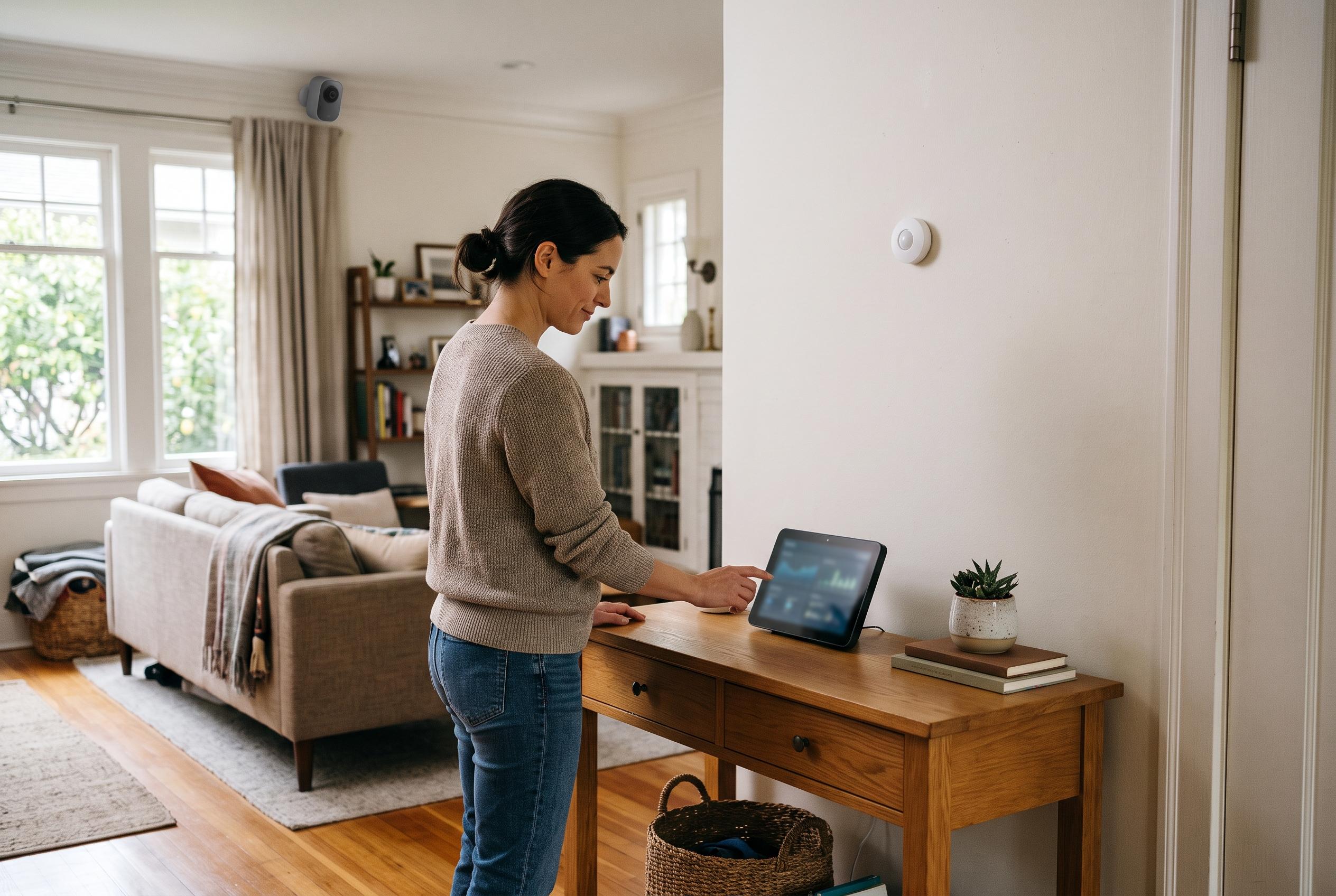

A self-built setup combines Zigbee sensors, cameras and custom automations to offer local control and flexibility, though it cannot replace professional monitoring for every household.
The appeal of a self-built alarm system is not just that it can be cheaper than a subscription service; it is that it can be tailored to the home rather than forced into a vendor’s mould. In this case, the shift away from a Ring-based setup came after subscription costs climbed, while the system still lacked the kind of direct integration with local emergency response that many people assume they are buying. The result was a move towards Home Assistant as the central control layer, with the aim of keeping security hardware useful, private and flexible.
Home Assistant works here as the orchestration layer rather than a single-purpose alarm hub. According to the official documentation, its alarm control panel integration is designed to let users arm and disarm a system, define triggers and actions, and build on top of other devices already connected to the platform. That matters because a Home Assistant setup can bring together equipment from different brands, including cameras, sensors, lights and locks, without tying the household to one supplier or one app. Other guides on Home Assistant security systems make the same point: the value lies in combining existing sensors and automations into one coherent security stack, often without monthly fees.
The hardware described in the setup reflects that philosophy. Instead of relying on a closed alarm package, the system uses Zigbee devices from Sonoff for door and motion sensing, along with a compact control panel, while Reolink cameras and other connected devices feed into the same platform. A Zigbee radio keeps the traffic off Wi‑Fi, which is useful both for reliability and for reducing unnecessary exposure on the household network. In practical terms, that means the alarm can react to more than simply a door opening. It can distinguish between rooms, set different responses depending on whether the household is home or away, and trigger actions such as alerts, recordings, speaker announcements or flashing lights.
The software side is where Home Assistant becomes more than a collection of gadgets. The Alarmo integration provides the interface for a proper alarm panel, while automations handle the detail. That allows the system to notify selected devices, play custom audio, activate sirens or start camera recording when a sensor is tripped. It also makes the alarm available from several points in the home: a phone, a reused tablet, a desktop computer or a wall-mounted display. That breadth of access is important, because a security system that only one person can operate quickly becomes impractical in everyday use.
Yet the article’s conclusion is a cautious one, and that is where the strongest comparison with professional systems emerges. Home Assistant can deliver local control, privacy and a high degree of customisation, which is why it appeals to technically confident users who want more than a standard monitoring package. But it is not automatically the right answer for every household. A self-managed system makes the most sense when someone is usually present, comfortable with maintaining the setup and able to respond quickly if an alert is genuine. For households that are often empty or need formal monitoring, a professionally supervised alarm may still be the better fit.
Disclaimer: This content is intended for informational purposes only. Readers are advised to exercise their own judgement, conduct due diligence, or consult a qualified expert before acting on any information provided.